


質問
Speech to text - Initializing local transcript engine Error
Hi There,
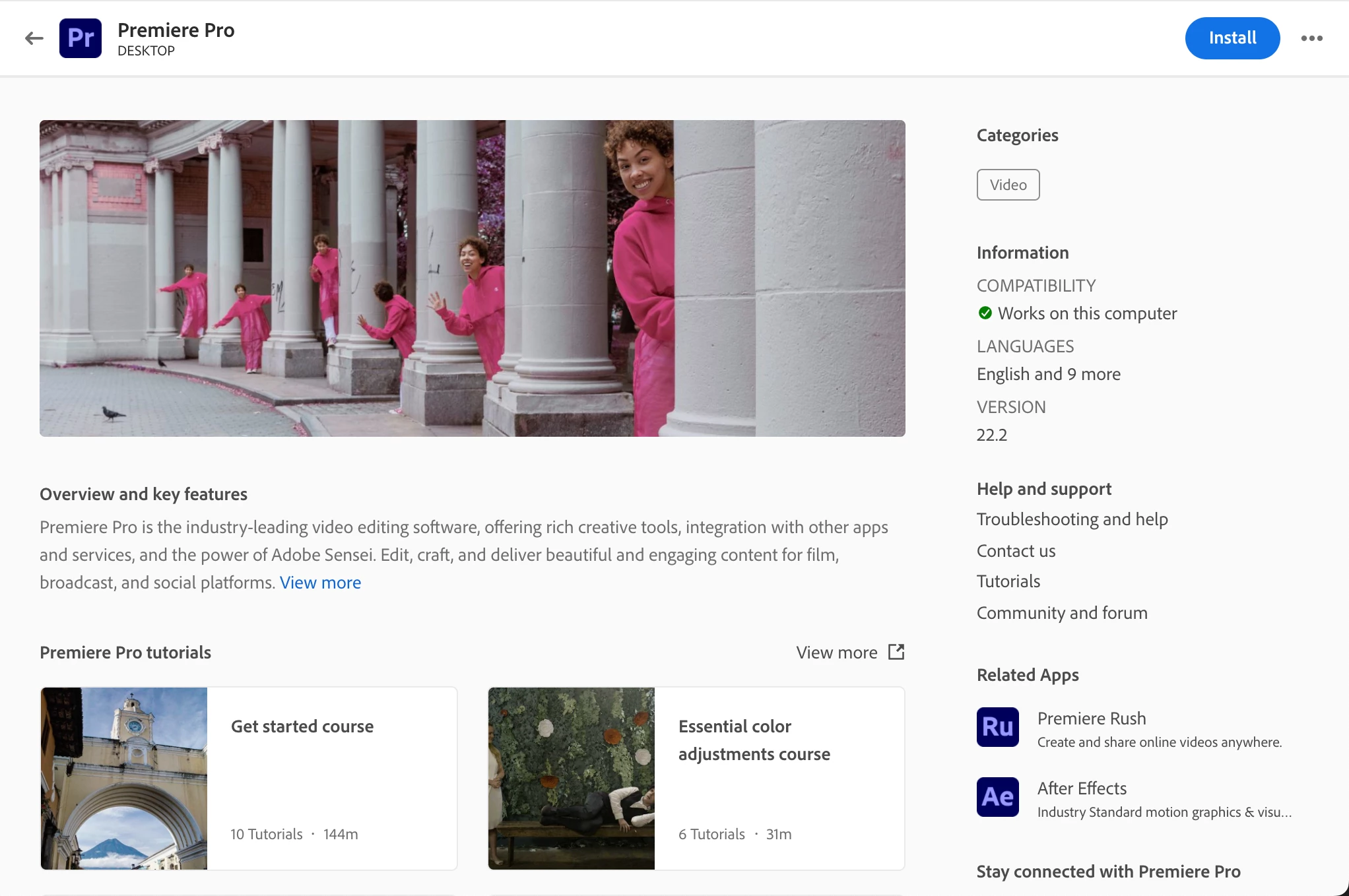
I am running into a problem with my adobe premiere pro. I am trying to use the the speech to text feature, winch seems to be an amazing feature overall. but it always gets stuck on the "Initializing local transcript". It has been stuck here for plus 15 minutes for a 3 minute clip. Also, my adobe cloud doesnt recognize that adobe premeire pro or after effects is installed, it still has the "install" button even though it is installed.
Here is the specs of the Macbook that I am currently using:
Macbook Pro 14" M1 32 GB RAM 512 SSD. the computer is a week old today.
If anyone could share some light on how to fix the problem I would higly appreciate it. Thank you in advance! 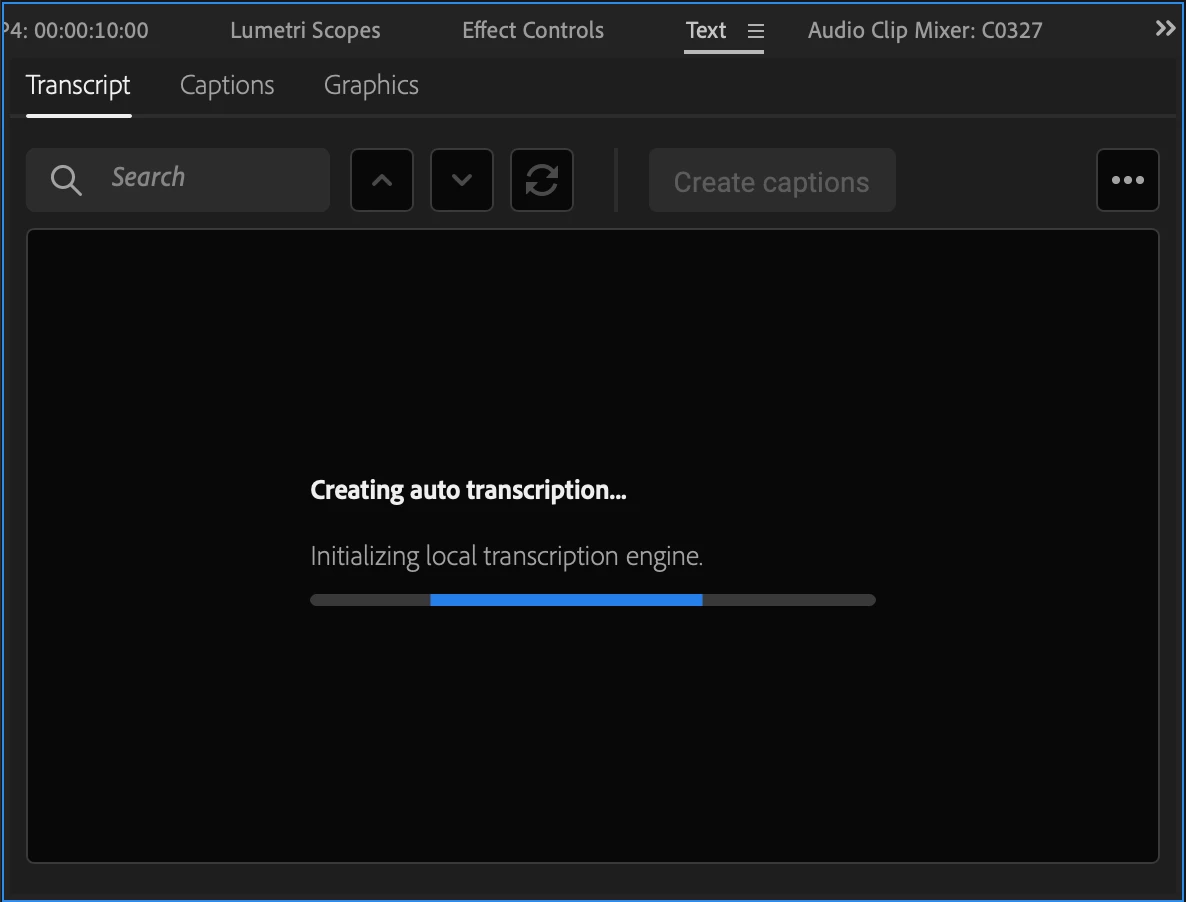
 AdChoices