


- Home
- After Effects
- Discussions
- After effect freeze initializing media core
- After effect freeze initializing media core
After effect freeze initializing media core

Copy link to clipboard
Copied
The after effect freeze and stops.
When I run a program, the Initializing Media core appears, and then the program stops.
I've reinstalled it, but it doesn't work.
All the other programs are running.
Please help me.
I use 2021 version.


 10
Replies
10
10
Replies
10


Copy link to clipboard
Copied
Hi there!
Sorry to hear that. It could be related to plugins. To isolate the issue, could you try moving your plugins and paste them on the desktop? Here's a location:
Windows: C:\Program Files\Adobe\Common\Plug-ins\7.0\MediaCore
macOS: /Library/Application Support/Adobe/Common/Plug-ins/7.0/MediaCore
Let us know how it goes.
Thanks,
Kartika
Copy link to clipboard
Copied
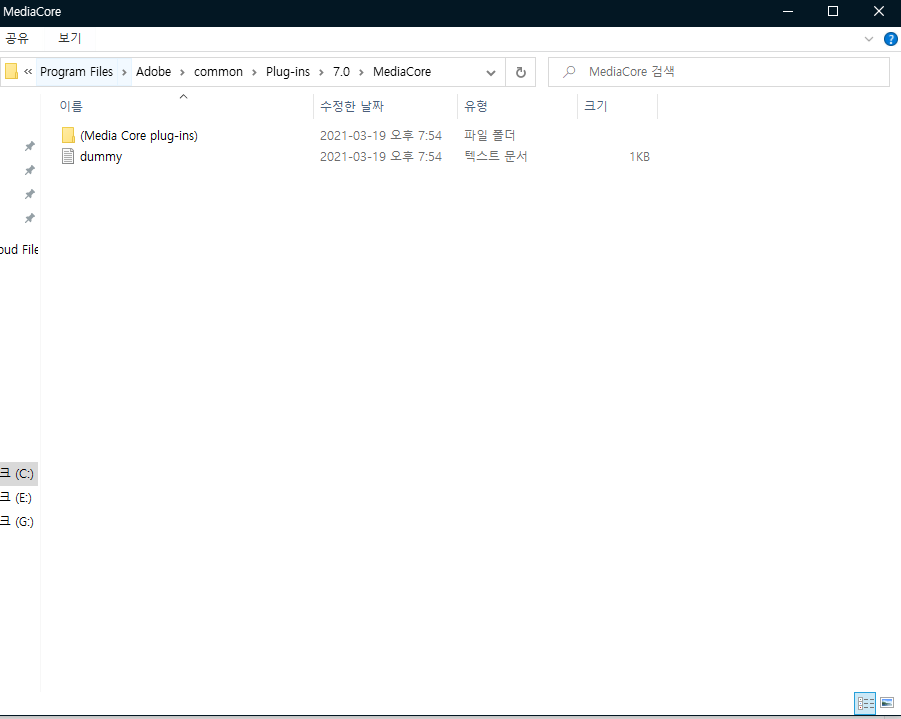
I positioned the file as shown in the picture. However, it is not solved. The program still stops.
Copy link to clipboard
Copied
Are you showing that you just moved all your plug-ins into the folder called "(Media Core plug-ins)"? If so, that won't make a difference. They're still deteced and will still load. You need to move them completely outside of the MediaCore folder.
Copy link to clipboard
Copied
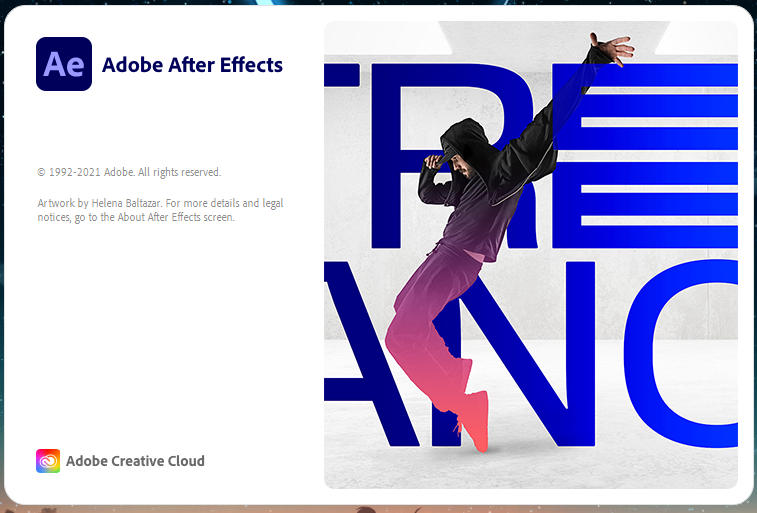
I moved the "(Media Core plug-ins)" folder to another disk. But it has not been resolved. Still, the program stops like a picture.
Copy link to clipboard
Copied
If you reinstall the previous version of AE, what happens? That MediaCore folder is shared by multiple version of After Effects so if the previous version launches with no issue, then perhaps there's a different issue going on.
Copy link to clipboard
Copied
I downloaded version 17.7 but it doesn't work. I want to download the previous version, but I can't find it.
Copy link to clipboard
Copied
Going back to a version before 17.7 isn't possible via the Creative Cloud app anymore, but even so, I don't think that would solve your problem as the Media Core folder is shared among many versions of After Effects.
The issue could be permission-based. Try following the instructions for your OS in this article: https://helpx.adobe.com/x-productkb/multi/preferences-folder-read-only-error.html
Copy link to clipboard
Copied
Followed the instructions but not working.
Copy link to clipboard
Copied
In that case I would try creating a new user account, installing After Effects there, and seeing what happens. If it launches in the new user account then there's something wrong in your current one, but if the same problem occurs then there's a system issue going on.

Copy link to clipboard
Copied
제가 이것저것 시도해봤는데 크리에이티브 클라우드 로그아웃 하시고
애프터이펙트 실행 시켜보세요


Get ready! An upgraded Adobe Community experience is coming in January.
Learn more
 AdChoices