


Changing the size of PNG canvas
Hi everybody,
I'm working on a composition here and I can't find any solution to my problem here, so I'll give this forum a try.
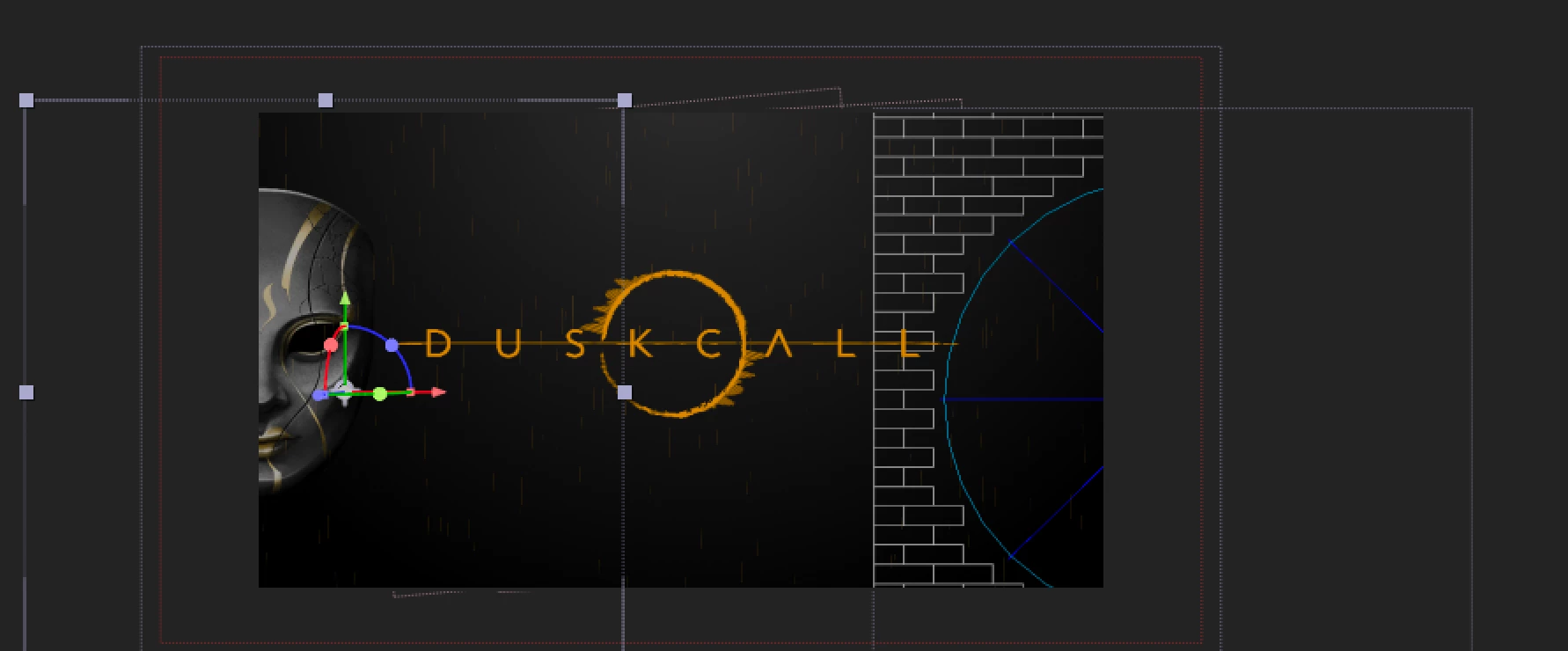
Basically, I imported a PNG in my comp, the Venitian Mask you can see in the picture below.
I want it to explode via Shatter effect, all over the comp.
But at the moment, I can't resize the "canvas" (I don't know the technical term for this).
If I apply the Shatter effect, it will be "restrained" within the "blue square" around the shape, but I just can change it (yet, hope you guys have an idea).
We can actually see this on the right, I apply shatter on another Venitian Mask, it does not allow me to send pieces of the mask flying accross the whole comp.
How should I proceed? I would like to apply the Shatter to the mask only, and if possible only one at a time...
Thanks in advance for your help,
a desperate noob
 AdChoices