Copy link to clipboard
Copied
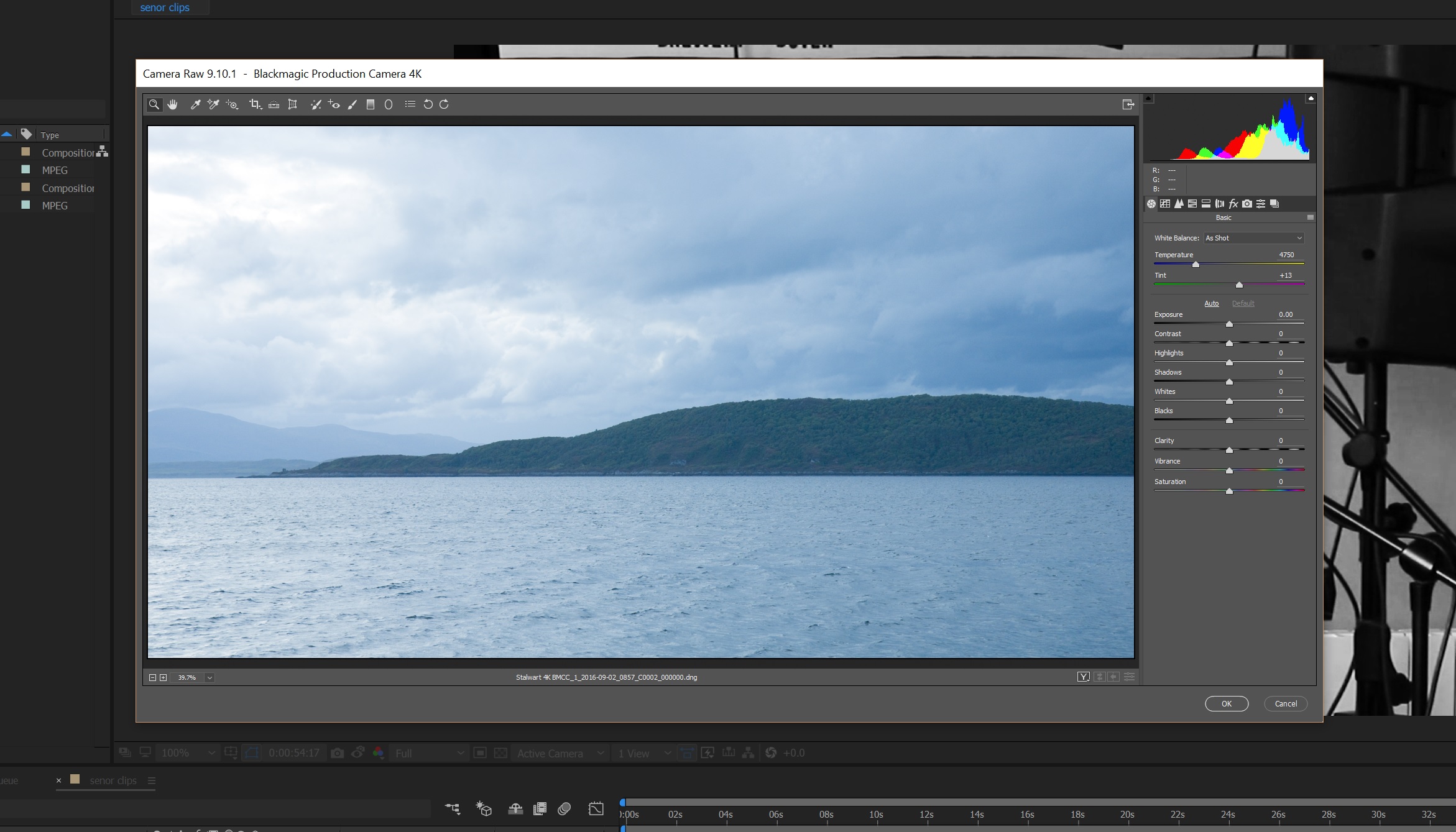
When I import RAW 4K I get a pop up to colour grade the footage. How do I get this up for footage already in the project, please?

Message was edited by: Mod (Discussion successfully moved from The Lounge to Premiere Pro CC)
[moved to AE forum by mod]
I haven't used RAW footage in AE, but I would look for it in the Interpret Footage settings somewhere. As Dave says, it only pops up for RAW stuff.
Now, you get similar controls in the newly GPU-accelerated Lumetri Color effect that you can apply to anything in AE.
.
Copy link to clipboard
Copied
Make sure it's also shot in camera raw like your black magic footage.
Copy link to clipboard
Copied
I haven't used RAW footage in AE, but I would look for it in the Interpret Footage settings somewhere. As Dave says, it only pops up for RAW stuff.
Now, you get similar controls in the newly GPU-accelerated Lumetri Color effect that you can apply to anything in AE.
.
Copy link to clipboard
Copied
Thanks for the info.
Get ready! An upgraded Adobe Community experience is coming in January.
Learn more