


How to create an abstract 3D shape from 3 shape layers. HELP
Hi.
I ran in a bit of a problem today. I havnt worked much with 3D objects/space until today. Here's the problem.
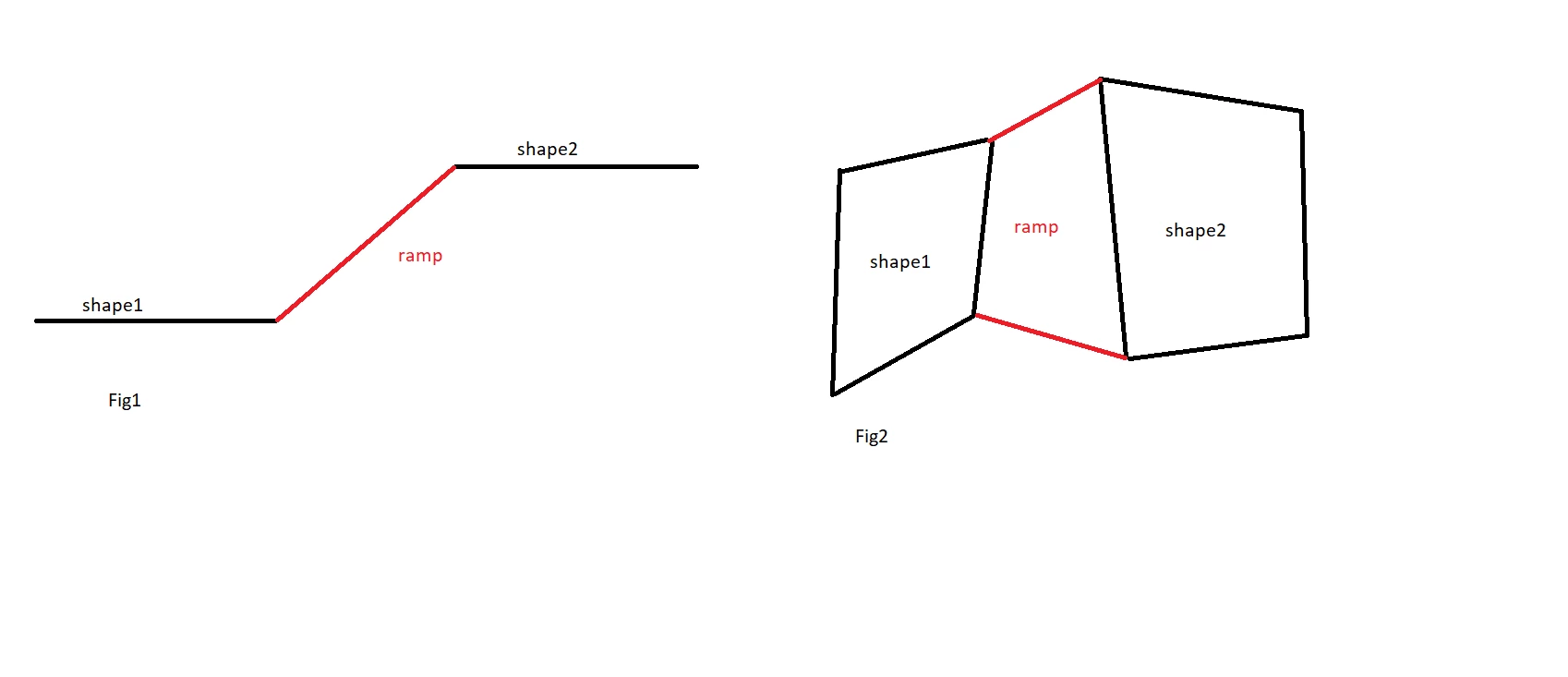
I want to connect two flat layers that sit on different levels (on the Z axis) with a ramp (for lack of a better description. see fig1 (side view).
The problem is (fig2 top view) that both flat layers (shape1/2) are irregularly shaped so the ramp layer must be too. That makes it difficult (if not impossible) to utilize the rotation and or scale properties to get the ramp layer into position.
It seems I have to create the ramp from 4 individually placed points using the pen tool. However working with the pen tool in 3D space is (for me at least) awkward. I tried working with the different view modes (top, bottom, custom view 1 and so on) but without avail. I simply cant figure out how to place the points precisely where they need to go - or how to move them there since I have no position properties for each of the points that make up the ramp shape.
Maybe someone can try to do it and then describe to me the process? That would be nice
 AdChoices