



How to increase quality 2D animation output (GIF)
Hey,
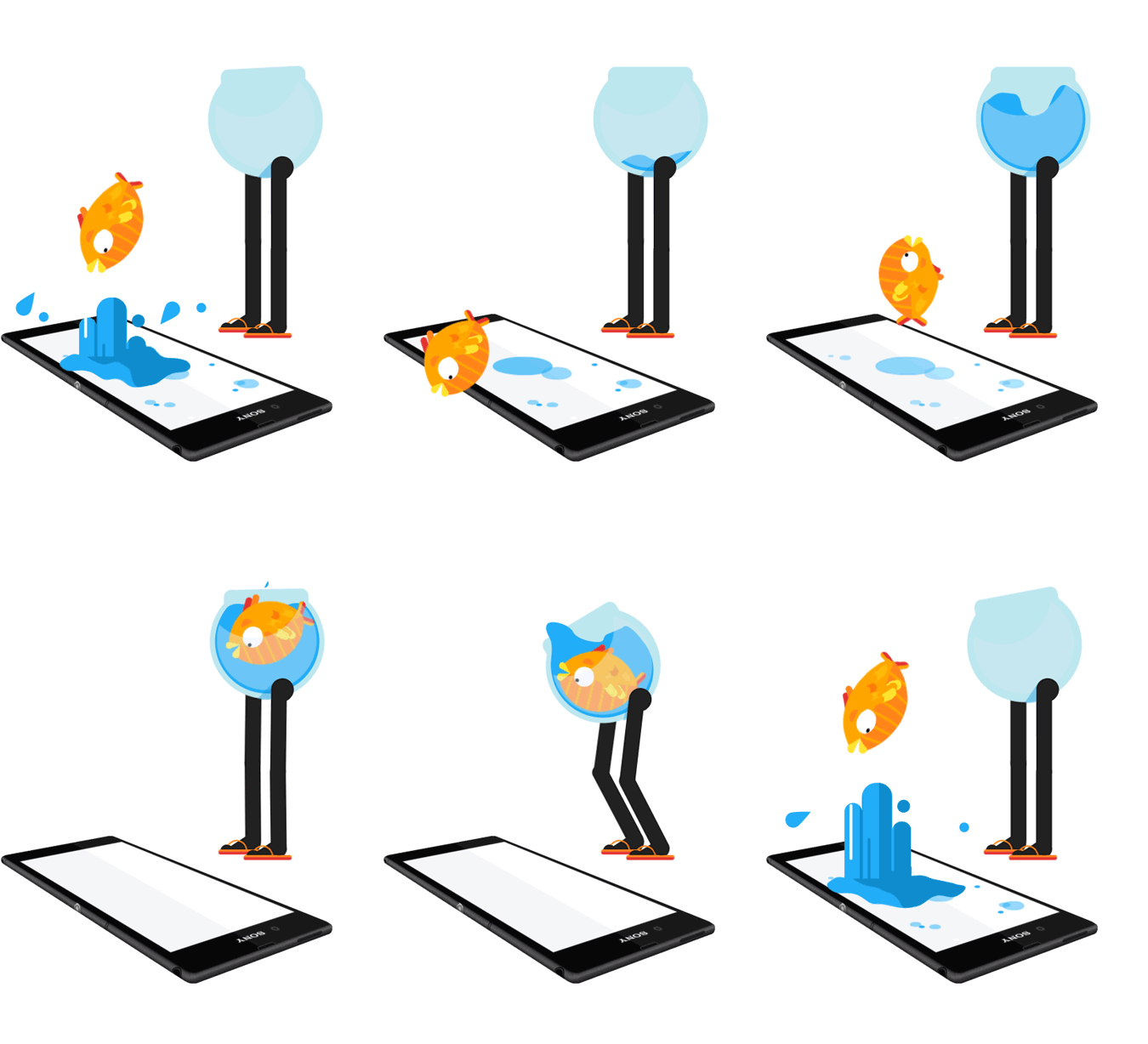
I am just about to get started with this program and I came across this gif (fishbowl, see below *Credits to AIM Studio & Mother Volcano*) – is this made with Adobe after effects?
However, I am currently working on some gifs and I would love to achieve such a high-quality output.
I know that there are limits since its a gif and not a video file but I wonder how they achieved such a good result in terms of quality!
Thank you for any help or tips, tricks or suggestions in advance!! 🙂 I hope someone is able to help me with this!
My current Problems with animated gifs:
Generally: Do I need a different graphic card to achieve this type of quality or is it "just" a matter of settings?
1. Pixelated:
I am not happy with the quality – everything seems to be so pixeled. I imported ai files to after effects and activated "Continuously rasterize" in after effects. However, the images still remain pixelated. Especially diagonal lines. What are the solutions in this case?
2. Best way to convert to gif:
I am not happy about the outcome of the gif render option in the media encoder.
That's why I converted my rendered mp4 file in photoshop into a gif and used the 256 Colors preset with 88% dither and no transparency.
3. Framerate:
If I got it right the lower the framerate the better the quality of the output. So I dropped the frame rate to 12 in the render settings in media encoder. Now the movement in the final file is super fast and not as smooth as want it to be. How can I solve this?
The quality increased massively though after I reduced the frame amount – before the file contained 360 frames and I dropped them to around 50 in total.
 AdChoices