


Question
How to remove transparent edges around shapes?
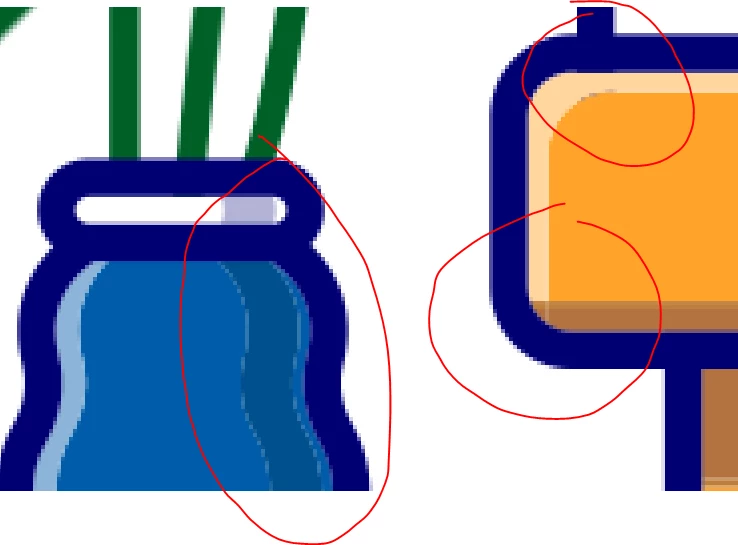
Hi, I imported files from Illustrator to After Effects and then I created shapes from them. Then I saw, that the edges of shapes are a little bit transparent and I donť want it. The background or another layer are shines through the edges.
How can I solve this problem, please?
PS: In Illustrator all the shapes are close together and there is no gap between them.
I thought I have a similar problem like here: https://community.adobe.com/t5/after-effects-discussions/how-do-i-remove-thin-black-outline-arount-transparent-video/m-p/11196354#M114472
but it's not the same.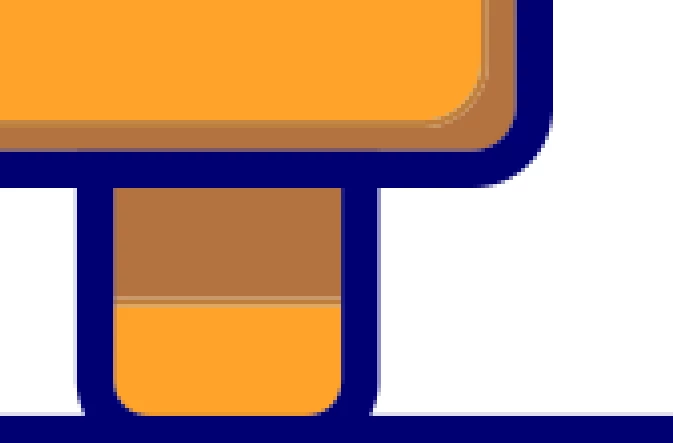
 AdChoices