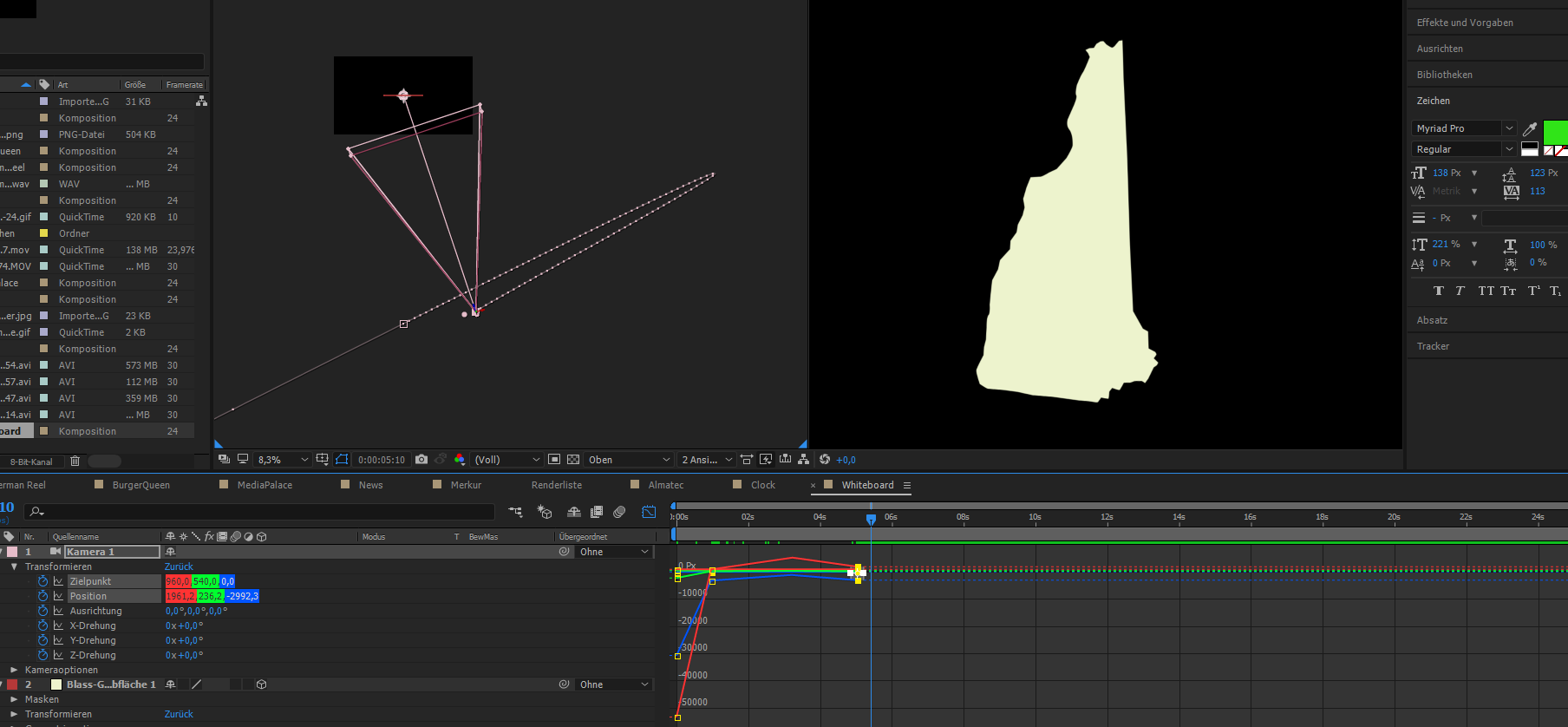
| What is looking like a little there is nothing I had set. Why is after effects going totally nuts here?! |
by looking at your motion path in the composition window you can see your keyframes are with bezier handles in space. this means the movement is going to be along that motion path. you can adjust the handles to control the movement in the composition window. if you want us to take a close look then zoom out in the composition window and highlight all the keyframes in question so we can see what exactly is going on.

this could be related to how you animate your camera. creating a natural motion with camera in Ae can be complicated to achieve. it depends what kind of movement you are going for. different Rigs for different movement:
- if you want just a dolly forward or to the side - one node camera is fine
- if you want to orient towards a point of interest - 2 node camera will do it.
- if you need more that one movement and to move around different objects you can use the orbit camera rig that's easy available in Ae via shortcut: right click on the camera at it's default position and choose "Create Orbit Null". this will give you a null at the camera's focal distance. if you want to move between different points you can just copy their position to the null. this method is also a good option to rotate around an object because you just rotate the null and the camera will rotate around it.
- if you are more comfortable in using the graph editor than adjusting motion paths in the composition panel, you can use separate the xyz dimensions via preset or the transformations http://www.provideocoalition.com/after-effects-apprentice-free-video-roughing-out-a-camera -move/ and also here VIDEO COPILOT | After Effects Tutorials, Plug-ins and Stock Footage for Post Production Professional...
- for complex camera control - for example to create something like this:
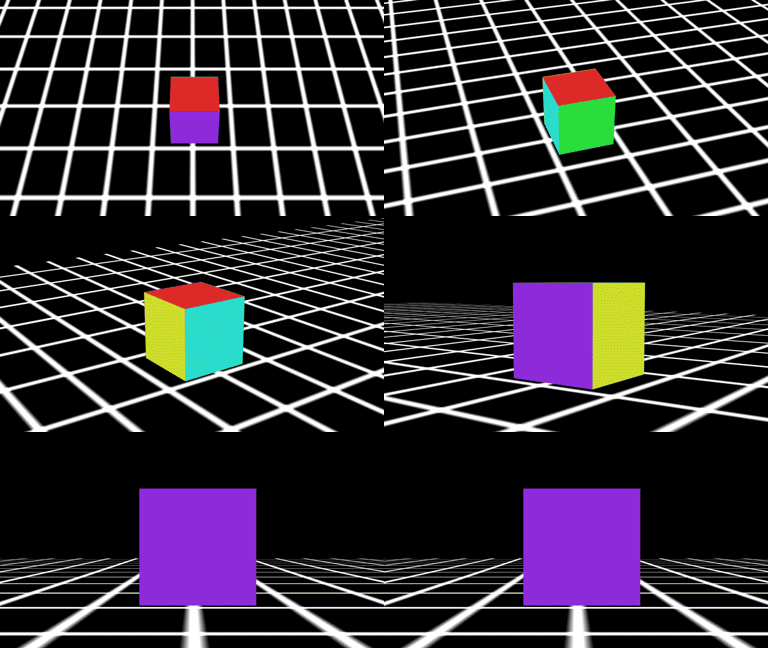
for a deep understanding of the problem with creating this type of movement and some solution, I highly recommend you watch this 3 part series by Andrew Davis:
Animating a Camera 1: Camera Difficulties - YouTube
Animating a Camera 2: Simple Rig - YouTube
Animating a Camera 3: Controllers & Point of View - YouTube
if you want to save the trouble in creating this RIg yourself, you can use this script:
malty: Simple Camera Rig - aescripts + aeplugins - aescripts.com








 1
Reply
1
Reply


 AdChoices