Hi there,
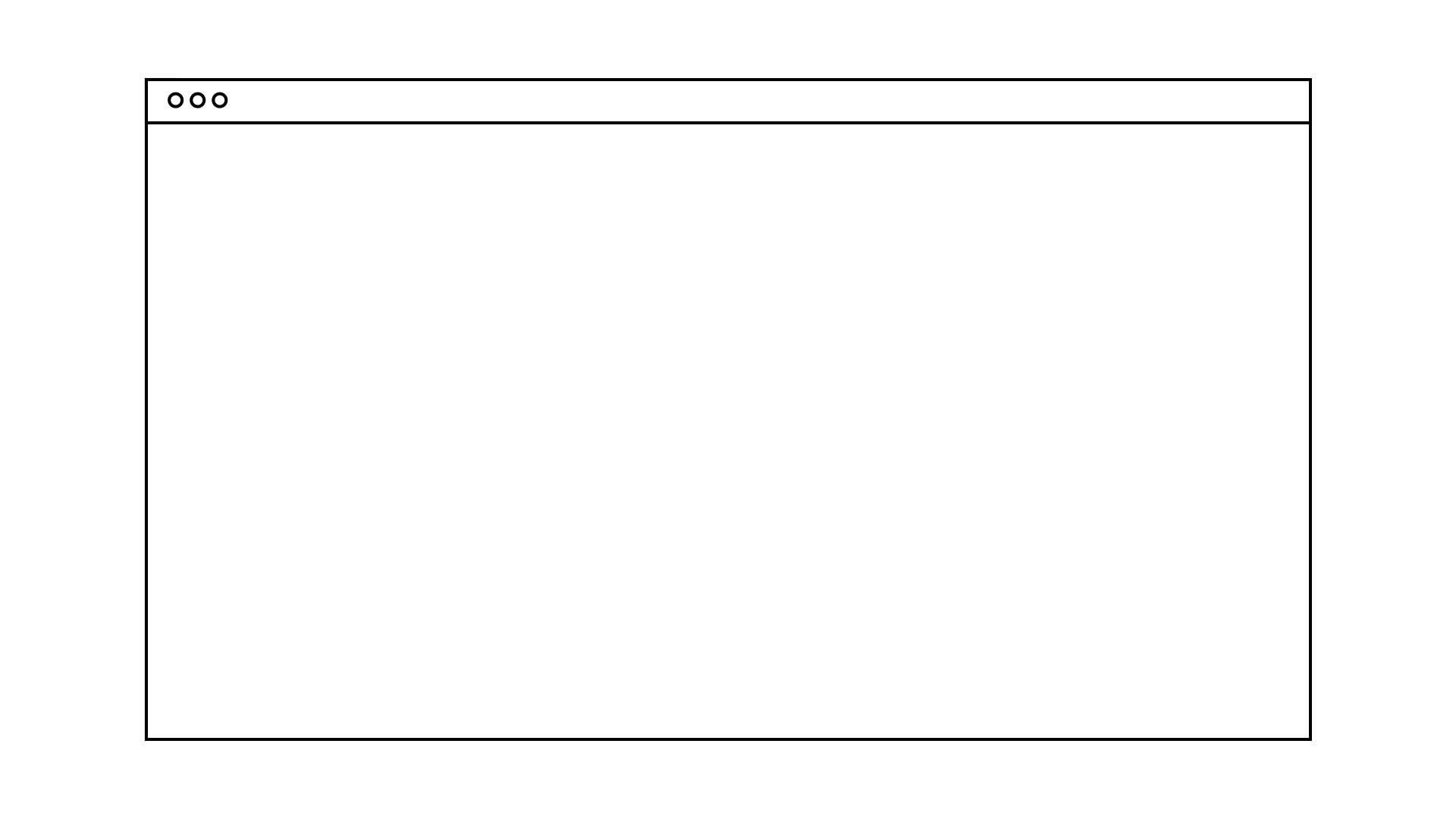
I've created a two concentric boxes, meant to look like a computer/browser window(first image). I'm trying to figure out how to scale the height and width independently, while maintaining stroke width. I've made two rectangle shape layers of the same stroke, and applied the following expression to stroke width of both:
value / length(toComp([0,0]), toComp([0.7071,0.7071])) || 0.001;
Now if I scale either of the boxes(or both together with a null) this works fine, and stroke is maintained.
However, the upper/inner box needs to have keep a constant height, and I'd like to be able to resize the larger/outer into a variety of shapes, rather than just the current 16:9 shape.
But if I try and seperate the scale width from height and alter either independantly, the expression doesn't seem to work. (I don't get an error, but the strokes just expand or compress with the scale). Any ideas why? Or would anyone have a alternative workflow or workaround that could do it?
I don't have a particularly great understanding of expressions(just got this from Dan Ebberts), so there might be something obvious that I'm missing here. Hopefully one of you lovely people can help me out!






 25
Replies
25
Replies


 AdChoices