





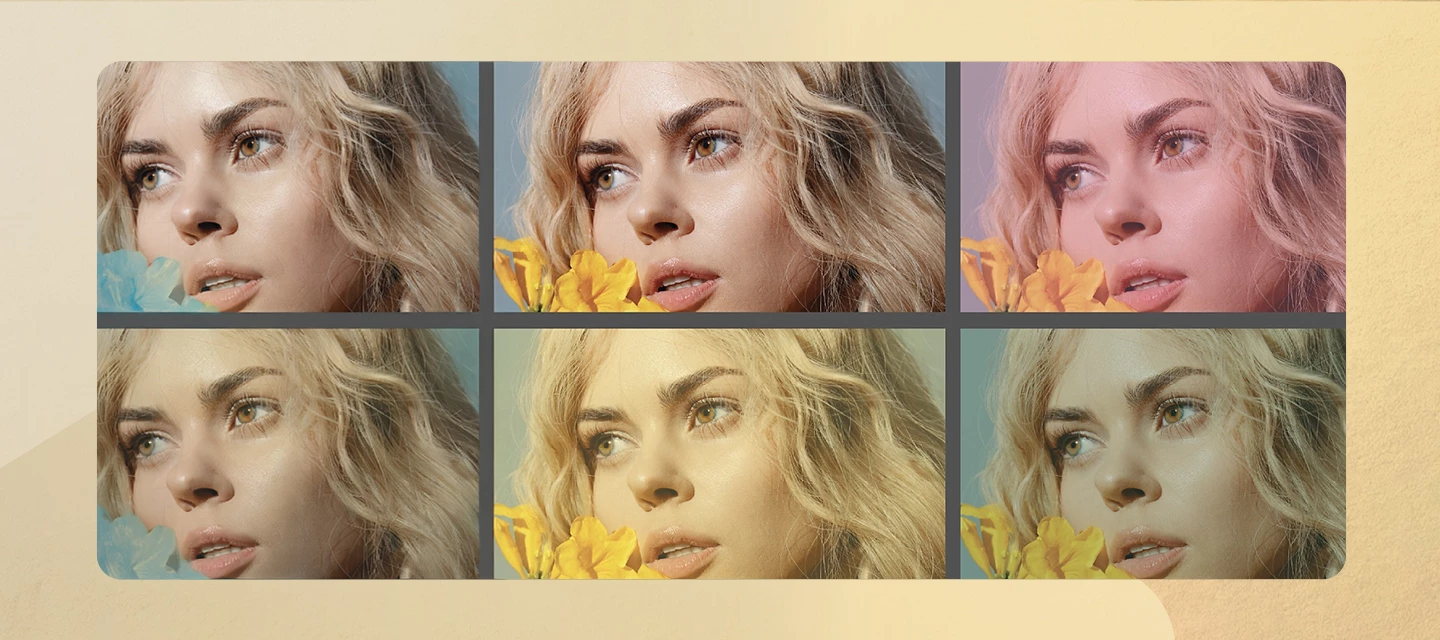




Connect with our global Camera Raw Community.
Recently active
The Adobe DNG Converter that we use in LRTimelapse for the downscaling of Raw files and DNGs is broken in Version 18.3 and 18.3.1 (18.2 works fine).The issue seem to affect DNG files only.Here is how to reproduce it:"/Applications/Adobe DNG Converter.app/Contents/MacOS/Adobe DNG Converter" -dng1.4 -cr7.1 -side 1024 -p1 -fl -d /Users/xxxx/Desktop -o conv.dng /Users/xxxx/Desktop/test.DNGOn 18.3 and 18.3.1 this command doesn't return, while on 18.2 it works fine.Adapt the paths, you can download the test.DNG file from here:https://www.dropbox.com/scl/fi/ce5muil4r0wm7ms6zsnqs/test.DNG?rlkey=0r61gyqc2u7w3u8i4727qsdim&dl=1I hope you can fix this asap! Thank you so much!
macOS 26.5Photoshop 27.7Camera Raw 18.3.1 none of the menu items workSteps to reproduce:Open any image in ACR Create a mask Do something in the Color Grading panel Right click on a color wheel to call out the context menu Choose Reset or copy / paste It does not wokThis happens only in masks.You can still press ⌥ and click the Color Grading panel header to reset. p.s. This new forum is a disaster.
I have never had an issue with ACR before.18.3 freezing saying not responding saving files took twenty minutes instead of seconds everything was super laging, when I disabled the GPU acceleration it improved I see on the other pages I am not alone I'm using the most up to date windows, Nvidia drivers ETC: I have a 7950x, 5090, 64GB and NVME drives. Please fix as soon as possible or at least give a link to the previous version which I had no issues with.Solution:Update following the instructions in this link:
Hola de nuevo,en Camera Raw, sería estupendo que al principio de los paneles principales (donde se encuentran los Perfil, Editar, Auto, B&W, HDR…) hubiese una casilla para marcar llamada “invertir” (o similar)… para que, una vez seleccionada, se pudiese editar una imagen de un negativo, en positivo, sin que todos los parámetros ajustables posteriores se encuentren al revés.
I would dearly like to see the Lightroom 4 Beta team implement an additional feature in the final release. That feature would be the ability to take a camera+macro lens image of a B&W negative -- essentially a camera-based scan of a negative -- and invert the negative image to a positive image at the beginning of the development process in such a way that the resulting sliders in the LR4 Develop Module would not operate in reverse. As I understand it, this capability exists in Photoshop, but I don't own Photoshop. I do own Photoshop Elements 9, but that program only supports an 8-bit workflow, not 16-bits per channel, and round-tripping between LR & PSE9 requires the reimportation of a TIFF file that is more than twice the size of my NEF RAW files. Since this programming wizardry already exists in Photoshop, I would think that it would be a relatively simple matter to transfer and adapt that code for LR4 -- but then, I'm not a programmer, so what do I know...I've been digitizin
Hola! sería muy bueno incorporar y perfeccionar unos detalles respecto al volteo de imágenes en Bridge y Camera Raw. Al igual que en su día sugerí incorporar el símbolo de recorte en las miniaturas, cuando por ejemplo un Raw está reencuadrado... sería de mucha ayuda otro símbolo que indique si la imagen está volteada. Sobretodo para los que trabajamos digitalizando película fotográfica sería de mucho agradecer. Además, en Camera Raw, cuando intentamos sincronizar una imagen volteada con otras imágenes… no sucede. Y en las instantáneas guardadas (snapshots) el volteo queda establecido sin lógica.
When a Color Camera Profile is selected, the user has full access to the HSL menu. But for BW Camera Profiles the BW mix is disabled. For some brands (Fuji, Nikon) a dedicated ‘BW + filter’ profile is provided (e.g. Acros, Acros +Y, Accros +R) but not for my Panasonic Lumix files.The only method to tweak the color response and emulate a contrast filter is to use the Adobe Monochrome profile. What is the rational behind disabling the BW mix ?
When creating a new brush mask in ACR, if the brush is resized in between changing a slider and making the first brush stroke, the slider resets to zero. For example- Press K to create a new brush mask- Set the highlights slider to -100- Right click on the mouse to resize brush- The highlights slider resets to zeroIf you don’t change the brush size, the mask works as intended. This seems to have started happening since version 18.3.1
I purchased Elements 2026 on the 3 year term yesterday. I tried to edit a NEF image from a Nikon Z8.Elementts popped up a box saying I had to install camera raw from the help menu. I tried and it froze up Elements and did not install. I have tried 3 times. Each time it freezes I have to do a force quit. Running a new MacBook Air with Tahoe 26.5.1
There is a bug in Ricoh's GR III series cameras that causes a mesh pattern to appear.Setting the texture and dehaze settings to 100 in Lightroom or Camera RAW may sometimes result in a mesh-like pattern appearing.Even just dehaze can sometimes be noticeable.Since some images do not show noticeable symptoms, it is thought that there are specific factors such as brightness and color at play.Set Texture、Dehaze +100↓Lightroom Classic 14.5Camera RAW 18.3Win11This post is based on information from users.
I am currently revisiting and reprocessing my photo archive, and I have noticed that Camera Raw is often unable to automatically identify the correct lens profile for older images.In many cases, Camera Raw can determine the lens type and focal length range, but not the exact lens model. I therefore have to manually select the correct profile. While the software often presents a very similar lens, it may choose a newer version instead of the exact model that was used.A feature that could greatly improve this workflow would be a user-defined lens list or "My Lenses" library. Users could specify the lenses they own or have owned, and when lens metadata is incomplete, Camera Raw could prioritize matching against that list before searching the entire lens profile database.For example, if Camera Raw knows that I only owned one particular 70-300mm lens, it could select that profile automatically rather than presenting multiple possible matches. This would be especially helpful when working wi
I wish someone would test these upgrades before sending them out. My raw no longer works. tried reinstalling it twice. still no longer works
When I go to export my images after editing in CR, the Tiff files look completely different to how they do in CR. I have tried using the save button in CR and Photoshop Image processor, even just opening the files into Photoshop doesn’t work. The format I’m exporting to also does not affect the issue. The edits themselves use masks and denoise, however I have tried exporting without the masks and the issue is still there. What is more bizarre is each time I export, the file comes out slightly differently. I thought it may be a GPU issue and so reset the GPU support, but again to no avail. To clafiy there are no compression settings being applied when exporting.I’m running the latest updates of Photoshop, Raw and Bridge on Tahoe 26.5 with 32GB RamAny help would be hugely appreciated!What the edit looks like in CR on the left vs what the tiff exports as on the right
For the past few weeks, opening Camera Raw from Bridge and trying to use selection mask such as background or subject, I get the “Unable to Load AI Models” error. The fix for this is often to go into Carmera Raw Performance settings, reset GPU Support, and then restart bridge. This does allow me to use the tool/mask I was trying to use. However, every 2nd or 3rd time I open Camera Raw from Bridge, I have to do this again. Is this issue being addressed?System is Windows 11Edition Windows 11 ProVersion 25H2Installed on 10/16/2024OS build 26200.8524Experience Windows Feature Experience Pack 1000.26100.315.0 AMD Radeon RX6800 8gb GPU w/Adrenalin Edition 26.5.2 DriverAMD Ryzen 7 7700x64g Ram Happy to provide more details if needed. -Brandon Jackson
how solve my issue
when using camera raw, I sometimes get this message:- camera raw requires graphics processor acceleration to edit photo's
When i use the sky selection tool in camera raw it sometimes works and other times it says Something went wrong, there was an unexpected error and your request could not be completed
People masking fails to detect the person shown in a raw photo but does detect the person in a TIFF exported from the raw. That's incorrect -- the images are visually identical. To reproduce on LR 15.3 / Mac OS 26.4.1: 1. Download and open this catalog, containing a .nef and a .tif exported from the .nefhttps://www.dropbox.com/scl/fi/awz18x0px6nxb5dvauu9g/people-mask-raw-bug.2026-05-29.zip?rlkey=wy2h85fmasbr39y9q10z27mnv&dl=0 2. Select the .tif and create a People mask. Observe that it succeeds. 3. Select the .neft and try to create a People mask, and observe that it says No People Found.
currently when you use the amazing camera raw on a layer, it opens a separate interface which is great, but... alas, if you are in need of color matching you are facing a problem because you can't see the color correction in the composite psd document until you close camera raw.if camera raw could be applied in both windows or have a view of the composite in camera raw as one of the views at the bottom this would be amazing. (btw, spliting the views with a way to actually move the split vertically or horizontally and not the layer would be nice)if you want an example this is same as a color correction is applied to layers as an effect in after effects.
Antes no lo tenia que hacer ha sido en la ultima actualización, también pasa cuan copio y pego en otro documento.
Dear Adobe Support Team,I am writing to formally lodge a complaint regarding a persistent technical issue with my Adobe Creative Cloud subscription and the substandard support experience I received over the past 24 hours.Account Details:Email: joaoprmatos@hotmail.com Active Subscription: Photography Plan (Lightroom Classic, Lightroom, and Bridge) System: Mac AirThe Issue: For the past year, I have consistently used Adobe Bridge as my primary hub, opening files via Camera Raw. However, following this week’s updates, Bridge displays an error message stating I do not have a "qualifying product" to use Camera Raw.Attempted Troubleshooting:I have followed all standard procedures (reinstalling, clearing cache). I tested a trial of Photoshop, and the Camera Raw plugin worked immediately. Upon canceling the trial, the plugin stopped working again. As a Lightroom Classic subscriber, I should have a licensed version of the Camera Raw engine, yet the Bridge integration is failing to recognize it.
New masking in ACR has refine edge for AI masks, such as people, as shown (circled in red) People maskHowever, an object mask does not have that capability Object mask
I'm preparing a bunch of files for the web and would like to use Google's WebP format. How can I export photos in Lightroom to WebP?
Hi all, I posted this in the Photoshop forum but it was suggested i post it here.Hoping I can get some help/advice here. I’m running the latest photoshop /camera Raw on my windows 10 PC. My GPU is Nvidia geforce 1660super, 32 GB ram. If I open a raw file from bridge into camera raw I’m getting errors when using the sliders in the masking section. The errors are “runtime” or GPU has encountered a problem and will be turned off for the remainder of the session (or words to that effect). So, i thought my GPU was not powerful enough. However...I installed Lightroom Classic and I have no issues with the AI masking. As Lightroom and camera raw have the same engine (I believe) how come I’m not getting the errors that I’m getting in Camera raw? Chat GPT states Lightroom handles GPU more effectively...but this makes no sense to me. Thanks in advance.
Hi all,Hoping I can get some help/advice here. I’m running the latest photoshop /camera Raw on my windows 10 PC. My GPU is Nvidia geforce 1660super, 32 GB ram. If I open a raw file from bridge into camera raw I’m getting errors when using the sliders in the masking section. The errors are “runtime” or GPU has encountered a problem and will be turned off for the remainder of the session (or words to that effect). So, i thought my GPU was not powerful enough. However...I installed Lightroom Classic and I have no issues with the AI masking. As Lightroom and camera raw have the same engine (I believe) how come I’m not getting the errors that I’m getting in Camera raw? Chat GPT states Lightroom handles GPU more effectively...but this makes no sense to me. Thanks in advance.
Remix with Firefly Community Gallery
Thousands of free creations to fall in love with and remix in Firefly.
Already have an account? Login
No account yet? Create an account
Enter your E-mail address. We'll send you an e-mail with instructions to reset your password.