Known Participant
January 17, 2017
解決済み

How do I know if any of my links are missing?

  • January 17, 2017
  • 返信数 4.
  • 4565 ビュー

Hello,

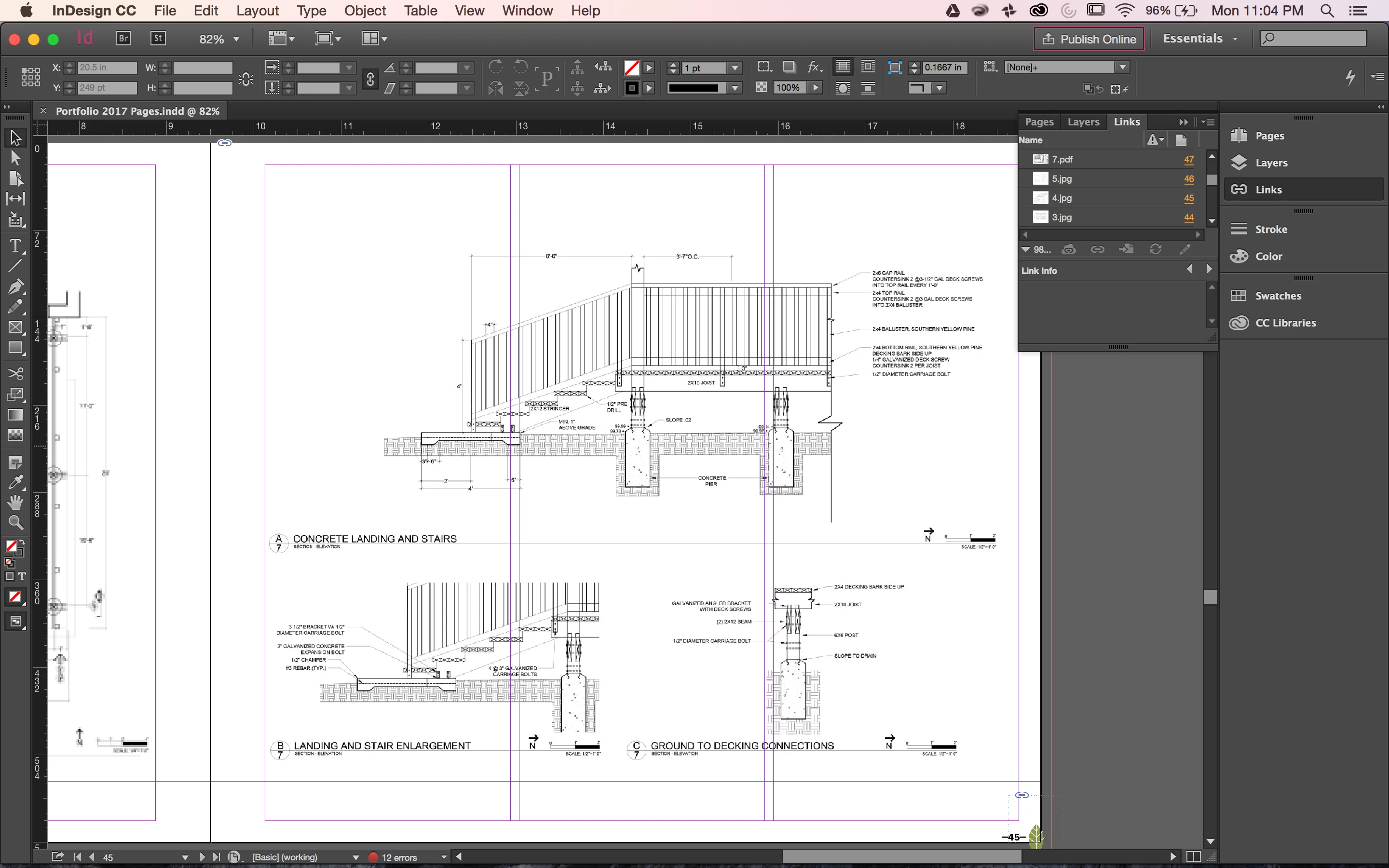
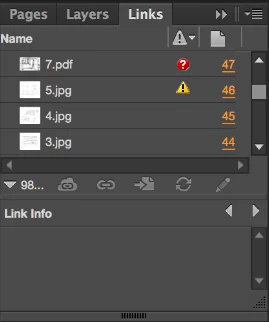
I am making a large important indesign file and I'm panicking because I have a USB that keeps disconnecting itself. I kept trying to get it to work and after several failed attempts it finally made the folder. How can I see if all the links made it over? Also, do the orange page numbers next to these images in the links panel mean that it can't find the file, or is it just telling me the page number?
このトピックへの返信は締め切られました。
解決に役立った回答 vinny38

Hi

As Steve said, Preflight panel will warn you in case of missing/modified links.

It can do much more than that, depending on how your preflight profile is set (overset text, missing font, and many more), so I would strongly recommend using that feature.

In addition, you probably have noticed it, I should add that your Links panel also does the job:

Red circled question mark for missing link, Orange triangle with exclamation mark for modified links.

Just like you did in your example : sort by status and warnings will show up at the top of your links panel.

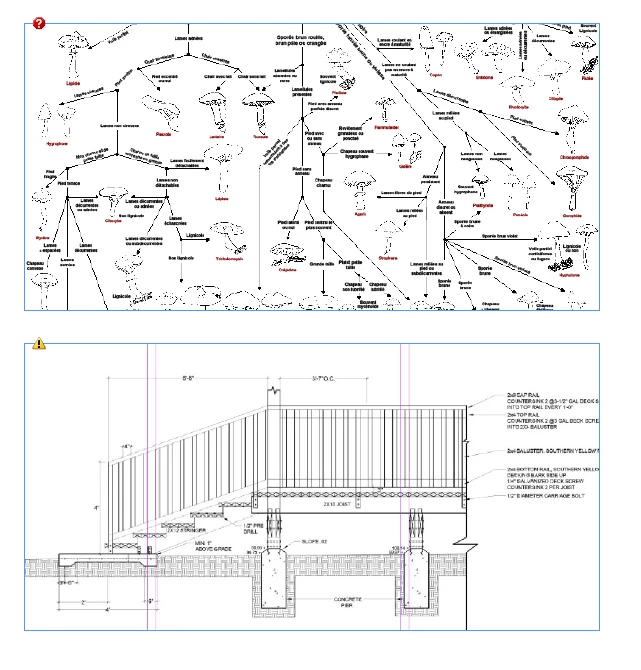
Finally, these marks will also show up in your design (Normal view), just like here:

Regards

vinny

返信数 4

Legend
January 17, 2017

this may not be the case but it sounds as if you might be working only on a USB drive. Please don't! They are prone to failure and corruption. And you don't have a backup. Please work on your computer's disk then immediately backup to the USB (keeping all saves with new names)

Participant
September 8, 2020

Hello experts! I am brand new to this program, trying to edit and update an existing INdesign brochure... so someone else created it on a different computer some time ago... I downloaded the InDesign file from Google Drive and have opened it on my computer. All the images have the missing link warning.... so what does that mean exactly? I dont have most, if any, of those original image files on my computer, which I understand might be the issue...

jmlevy
Community Expert
Community Expert
September 9, 2020

All the images have the missing link warning... so what does that mean exactly?

It means that you won't be able to export the file to PDF or to print it, at least in high quality. If you try to make a PDF or to print the file, all the missing links will be low res. So you need to get these missing links and relink them to your indd file.

Geоrge
Legend
January 17, 2017

All answers are right. But, why you work with usb-drive?

Remember, never say you can't do something in InDesign, it's always just a question of finding the right workaround to get the job done. © David Blatner
hammer0909
Community Expert
Community Expert
January 17, 2017

I don't think they're working "on" a USB drive. I think the OP was saying that they were having difficulty copying the files from the USB to his computer and wanted to make sure that all of the relevant files came over. The links. I certainly hope that they aren't actually working from the USB drive. That's just asking for trouble.

vinny38
vinny38解決!
Legend
January 17, 2017

Hi

As Steve said, Preflight panel will warn you in case of missing/modified links.

It can do much more than that, depending on how your preflight profile is set (overset text, missing font, and many more), so I would strongly recommend using that feature.

In addition, you probably have noticed it, I should add that your Links panel also does the job:

Red circled question mark for missing link, Orange triangle with exclamation mark for modified links.

Just like you did in your example : sort by status and warnings will show up at the top of your links panel.

Finally, these marks will also show up in your design (Normal view), just like here:

Regards

vinny

Steve Werner
Community Expert
Community Expert
January 17, 2017

Missing links will show up in Preflight. Window > Output > Preflight.