Participating Frequently
July 19, 2018
解決済み

Animated .gif— looping options: Once

  • July 19, 2018
  • 返信数 2.
  • 8747 ビュー

Software: Premiere Pro CC, Photoshop CC 2018

Mac OS High Sierra

My need: an animated gif that stops looping after 5 seconds

My method so far:

  • screen capture in Quicktime Video (of 3D protein model)
  • imported into Premiere Pro and took 5-second clip, exported H264
  • imported the .mp4 into Photoshop and cropped it
  • saved for web (legacy) as .gif with looping option: Once

Problem: When I open the .gif in a browser, it loops continually.

I apologize if this is actually an html issue. What does the Once looping option do exactly?

Thank you for any insights you may have!
このトピックへの返信は締め切られました。
解決に役立った回答 Simmer1

Hi,

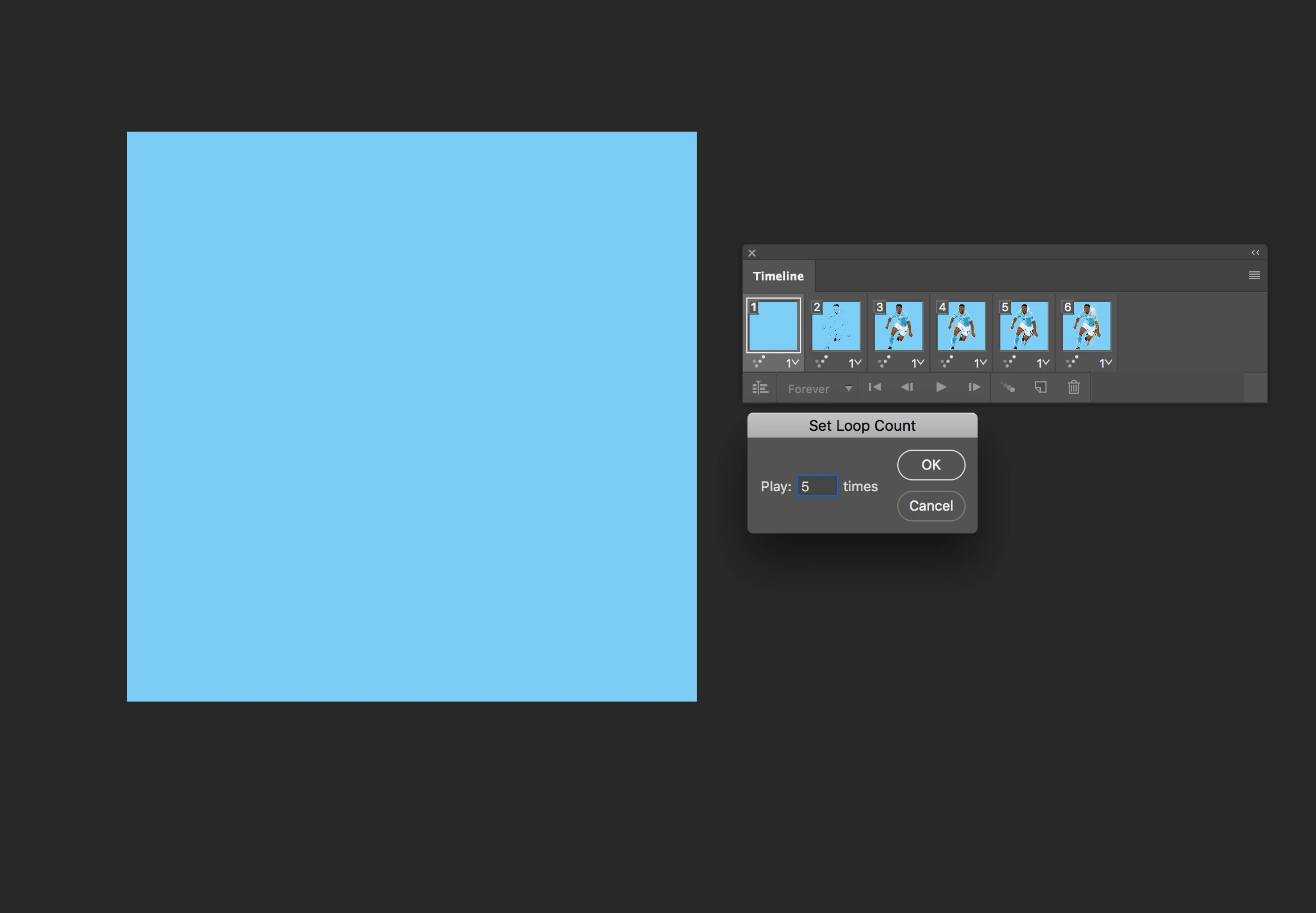
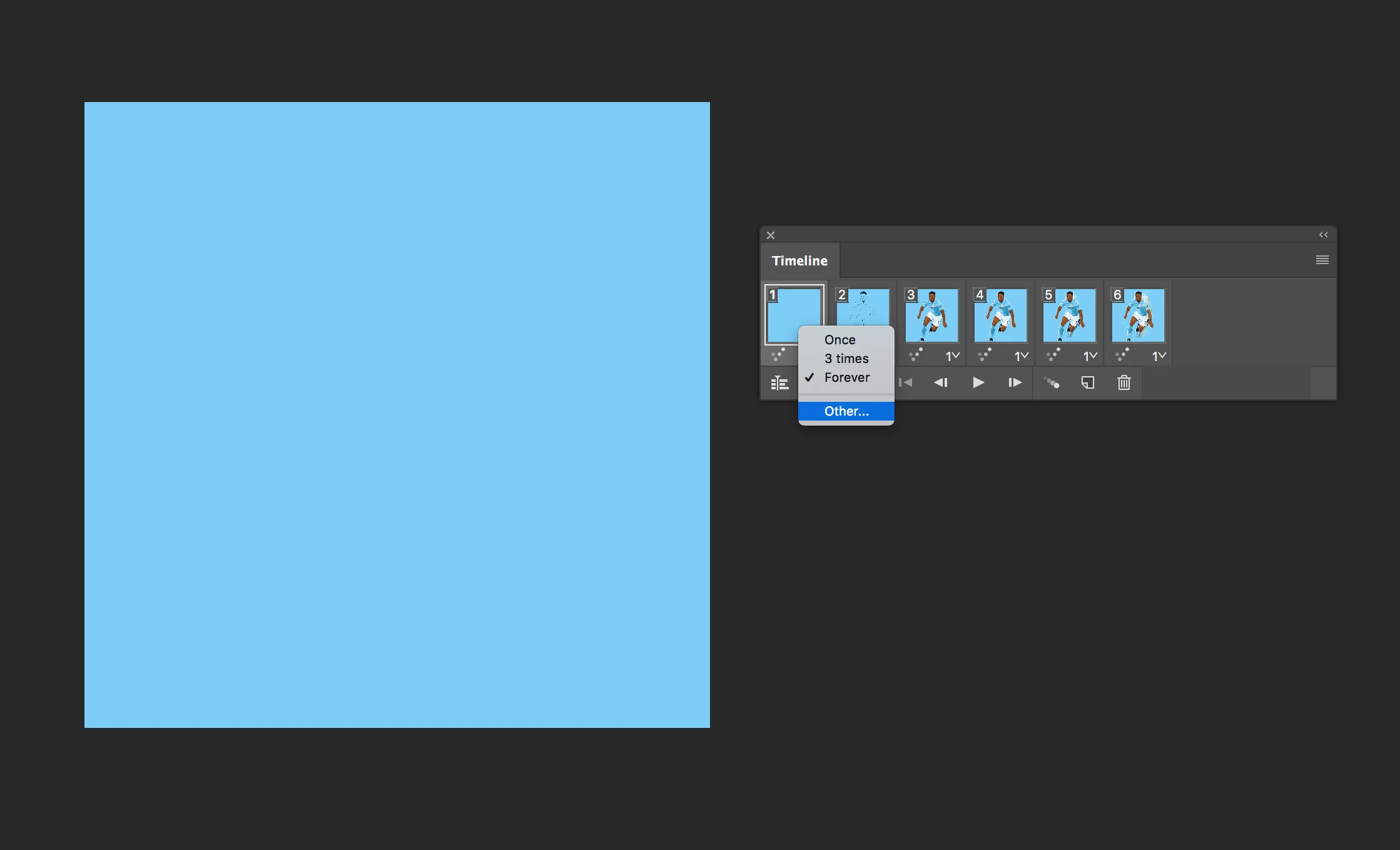
You can also set a specific loop count if that gets you closer to your 5 second target:

返信数 2

Simmer1
Community Expert
Simmer1Community Expert解決!
Community Expert
July 19, 2018

Hi,

You can also set a specific loop count if that gets you closer to your 5 second target:

yslowdown作成者
Participating Frequently
July 20, 2018

Setting it to 1 using the "Other" option made it work. Thank you!

Simmer1
Community Expert
Community Expert
July 26, 2018

Hi,

My pleasure, glad I could help!!

Sim

ScooterD76
Legend
July 19, 2018

Loop Once will play the frames once then stop. If you want it to loop 5 times then stop, I think you'll have to have 5 loops worth of frames, then "loop once".

yslowdown作成者
Participating Frequently
July 20, 2018

The problem was that Loop Once did not result in it stopping after one loop. However, I tried the option of "Other..." and set it to loop once and now it is stopping, so problem solved.

Thanks for your time replying!