


解決済み
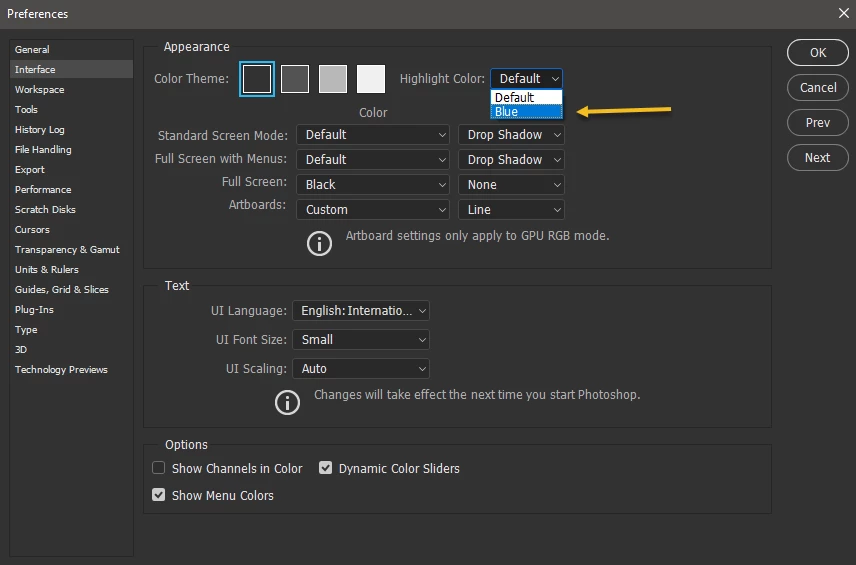
Changing the color theme of Photoshop, Specifically the selected layer color
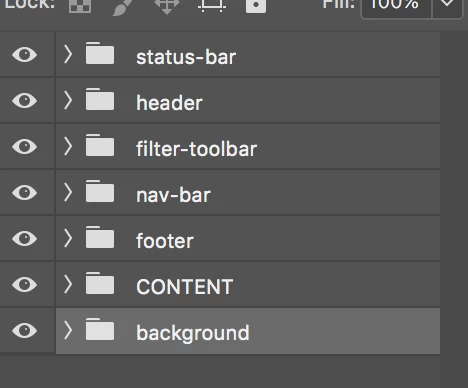
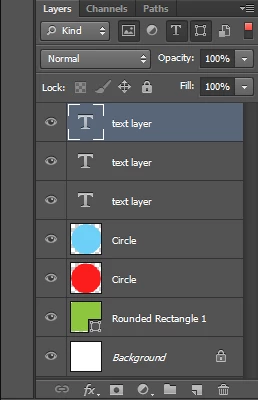
My question is how do I change the highlight color from gray to blue for the selected photoshop layer on PScc? CS6 was blue so it was easier to see the selected layer, but now cc uses a light shade of gray which makes it a bit harder to see what layer you have selected, plus it reminds me of CS6 when you had changed the Channels color from RGB to Red. FYI, I recently moved from using CS6 to CC.
CC:
CS6:
Thanks a bunch in advance,
– Jose
 AdChoices