








Design the future of fashion, win Firefly Pro 👗✨
Premiere Mobile.
Recently active
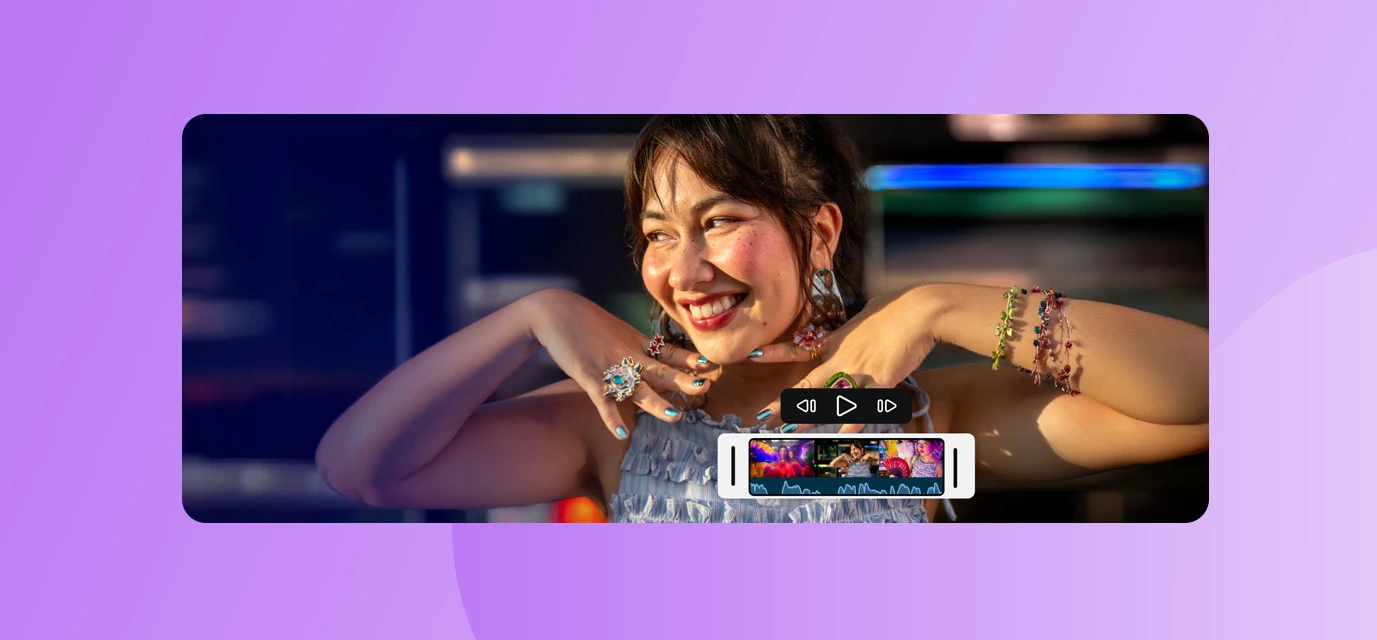
When inspiration hits, you don't always have time to get to your desk. Whether you're at a concert, on a commute, or anywhere else, mobile editing tools that actually work can make all the difference—and now, they're available to even more creators.Starting today, Adobe Premiere Mobile is available on Android. For free. Everything that made it a favorite on iPhone—frame-accurate editing, studio-quality audio tools, effects, templates, and Firefly-powered generative AI—is now in the hands of millions more creators worldwide.Why this matters: Mobile editing, professional qualityPremiere Mobile debuted on iPhone a year ago, and creators immediately loved it. Why? Because it lets you create professional-quality content without being chained to your desk, and without learning a completely new interface. When you're already living your story on mobile, your editing tools should live there too.What you get with Premiere Mobile on AndroidEnhance Audio — One of the most powerful features: a si
Keyframes are officially here in the latest version of Premiere Mobile—available starting today. This has been the #1 most requested feature from our creator community, and we’re excited for you to try it out. With keyframes, you can now add custom motion to your videos, including smooth pans, zooms, twists, and other dynamic animations that give your edits more personality and control.To start using keyframes, just update to the newest release in the App Store. This launch is part of our ongoing You Asked, We Answered series, which highlights the features you’ve told us matter most. For Premiere Mobile, we’re taking this even further by co‑creating directly with you—mobile-first editors, emerging creators, and everyone shaping what this app becomes. Keyframes are the first major drop in this community-driven series, and we built it because so many of you said it was essential to your workflow.More improvements inspired by your feedback are on the way, and we’ll continue sharing them a
Premiere on iPhone to Premiere Pro (Beta) Users with Adobe accounts with cloud storage enabled can send their projects from Premiere on iPhone to Premiere on desktop (Beta) for advanced editing and a seamless workflow. To transfer projects from mobile to desktop, you'll need to sign in with an Adobe account that includes a Premiere Pro subscription and cloud storage. Before sending, you can review the project's file count and size to ensure everything is ready for transfer. Premiere Pro (Beta) can be downloaded from Creative Cloud Desktop app. You may refer to this link to learn more about Creative Cloud Beta program. When sending a project from your mobile device to your desktop, a copy of both the media and the project file is uploaded to Adobe Cloud Storage. Please note that this process only transfers data from mobile to desktop & any subsequent changes made on either device will not sync automatically. This guide outlines the steps for sending a project to Premiere on desktop
Hello,I’d like to ask if it’s possible to add LUTs in the Premiere Pro mobile app. I record in Apple Log and would like to apply the official Apple Log to Rec.709 conversion LUT. If that’s not currently possible, is there any workaround to get a similar result? For example, is it better to record in Apple Log and manually adjust exposure, contrast, and saturation in Premiere Pro Mobile — or to apply (burn in) the Rec.709 LUT while recording and work directly with Rec.709 footage? Thank you!
Hi everyone,I'm creating a new report in English with a clearer and more complete description of the issue, as my previous report was written in French and was missing some important technical details. Hopefully, this will also make it easier for other users experiencing the same problem to find this discussion.The issueWe're experiencing a persistent problem with the integration between Premiere Mobile and Premiere Pro Desktop.The "File > Import Premiere Mobile Project" option is completely greyed out and cannot be selected.This feature had been working correctly for several months, but suddenly stopped working around late September 2026, without any obvious changes to our setup.Projects are still successfully uploaded from Premiere Mobile to Creative Cloud. We can see and download both the projects and their associated media through the Creative Cloud website.However, in Premiere Pro Desktop, the import option itself is disabled. We cannot even open the window to browse or select
When I’m editing and trimming clips on the timeline and then try to play them back, the program starts lagging and becomes unresponsive. This happens constantly, and it’s a nightmare.
I have been using Premiere for iPhone for a while now, but can only see 9:16 templates. Are 16:9 templates available?
Is Sound from premiere copyrighted?
I am thrilled to start playing with the Premiere mobile app, but can find ZERO support on how to open an exported project from the mobile app on the desktop app.1. In the mobile app, I have a project with 5 clips. I've done some basic trimming to the clips, that is all. I hit Export to "Premiere desktop (beta)" and get a success.2. I go to my Creative Cloud app, files tab > projects, and sure enough I see the project! 5 clips and a project file. Mission success.3. When I open Premiere Pro (beta) and select "open project" and navigate to the "cloud media" folder (Adobe > Premiere Pro (beta) > 25.5 > Cloud Media) no files show up whatsoever.4. Back in Creative Cloud app, files tab > projects I download all the clips and project files (a painstaking process in itself — first have to "move" all of the files from the "projects" folder into the "files" folder because no download options exist in "projects").5. Premiere Pro (beta) nor any other version of premiere is able to op
La fonction « Importer le projet Premiere Mobile » devient grisée après un premier transfert réussi. La fonctionnalité fonctionnait très bien jusqu'à présent, mais n'est plus fonctionnelle depuis quelques semaines. Le projet envoyé depuis Première mobile est bien visible sur le Cloud, mais il ne semble plus exister de connexion pour cette fonctionnalité entre Première bureau et le coud. J'ai essayé plusieurs versions différentes de Première, y compris Beta : même problème.
Please support the AV1 video codec for better storage space. Also have support for the Display P3 format for better color vibrancy and accuracy.
I have 40 odd 3-4 minute finished videos produced with Premiere for iPhone. It’s been great while holiday in Spain with no other device. I am now pushed for storage on my 256 gb iPhone, with Premiere taking 120gb. Can I use Adobe Cloud to offload a Project to make space for new Projects and then recall the offloaded Project on demand? This would work like Apple Photos storing primary images in the cloud and lighter versions locally until you need them in full res locally. Thanks!
This is premiere pro app screenshot and now see org video quality here See Also i have screen recording if you want Please fix this I waist my time in this report 🙏 Because i love your pc version
It would be amazing to have support for MOGRTs in Premiere on mobile.I work for a global brand with a library of brand-approved MOGRTs that we use in Premiere Pro, and being able to use those same templates on mobile would be a huge unlock for us.There are so many situations where people are creating video on the go — events, conferences, employee advocates, social teams, etc. Being able to quickly add a branded intro, outro, lower third, transition, callout, title treatment, or end card directly from a phone would make mobile editing much more useful for enterprise teams.Ideally, teams could have access to a curated library of approved MOGRTs, with certain elements editable (like text, images, or names) while keeping the overall design and brand system locked.The big opportunity here is making mobile video creation fast and on-brand without needing to go back to desktop.For example: someone films an interview at an event on their phone → edits it in Premiere mobile → drops in the appr
fdfgfdg
Is there a way to share a project started on my iPhone with PR mobile on my iPad? Thanks!
I I accidentally subscribed to Adobe Premiere Pro Mobile instead of the desktop version. Could you please transfer my subscription to Premiere Pro Desktop? I’d like to keep the same one-year subscription term. Thank you. Thank you.
I get that there’s an animation feature In Laptop/Macbook but it would be great if you added one for iPad!
To Add the feature of MASKING and also Add the external Text add like Gujarati language style and Hindi language style....this type to add the external text add it to I will add the the proper text to I will needed...
Humko poster banana hai video Vahi banana Har chij Humko banana hai ismein tum Hamara passport Kyon load Nahin Le sakti hai
Hi there,I am not able to install premiere on my android phone as it shows incompatible device in play store, but looking at the specs required to run tha app is easily met by my device the also it shows incompatible device.My phone :- Model :- POCO X6 PRO Cpu :- Mediatek Dimensity 8300 UltraRam :- 8GB
I would love a better layout for my projects. I have several on the go at once and it’s frustrating that the last project I was working on still stays in the same order in which it was originally created. For example, I started a project several months ago but I have to scroll through nearly 100 draft projects to get back to the one I was working on. Please make the most recently opened project default to the front. I would also love an option to archive projects. When I’m done and I post them, I don’t want them to remain in my list of projects, but I also don’t want to delete them either because I might modify them slightly ro post as trial reels etc.
Want to merge scene as one is talking in one place by merging jungle back ground as if the scene is shoot in jungle
When trying to move a Premiere Mobile project to the desktop the upload seems to succeed from the phone but trying to import and open that on the desktop yields this error. I think we can see from that failure that Adobe is using Open Timeline I/O to make this conversion. That's admirable but if it fails, how does one get a project from Premiere Mobile to Premiere Desktop?
Text font color gets changed once applied in Premiere Mobile app in iPad.In the first instance I tried to pick color from Premiere Logo by color picker tool and applied the same color to the ADOBE text. Now when I tried to bring the ADOBE text onto the Premiere logo then the ADOBE text color is seen different as compared to the logo color.In the second instance whenever I try to apply white color FFFFFF hex code to the ADOBE text it shows as applied but then it changes its color to greyish tone.This issue is not seen in Premiere Mobile on iPhone. I am facing this issue in iPad. Is anyone else facing the same issue? If not, then the problem is with my device and not the app, I guess.Best,Khushbu
Remix with Firefly Community Gallery
Thousands of free creations to fall in love with and remix in Firefly.
Already have an account? Login
Enter your E-mail address. We'll send you an e-mail with instructions to reset your password.