


質問
I deleted media cache in Pr and now Pr and my PC keep freezing, crashing, etc...
Yesterday I was working on a project in Pr and I got a warning that I was running out of cache space and should save. I check my storage, as shown below and my cache drive is fine. Anyways, I hadn't cleared it yet, so I decided to just go and do it manually. Edit > Preferences > Media Cache > Remove Media Cache Files > Delete
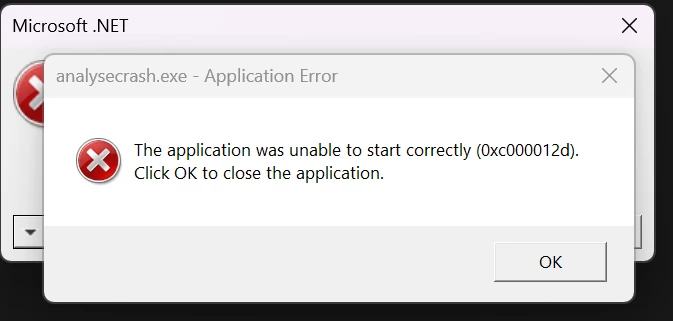
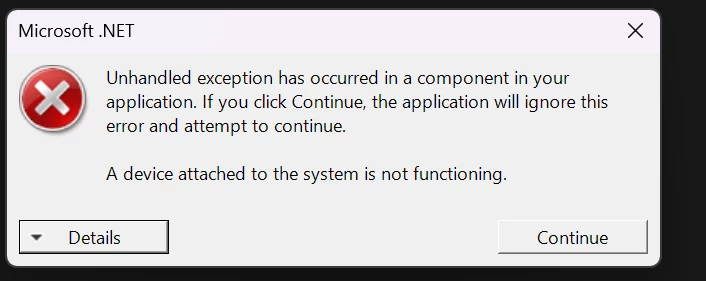
Immediately afterwards it's been a string of problems, freezing, crashing in both premiere pro and my PC. I keep getting this messages bottom right in Pr (red msg) about missing frames, etc. I cant seem to get a screenshot of it cause seems to crash soon after. But i included a couple other screenshots before.
What is going on and what do I do?

 AdChoices