



質問
Blurry Photoshop Photos after Exporting in Premiere Pro
Hello everyone,
I do a podcast and am having a very difficult time getting my custom PS images crystal clear after I export in Premiere pro. Screenshots and explaination to follow:
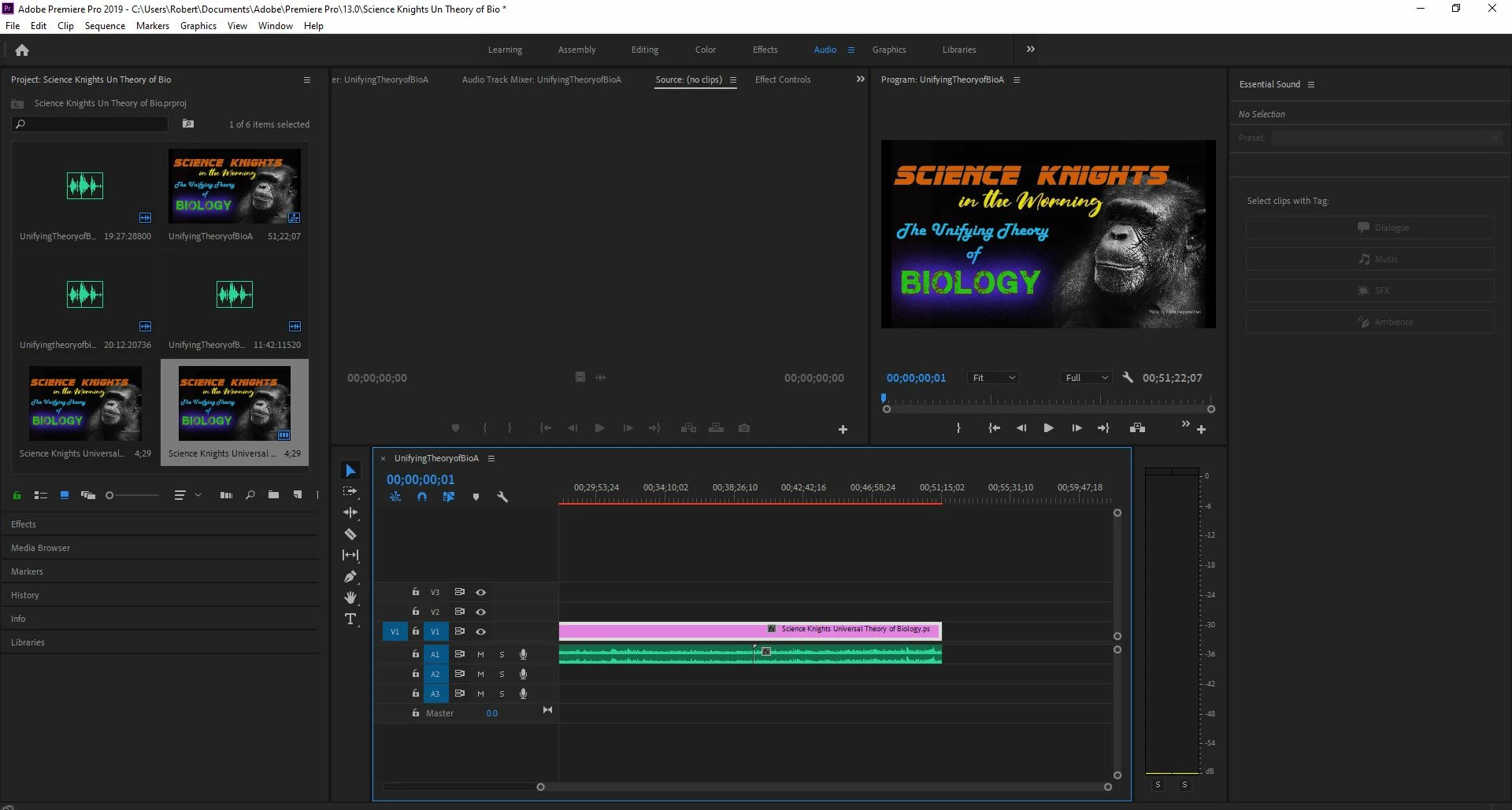
The process starts out simple enough. I drag the HiRes PNG / JPEG / PSD file into Premiere pro. As you can see, the image is sharp and crystal clear. I have the scaling set to FIT and begin to export.
Here's where the problem happens:
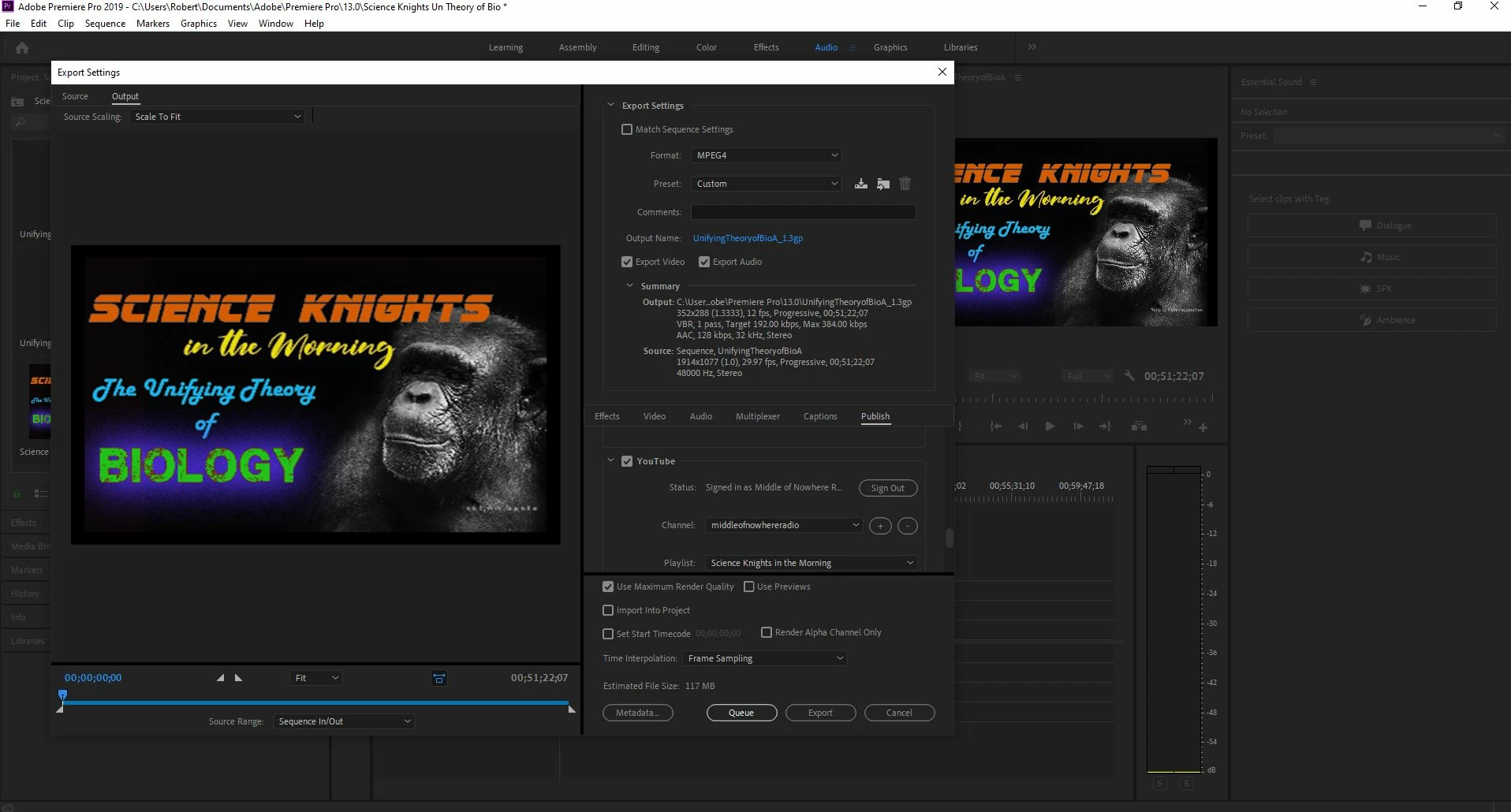
As you can see there's a stark difference in clarity between the original image and the rendered preview.
After rendering, the result is extremely underwelming.
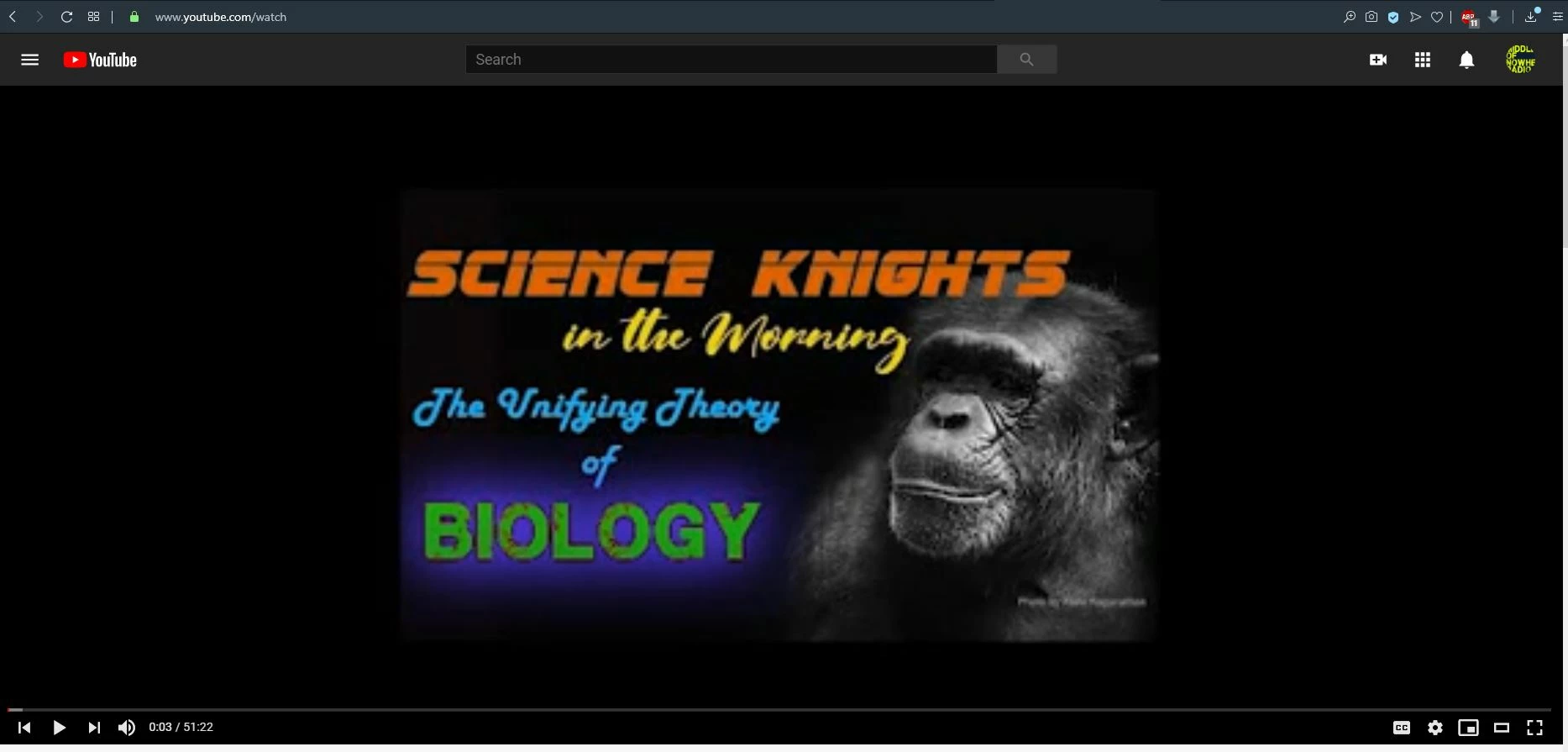
All I need is for the image to be a duplicate of what I did in photoshop. Any Suggestions?
 AdChoices