Get help and share feedback in our global community.
Als letztes aktiv
I am in the process of creating this years company Christmas card, another mini animation (less than 30 seconds) that we send out to our community/partners. Last year we hosted it on Youtube, it was turned into a short and after you view it you get bombarded with Watch Next and this year the ads are even worse. Possible solution is Vimeo, but this would be pretty much the only thing we would use Vimeo for at this time, and it's a bit pricey for a one time use solution. This will be an emailed link due to Outlook no longer allowing embedding animations. Any ideas??? What are your solutions?
Hello, I've found this really cool transition but its in 720p and I need it in 4k. How could I make this transition myself? Kind regards,L
hi i updated my version to 2024 and after effect not recognize my extensione keyfast someone can help whay ? in the older version it workd fine
I'm trying to loop those lines in the background, but for some reason they start to get short/cut off and they dont loop. i tried doing a loop expression, but im not sure if i did it right.
Why in the name of God did you guys take away the timeline panel item in window menu? There's no way to show the timeline unless you go through a few more layers and reset your whole workspace. Do you really think people want to reset their workspace each time the timeline is accidentally closed and then have to move things around again? What is the logic behind this decision?
Hi there, i made a base video that i have to render with 20 different images in the intro, is the same video, but it will only change this images in the same place. Do i have any way to do this automatically in the After Effects in batch processor like photoshop? I really don't want to do this one by one.
Hi eveyone, my null object when linked to the camera doesn't work. I cant move the view and it basically does nothing. I'm doing everything as in the tutorial but I had exactly the same issue yesterday on a completely different project. How can I fix the problem?
Hi. Got some old projects I want to access but my AE 22,6,5 is obviously too new for my old files. Trying to open the file it says i need something something 5,5. Now which old versions can I install to update this project? Anyone got any ideas? I know I have converted old projects before in steps through old AE versions but I don't think they were this old and I don't even know where to start with this one.Working on macOS sonoma. Any help would be nice./M
Hi, We were just experimenting with making a clip loop and ran in to an issue. The clip is a solid layer with Fractal Noise effect. We are looping it using the following technique; split the layer in the middle - overlap the two layers - animate the opacity. When I split the layer and drag the top layer to the start of the time line, the effect within the layer stays where it was, if that makes sense, so the loop doesn't work. Is this because it's an effect layer? I've gotten around it by exporting the layer and reimporting it. Is this the best thing to do? Thanks!
Hello ,I created a 3D animation on after effects where several of my layers with 3d activated are superimposed. However, I try to put a layer with 3D also activated between the other layers but it automatically connects with my other layers (which changes everything). How to cure it ?Good evening. Bonjour , J'ai crée une animation 3D sur after effects où plusieurs de mes calques avec la 3d activé sont superposé. Néanmoins , j'essaye de mettre un calque avec la 3D activé lui aussi entre les autres calques mais il se connecte automatiquement avec mes autres calques (ce qui change tout). Comment y remédier ?Bonne soirée.
I used to just throw my png logo into After Effects, precompose, and mess with the echo settings to get my desired effect. But this method no longer works on any of the file formats (png, jpeg or PSD)I have tried re-exporting my PNG to webm and then back to PNG, reimporting the NEW file, and directly applying echo, precomp, and apply, and nothing works. It works on text generated in AE and video. What am I missing?
Hello, I come to you because I have a problem with the after effect warp stabilizer since the first time I used after effect in 2021. and none of the version updates corrected the problem. The problem is that the image calculation process stops randomly. sometimes the process ends well but it is very rare. I have already tried uninstalling/reinstalling the software, upgrading and downgrading, reinstalling windows, all the firmware is up to date (windows, nvidia gpu, motherboard bios, all my disk is a SSD NVME samsung 980 pro. I tested with or without memory or disk caching and also in safe mode. the problem remains the same. My setup: CPU: AMD threadripper 3960x 24 cores. GPU: RTX 3090 asus tuf Ram: 128gb ddr4 3000mhz motherboard: Asus rog zenith II extreme Alpha. 3x Samsung nvme 980 pro SSD. 1 for system, 1 for after effect disk cache and 1 for files. Thanks for your help
I'm starting to learn expression for after effects and I have a question that I couldn't find the answer to on the internet forums. I have this grid (4x4 in a 1920x1920 area) where this elements have random positions that follow a seed number on a slider in a null.I uploaded an image to show what I am talking about. One of the images is the expression that I’m using and the other the grid and elements. In all seed numbers the elements overlap (as shown in the picture), is there any way to prevent them from doing this? Any expression? Observations:Small elements have an area of 480x480px and large elements have an area of 960x960px.My after effects is in Portuguese (I’m Brazilian) so “Controle Deslizante” is “Slider”, “Posição” is “Position” and “Controle” is “Control”
Is it possible to get After Effects (and Premiere) to AUTOMATICALLY maximise across two monitors (in Windows 10)?I am not looking to display the video output on one screen (using Preferences - Playback - Video Device), but to have the whole program windows stretched across two screens (so i can customise what appears on the second screen).I can do this when the program starts by dragging the windows to the left, then dragging the right hand side of the windows across to the second screen. However, the next time I open the program I have to do this again (because it's shrunk to half size on one screen).Obviously not issue... just tedious.Ultimately I want to click on the 'Maximise' button and for the program window to fill the entire screen area. I'm sure I'm not the only person with this issue so a solution would be great. Many thanks,Jamie
Hello everyone, I am very new in AE. I am having difficulty with rotobrush and masking. I have 2 videos:1. a man walking: I used this one with rotobrush in order to have the walking silhouette. 2. an "abstract" video: I want to use the walking man "cut-out" (using rotobrush) as a mask to this one. So I would be seeing an abstract video with the shape of the walking man. It may sound very basic but I couldn't find on YouTube either. Maybe I am using writing keywords. Thank you
I'm using After Effects CS6 and graphics acceleration is not available:"GPU not available- incompatible device or display driver"My computer has an Nvidia GForce MX150. I read in the forum that the name of my graphics card must be entered in this file (cuda_supported_cards.txt.), but this applies to Premier CS6 and not to After Effects CS6, where I cannot find this file. What can I do, where should I look?This post is about:https://community.adobe.com/t5/premiere-pro-discussions/how-to-enable-gpu-cuda-in-adobe-cs6-for-windows/td-p/4264701/page/2
I have been using AE for a few weeks and this week ran into an issue trying to import mp3 files. It says there is an error decompressing the file, and that it is unsupported or damaged. I was able to import the same types of files last week, and if I downlaod the files as a video file it will import, which is a fine workaround, but takes more file space.
Hi Friends, I am trying to recreate a similar result to this beautful short video:https://www.youtube.com/shorts/aY1W-hzyApU?feature=sharethe creator explained in a comment: "I blended a moving gradient layer a fractal video in After Effects".So I used a very dark fractal video - https://www.youtube.com/watch?v=1Ta4BQpGhY4 inverted its colors , and added a moving gradient layer, while chaging the opacity of the fractal layer.I am attaching the result here: https://youtu.be/uHFr6iqlKSk Can you think about a way to make it more similar to the original sample?
Hello, I'm actually trying to have a script performing the action I described in the title.I spent a day or two trying it in many ways possible but with no success. The best I could do was to duplicate the layer and move the selection onto the first property which is "Mask". Unfortunately, that's not the one I originally selected plus it's a group of properties...Any tips ?
This is really urgent. I spent days working on a project for school and when I came back after restarting my pc it wont let me open that specific file. please help me.
Hi all, I want to cover up the drone's shadow in this shot. Any ideas? Kind regards,L
Bonjour, je remarque que l'installation de After Effects fait planter mon Mac, le Mac ne trouve plus le disque de démarrage. Je précise que je suis sous MacOS Catalina, avec un Macpro fin 2013, et je télécharge le logiciel depuis Creative Cloud. je remarque le même problème avec Audition. Photoshop, Illustrator, Dreamweaver fonctionnent eux normalement.
These are MP3s, but it is not a steady issue in any kind of pattern or circumstance, so I don't think it is a format issue.I import an audio file, and it is either completely blank, or it skips around. And if it doesn't work right, it NEVER does.• I can bring it in via Bridge, CTRL+I, or just dragging it in from Explorer• It can be part of a group of files that I bring - and the others work just fine• Regardless of what I do after verifying source is fine - delete & reimport, reload, clear caches, restart AE - it remains "wrong"• BUT - if I change the file name and bring it back into the project, it almost always plays back just fineI've had issues with reloading files that I have re-rendered outside of AE, but that is usually fixed with a restart of the app. But if an audio file doesn't come in correctly, it never seems to "fix itself"Am I missing something?Thanks in advance.
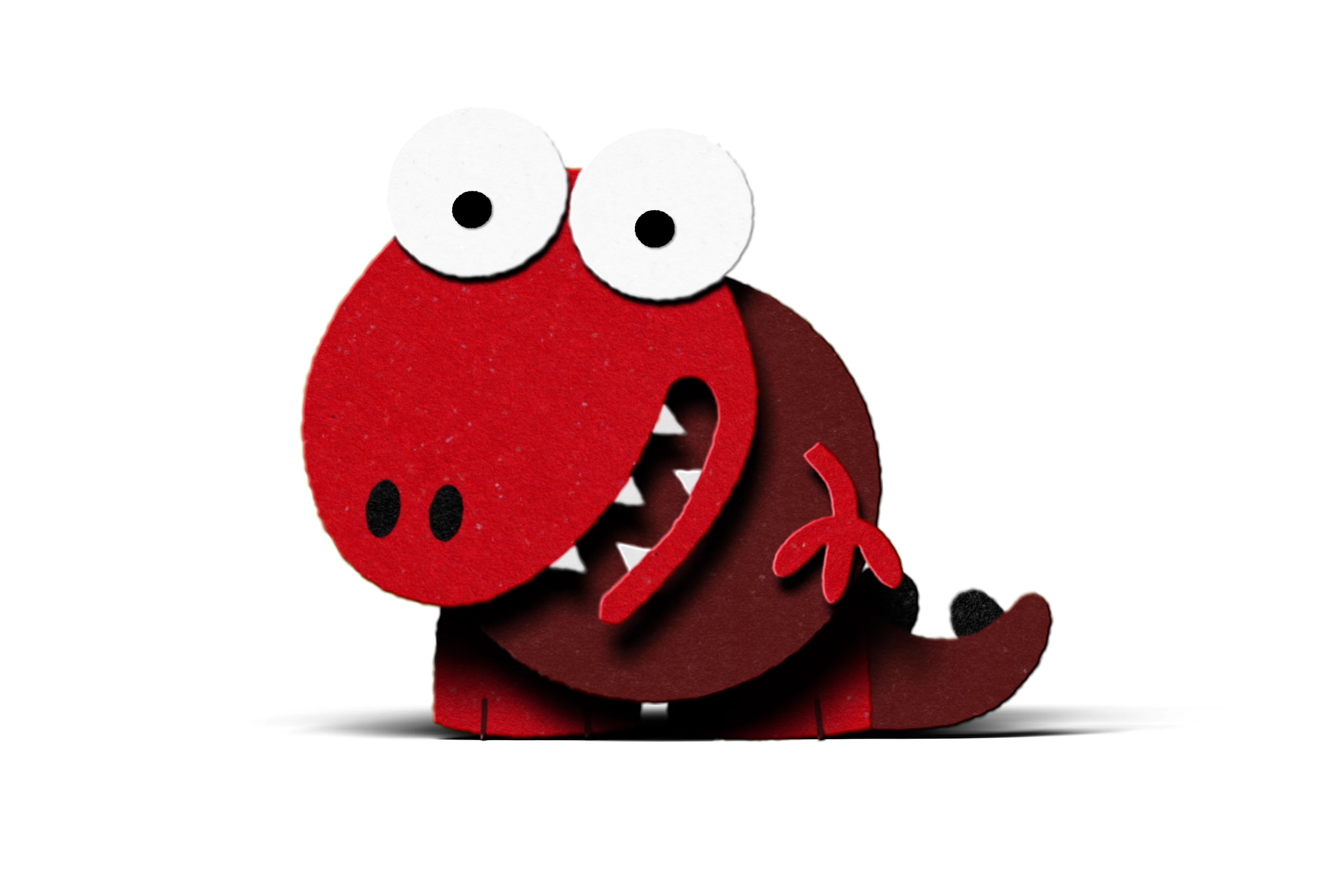
I was really looking forward to testing out the render speeds on my new Mac Studio Max (64Gb Ram, 38 core GPU) and see how they compared to my 2017 iMac (48Gb Ram, Quad core i7). After hearing how fast the Mac Studio is, I was expecting to be blown away... I work in a paper cut-out style of animation, extruded out into 3D with lights, shadows and depth of field, using the built-in AE 3D, not Cinema 4D. I've attached a still of the kinds of animation I do. I did a test render of a couple of shots, but below is a typical result for a 5 second shot: iMac - 83 minutes. Mac Studio - 22 minutes. So about 4 times quicker. And of course, 4 times quicker is not to be sneezed at, but I really expected a greater difference, after all the iMac is 6 years old. So the question is, do you think my expectations were unrealistic?
Remix with Firefly Community Gallery
Thousands of free creations to fall in love with and remix in Firefly.
Sie haben bereits einen Account? Anmelden
Noch kein Konto? Konto erstellen
Enter your E-mail address. We'll send you an e-mail with instructions to reset your password.














 AdChoices