






Design the future of fashion, win Firefly Pro 👗✨
Announcements
Recently active
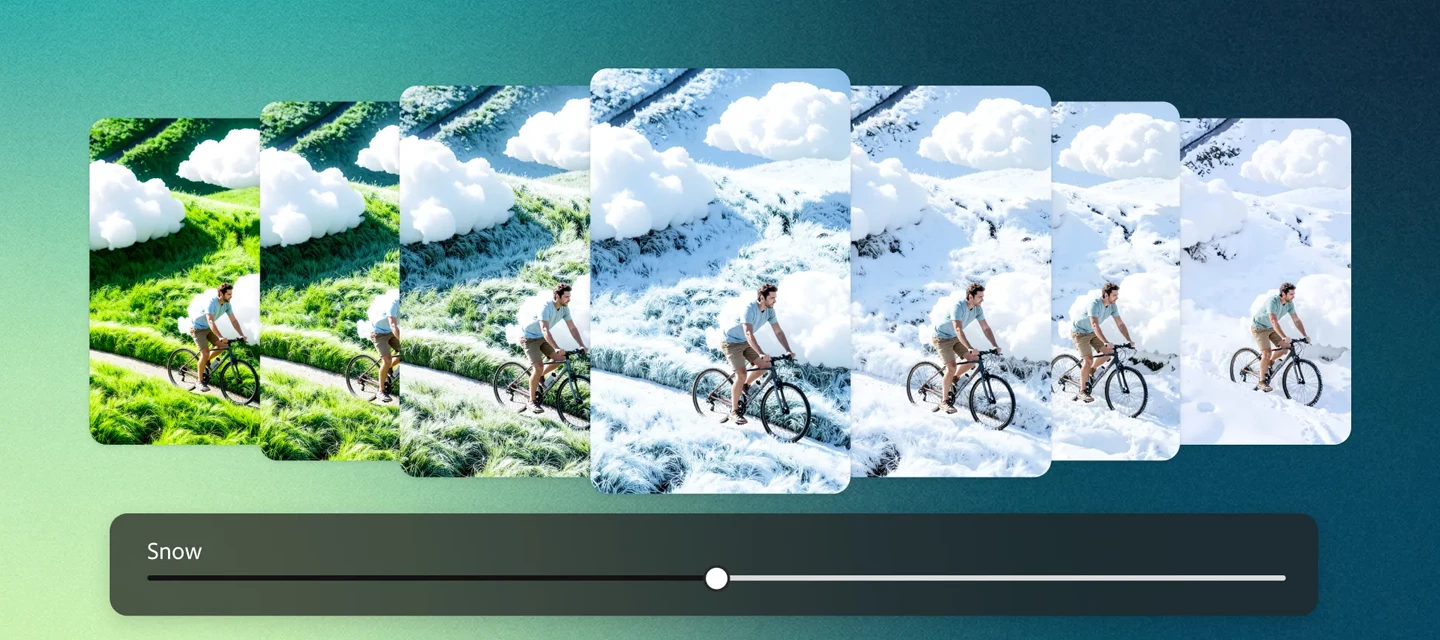
Precision Flow (beta) makes refining your image edits easier and more intuitive than ever. With a simple slider, you can generate multiple variations in one go; there's no need to rewrite prompts or start from scratch.Want to adjust the mood or atmosphere? Just slide along a smooth gradient (like warm → cool) to instantly explore different tones, lighting, or even weather effects.It’s a seamless way to preview, fine-tune, and land on the exact look you’re aiming for all within a single workflow. Generate Images with PrecisionGenerate a new image and head to the Edit tab, or upload your own and select Precision Flow (beta) from the left toolbar.To control where your edits apply, choose from these options above the prompt bar:• Entire Image – Apply changes across the whole image• Select – Target specific areas or layers by hovering and choosing what to edit• Brush – Manually paint over areas to apply precise adjustments Apply visual overlays with the Select or Brush option to guide where
Welcome to a new Cross-Product Creative Challenge! Thanks to everyone who participated in the alternate timeline challenge. Even if your answers aren’t visible now, we’re told they will be soon!This time, we’re going to the movies.The Challenge [Read all of it!]:Design a movie poster for an action adventure movie. The standard movie poster size here in the US is 27x40, so that is your aspect ratio. Start in Firefly or Boards or Express or Photoshop, but DO NOT stop at a prompt. None of the models use that ratio, for one thing, but there are quality details (lighting, contrast, composition) and content details (titles, credits, franchise logo) you will have to get right.Guidelines:A prompt is not enough. Layer your assets and refine your composition. Treat Firefly as a collaborator, not a shortcut. Use prompts to generate characters. Try out partner models. Think like a director. What’s the story here? Who are the characters? What's happening in the scene? It’s a Cross-Product Challenge
To ensure the community can provide the most efficient assistance, please include the details outlined below when posting a question. Providing this information upfront helps us diagnose the issue without needing to ask follow-up questions, which leads to a faster resolution for you. 1. Errors and Technical GlitchesIf you are encountering a specific error message or the interface is not behaving as expected, please provide the following:A Full Screenshot: Please provide a screenshot of your entire browser or application window, including your avatar in the upper right corner. Many errors have multiple causes; seeing the full context is much more helpful than a zoomed-in image of the error message alone. System Details: Specify your Operating System (OS) and Browser (including version numbers). Workflow Context: Which Firefly function were you using? (e.g., Text to Image, Generative Fill, Text to Video, etc.) Which model was selected? (e.g., Firefly Image 3, Image 4 Ultra, Imagen 3).
The next evolution of Nano Banana is here: Faster. More intelligent. Built for creators.We’re thrilled to announce Google AI’s latest image model in Firefly Gemini 3.1 (w/ Nano Banana 2). Bringing Gemini Flash intelligence to visual generation, this release delivers high-speed iteration with stronger consistency, sharper detail, and more refined realism. Nano Banana 2 produces noticeably stronger results than Nano Banana — without compromising performance — so you can elevate quality while keeping your workflows fast and responsive. Built as a true all-around workhorse, Nano Banana 2 combines advanced world knowledge with precise instruction following, helping you render specific subjects more accurately, generate clean infographics, and create images with legible, localized text. Enhanced subject consistency lets you maintain characters and objects across scenes, while flexible, production-ready specs up to 4K ensure your visuals stay sharp anywhere they appear. With integrated Googl
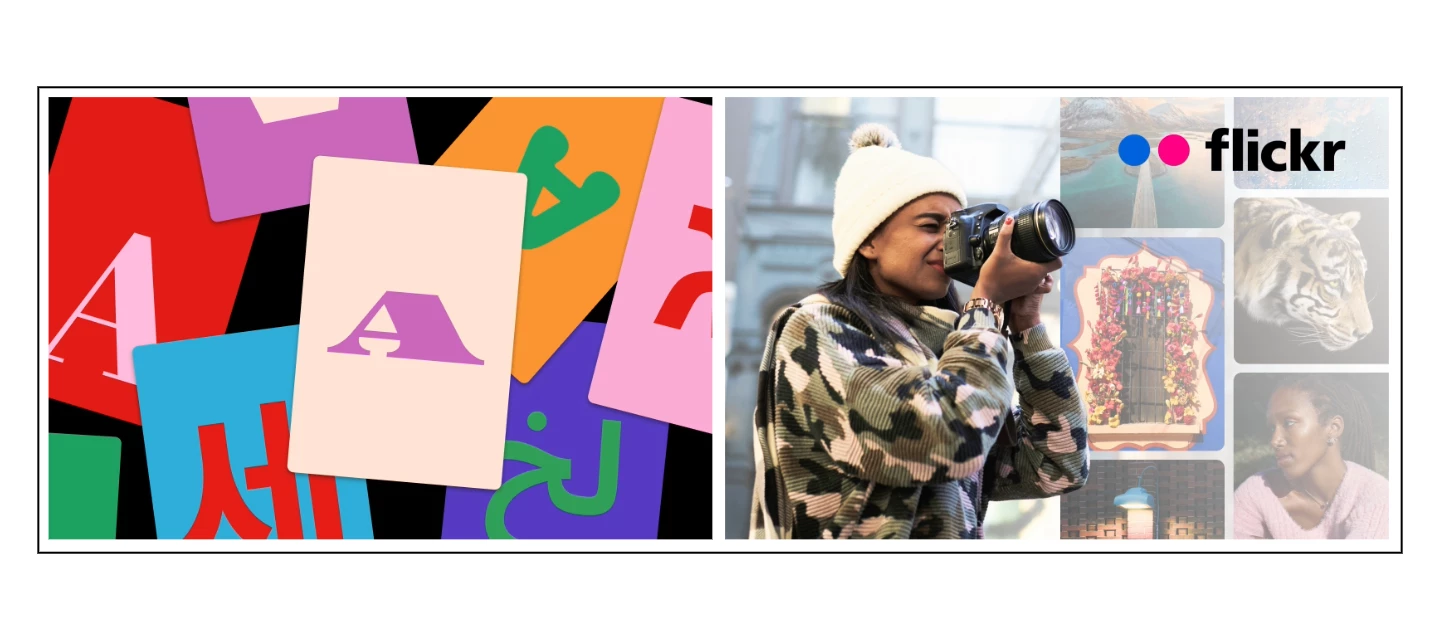
As a Creative Cloud member, you have access to a host of membership benefits to keep you ahead of the curve and support your creative work. Over the past month, we’ve added new benefits and enhanced others to make your membership more valuable. Here’s what’s new: Adobe Fonts: New Foundries and Sofia Update We know everyone has their own type – which is why we’re constantly adding to Adobe Fonts to make sure there’s something for every project. With this update, we’ve added new expressive/display fonts, as well as fonts that support Korean, Hebrew, and Arabic. Plus, we’ve expanded the iconic Sophia Pro font family.Click here to explore the new fonts and foundries. New Partner Perk: 25% off Flickr Pro Photographers, this one’s for you! We’ve heard a desire from Creative Cloud members in the photo space for partner perks designed for photo use cases. Look no further! We’re happy to announce that Creative Cloud members can take advantage of a 25% discount on various Flickr Pro plans. T
Remix with Firefly Community Gallery
Thousands of free creations to fall in love with and remix in Firefly.
Already have an account? Login
Enter your E-mail address. We'll send you an e-mail with instructions to reset your password.