


- Home
- After Effects
- Discussions
- Re: Adding Keyframes to Sliders in Essential Graph...
- Re: Adding Keyframes to Sliders in Essential Graph...
Adding Keyframes to Sliders in Essential Graphics

Copy link to clipboard
Copied
I am making an Essential Graphics template in AE. Because scale is not a function that EG supports, I created a slider for the scale values that I wanted, and added that to my EG window. All of that works well, but I want to be able to adjust keyframe spacing in Premiere when I export this in. The best that I can figure is that the keyframes that I set up on my slider don't transfer over into Pr. What's the best way to make the slider keyframes that I made in AE show up in Pr?
Thanks.


 13
Replies
13
13
Replies
13


Copy link to clipboard
Copied
[moved from Adobe Creative Cloud to After Effects]


Copy link to clipboard
Copied
Hi zach kast,
Sorry for this issue. Did you ever find a solution? Please let us know if you have or if you still need help.
Thanks,
Kevin

Copy link to clipboard
Copied
Dear Kevin Monahan
I have problem about EG Keyframe, when i create EG in AE and i want animation keyframe in Premiere, Pls help
I send to u sample EG that I make,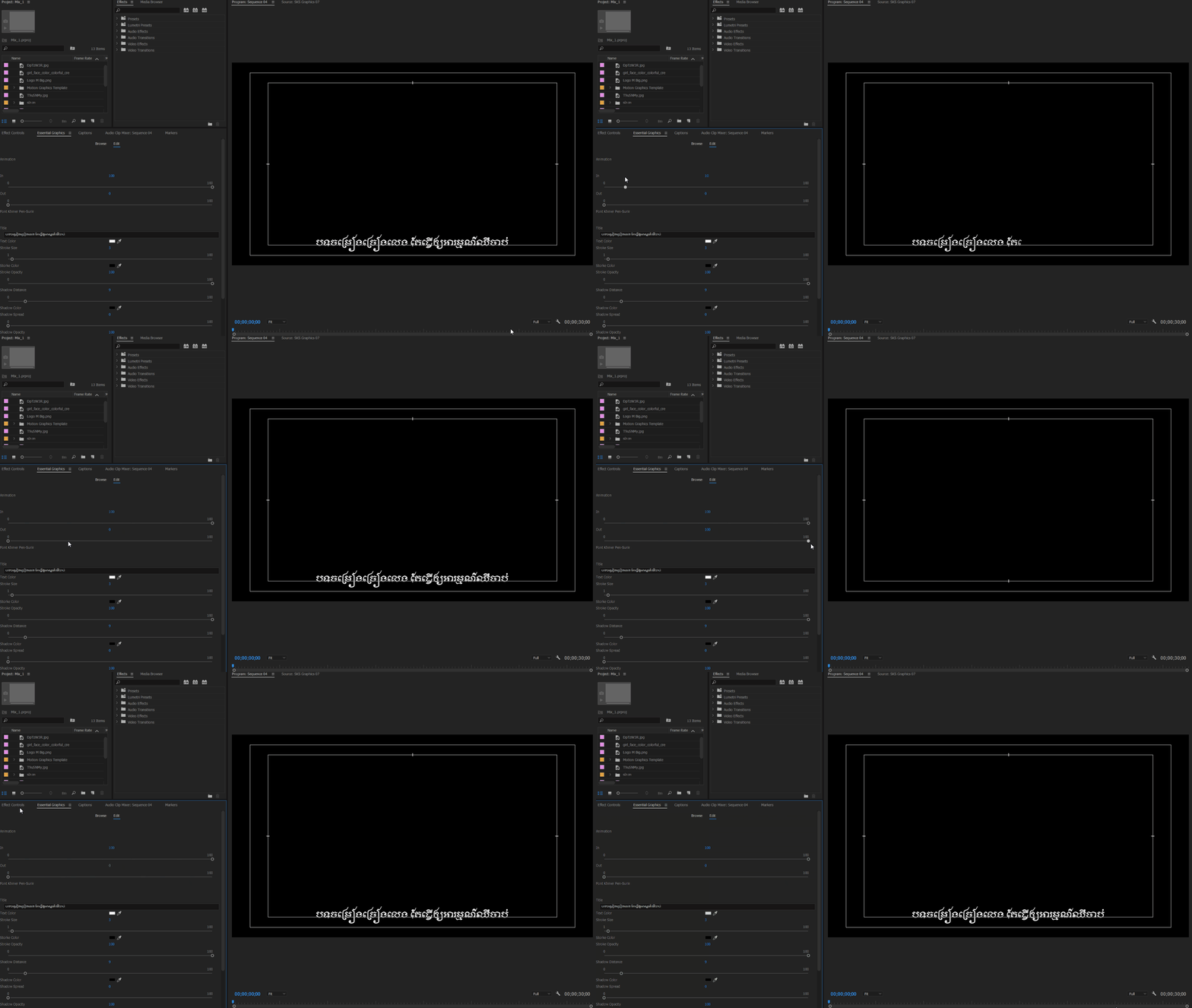

Copy link to clipboard
Copied
Hi Kevin and all
I can solve the adding keyframe part, but not the animating bit. I have set up another post to try and solve this!
Expand the track height until you see the rubber band on the video. You can then click on the little yellow fx button on the clip. It will then give you the options to choose the Essential Graphics parameter of your choice.
You can set the values and keyframe it, but it doesn't seem to work!

Copy link to clipboard
Copied
I have the same issue pretty much.
All I have is the Y-position value linked to a slider. There is no stop watch in the effects control panel so have to add key frames on the rubber band on the clip in the timeline.
No matter what values I put in there is no animation between keyframes.
Sliding the slider back and forth shows that the parameter is doing what I intend it to do but there is no way to animate it.

Copy link to clipboard
Copied
EGP sliders are not keyframe-able. it was designed as a way to change parameters, not animate them... BUT, if you had an code in Ae that takes an animation into account by using the sliders - that's something else...
Copy link to clipboard
Copied
Well that seems like an oversight to me. The code is clearly there, you can see the values changing and the animation happening on a still frame, why not be able to animate that from one frame to another?
This could be a really useful tool for certain things but without being able to animate from one value to the next I don't see how its any better than a linked comp.

Copy link to clipboard
Copied
Yes I agree completely. And just to add that this has not been fixed in the CC 2018 version. It doesn't seem to figure on the agenda, but I'd rather not have the keyframe option than have it there and it not work!
Copy link to clipboard
Copied
you could ask for it: Feature Request/Bug Report Form

Copy link to clipboard
Copied
Utterly useless to be able to import a slider for a range selector but not be able to keyframe it.

Copy link to clipboard
Copied
I had a similar problem, and was able to hack together this workaround. Maybe it will be helpful? Re: Creating .mogrt with adjustable keyframes for Premiere
I agree it would be very nice to be able to import a slider with keyframes.

Copy link to clipboard
Copied
Just wanted to post a link to this feature request: Add the ability to keyframe an imported After Effects MOGRT
Vote it upward!

Copy link to clipboard
Copied
I believe this link is broken. But i manage to get the right one.
Thanks for sharing!


Get ready! An upgraded Adobe Community experience is coming in January.
Learn more
 AdChoices