


fredik81
New Participant
February 23, 2018
Answered

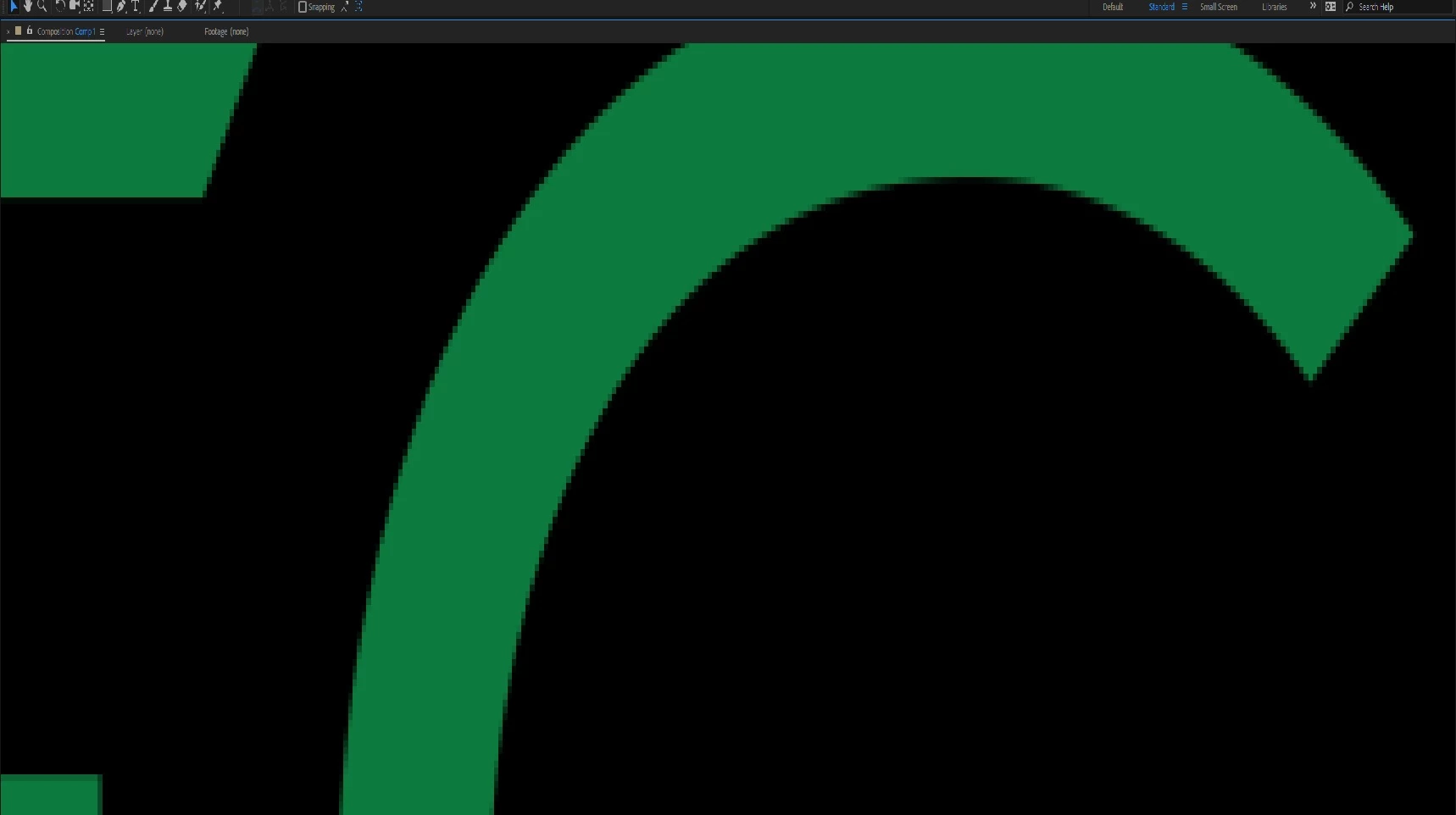
WHAT is the best Solution for anti-aliasing method in after effect? (Text,Shape,E3D)

  • February 23, 2018
  • 2 replies
  • 2119 views

Hi Everyone,

Actually after searching and reading so many forums and answers , i Did not Find right Answer for this problem.

i saw suggestion in pixel ratio Area and other things but There isnt a RIGHT answer for this problem. i did so many things and its so funny that i cant solve this.

I Was Wondering if Anybody could help me and solve it.

Best Regards,
This topic has been closed for replies.
Correct answer Jose Panadero

This is not a problem. This is the way After Effects worsk. If you want to view "pixel perfect" you need to set your zoom level at 100% in the composition window. AE does not behave as Illustrator or another vector illustration apps when zooming.

2 replies

New Participant
September 2, 2021

Convert your layer (Text, Shape, 3D) into a 3D layer, an set Classic 3D rendered.

Jose Panadero
Jose PanaderoCorrect answer
Community Expert
February 23, 2018

This is not a problem. This is the way After Effects worsk. If you want to view "pixel perfect" you need to set your zoom level at 100% in the composition window. AE does not behave as Illustrator or another vector illustration apps when zooming.

fredik81
fredik81Author
New Participant
February 23, 2018

it was the easiest way that anybody could answer this question! thanks Dear Jose