Participating Frequently
August 5, 2020

P: Lightroom Mobile: Huawei P40 Pro: RAWs have Tint +150 after Lightroom import

  • August 5, 2020
  • 21 replies
  • 3493 views

Hi together,


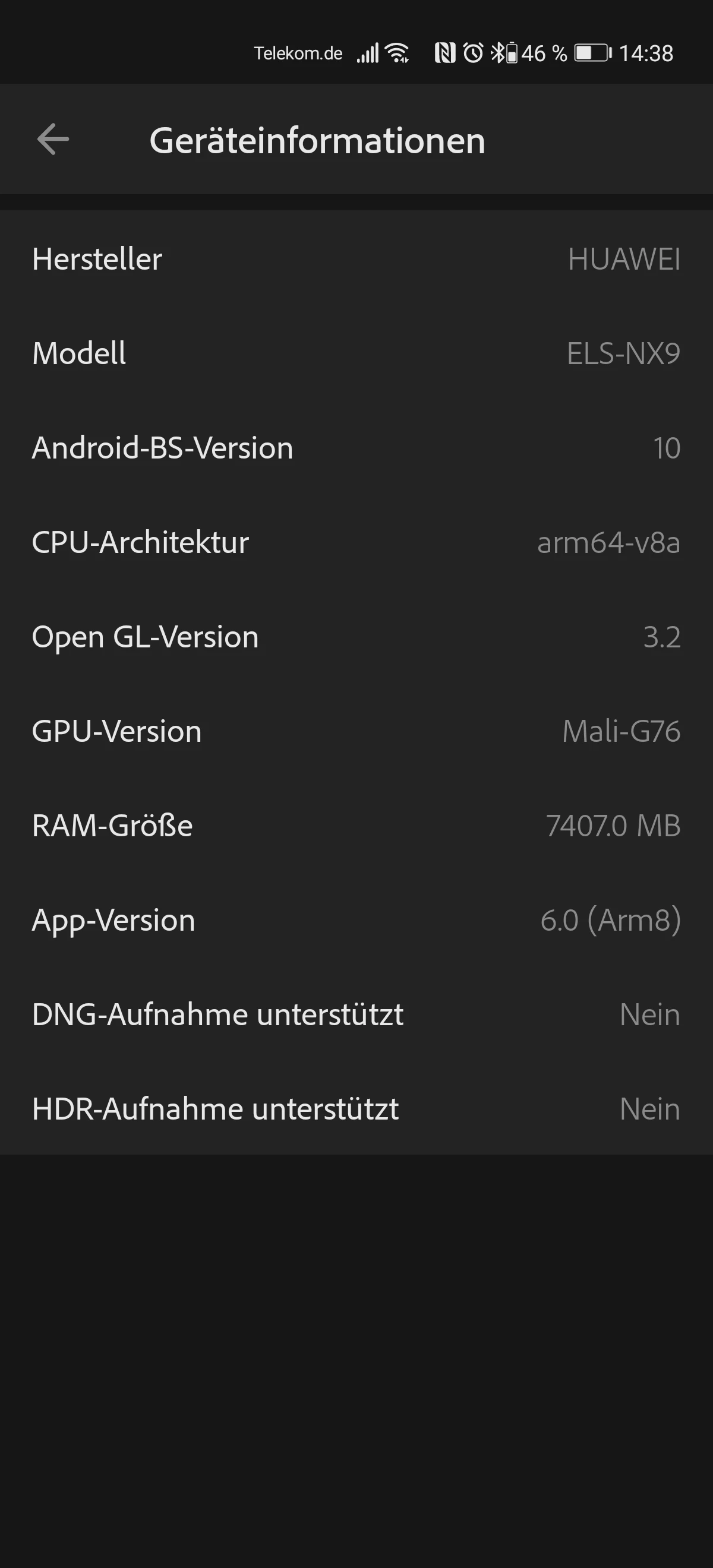
I have switched from a Huawei P30 to a Huawei P40 Pro.

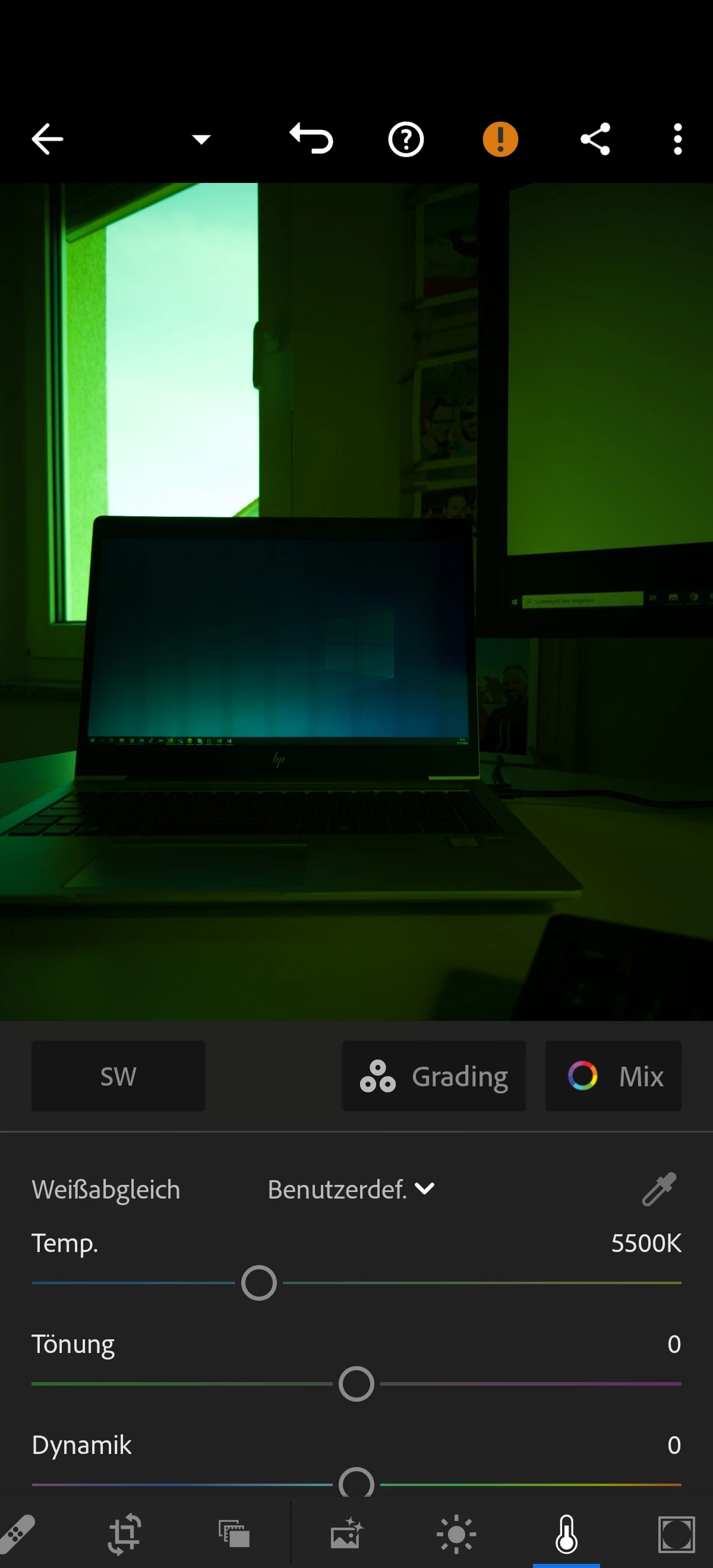
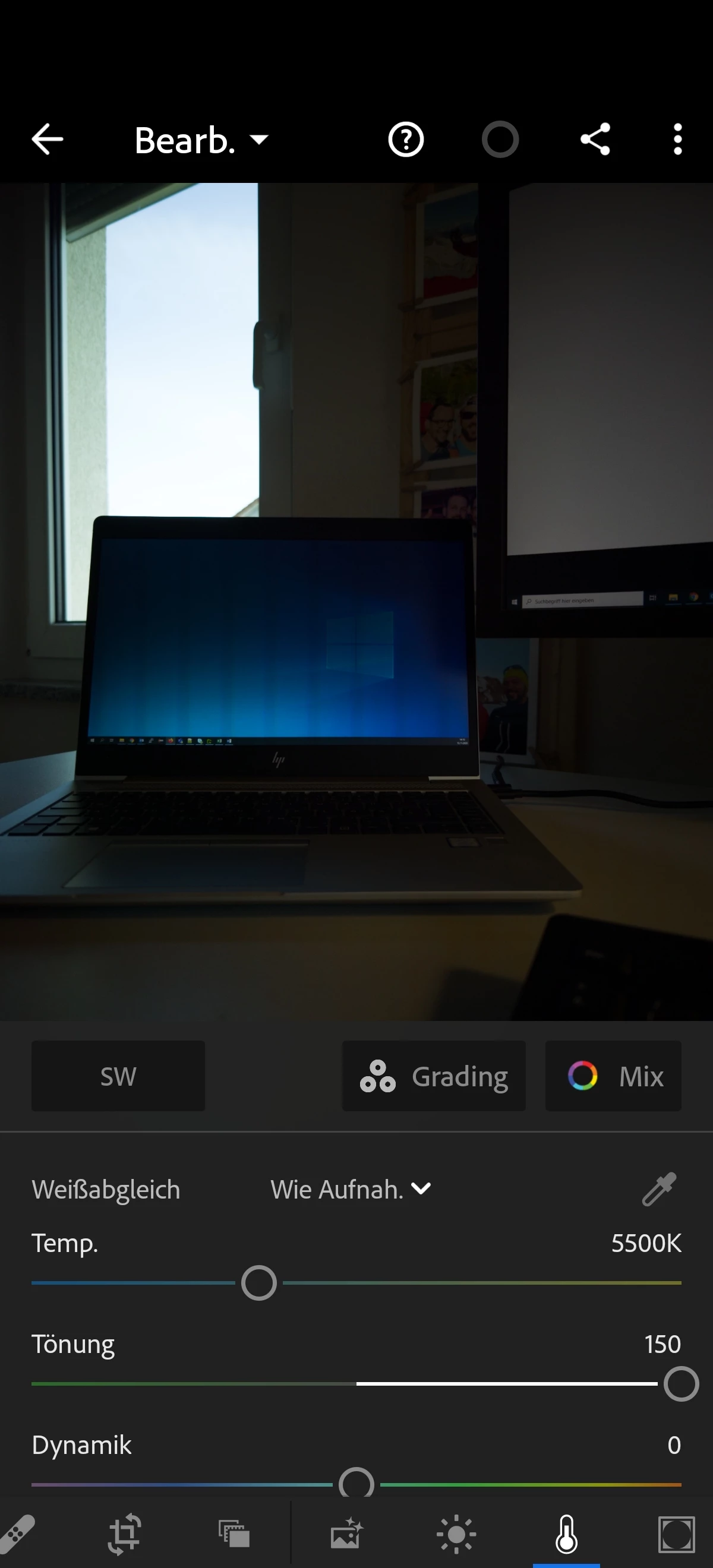
Problem: When importing the phones RAW files into Lightroom mobile, the images have a tint (Tönung) of +150.

If I set this manually to 0 the whole image gets green...

Same behaviour if I import the phones RAWs on my desktop with Lightroom Classic.


Is there any solution for this issue? My Lightroom mobile version: 6.0


Regarding this page: https://helpx.adobe.com/de/camera-raw/kb/supported-lenses.html the P40 Pro cameras are supported.

But for me it doesn't work so far.


Best,

Niko


This topic has been closed for replies.

21 replies

Participant
August 5, 2020

Hi there,


I've got a new Huawei P40 Pro but I'm having trouble with editing the raw DNG files. When I import them the tint is automatically set to +150, and the image still has a green tint, so I can't edit them to be true to colour as I can't make them any pinker.


I've tried to use the shadow tint slider under calibration which makes it a bit better but I'm still finding it impossible to get it true to colour.


Huawei support haven't been helpful, they said it might be to do with the fact they use a RYYB lens which Lightroom isn't set up to support, but were unable to provide any actual solutions. Has anyone come across this before or have any ideas on how I could fix it to make these photos editable?


Thank you in advance!


Two images attached to show green tint even at max +150 tint towards pink


johnrellis
Genius
August 7, 2020

I downloaded a sample P40 Pro raw and also observed that Tint was +150.  (The sample I downloaded didn't have an overall green cast, though.)


DNG files are supposed to be self-contained so that LR or other apps can interpret them without the need for individual camera profiles, as is required for the proprietary raw formats used by most manufacturers. Huawei support's claim that the problem has its roots in the camera's RYYB sensor  sounds plausible, but you can't put much stock these days in what technical support for any large company tells you.


I suggest you post a bug report in the official Adobe feedback forum, where Adobe wants all bug reports and feature suggestions: 
https://www.lightroomqueen.com/send-bug-report-feature-request-adobe/

Be sure to include the first ten lines of the menu command Help > System Info.  Provide all the details, rather than linking back to this thread -- experience shows that Adobe developers tend not to follow the links. (Safari users, uncheck the option Safari > Preferences > Privacy > Prevent Cross-Site Tracking or use Chrome or Firefox.)


[Use the blue reply button under the first post to ensure replies sort properly.]

Participant
June 24, 2021

One year and this is still not resolved...