
















『アドビコミュニティフォーラム』に質問/トピックを投稿する方法
Connect with our global Camera Raw Community.
新着順
In Camera Raw, there is a half-buried setting to write changes to XMP. Unfortunately there is no way to specify that settings should always be written to XMP, so every file I process, I have to manually run that command. How about adding a preference to always write changes? I move files between machines as my workflow, I use presets and dng profiles, and everything blows up if changes aren't saved out.
I have search and read and everything is a dead end. It will not find people in a picture.Brand new M2 Max with 64gb 1tb storage. Running it from ssd. It runs fine on my old 27'' imac. It is all up to date on stuff. raw 16.2 PS 25.5.1
Hello all, I've been using Photoshop and Camera Raw for around a year. I'm just doing a basic workflow that a friend taught me, as I'm a bit of a novice. I take bird photos with OM Systems OM-1 and 300mm f4 PRO. My starting point is to process the .ORF (RAW) file in Camera Raw, and click the Auto button. I found this generally made a great improvement, but quite often I had to correct the Exposure. Apart from this I would sometimes adjust Shadows & Highlights, adjust Whites and Blacks, then do Denoise and Sharpening. At this point a .DNG file was created, and I clicked Open to make further adjustments in Photoshop (usually just cropping and sometimes to remove a distracting feature). Generally I was very pleased with the results. However, this changed around August this year, with the Camera Raw update to 17.4 (I think). There were changes to the dialogue, and now it saves the edits in a .acr file, and it doesn't automaticall
SInce last update - I am on CR 17.5.12319 now - the inner circle (feathering amount) has not been visible. I can still adjust the feathering on the slider, but the graphical interpretation has gone.It's on two Windows 11 machines - a laptop and a very well spec. desktop, so I don't think it's a hardware issue.I don't know if this is on purpose, or perhaps somebody has made the same observation.Jan, DK
Hello everyone,I’ve noticed that on Camera Raw, the RAW-S and RAW-M files from the Sony A7RV are rendered poorly, both in terms of color but especially in distortion correction. On Capture One and Sony’s Image Edge, the images look perfectly identical and distortion-free.On Camera Raw, however, they appear overly distorted. Here is the download link for the RAW files: https://www.swisstransfer.com/d/2610f26d-8328-4694-b9c9-ddf1f63f33f4I did tests with RAW, RAW COMPRESSED, RAW-L, RAW-M, and RAW-S, and the issue only occurs with M and S. I need the distortion and vignetting to be corrected properly, considering that I pay for the software.I hope someone can help me.Thank you
Why don't we have a Saturation Range Mask here yet? 🤨 A separate saturation adjustment tool would help us quickly target and fix oversaturated and undersaturated areas, without navigating through multiple tabs and other sliders.
Many people have beautiful, natural freckles that often get softened. Manually enhancing them in Photoshop (with dodge&burn or channel masks) is effective but time-consuming. Add a one-click "Enhance Freckles" filter within Adobe Camera Raw. Smart Auto-Detection: the filter should intelligently identify and select freckle patterns.Adjustable Sliders: Lightness, Contrast, Hue, Saturation. A wide range of values should allow us to do everything from boosting freckles to mostly eliminating them. This would provide a fast, intuitive, and non-destructive way to accentuate a subject's natural character.
i haveProcessor - Intel(R) Core(TM) i7-14700K, 3400 Mhz, 20 Core(s), 28 Logical Processor(s)Moderboard - Model Z790 D AXRam - 32gbGraphics card nvidia 5060ti 16gb ram ,still i am getting camera raw program error, i am getting frustrated by this , when i restart my adobe photoshop its work again, and when i opening raw photo for the 4th time it shows me this error again & again .
The button for opening a camera raw file into photoshop is gone. Next to ‘annuleren’ and ‘gereed’ (Dutch 🙂 .Mac Studio and camera raw 17.5. How to fix this?
If open DNG in camera ACR then crop it and save it ACR embeds the JPG preview not full size despite the setting.
in new ver of camera raw. All drop down menu is not working. Please fix itI hope you can add Sleek hair like evoto in camera raw. Blemiss and even skin like capture one.
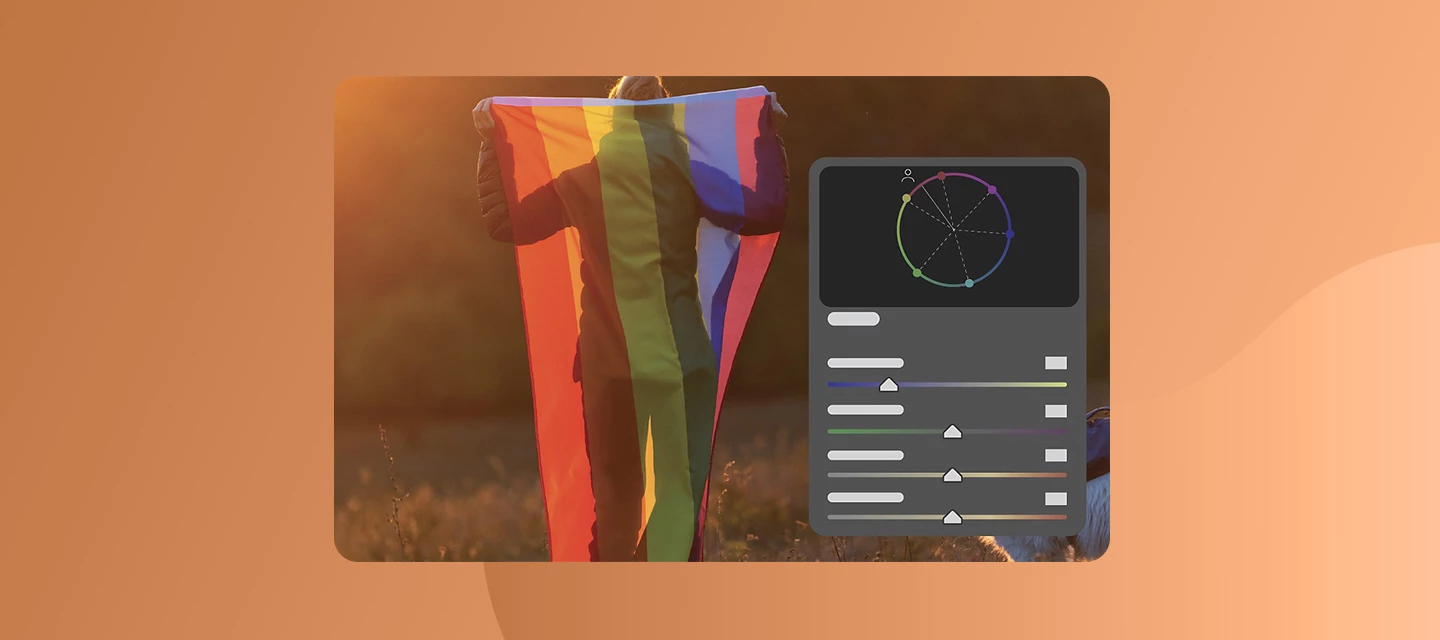
This post applies only to Camera Raw. Announcing a new feature in Adobe Camera Raw (17.4) – Color Variance There is now a Variance slider in the Point Color edit controls, in both global Point Color and masking Point Color. Like the Point Color Hue, Saturation, and Luminance sliders, Variance works on the colors in the range of the current sample. Reducing Variance pulls colors in the range toward the sampled color; increasing Variance pushes colors in the range away from the sampled color. Variance pays attention to the HSL edits you've made to the sample; it's pushing away from or pulling toward the "after" color - the right side of the color bar above the sliders. You can make the slider adjustments in any order (HSL edits first or Variance edits first), and the results will be the same. Reducing Variance is useful for evening out skin tones: sample an area of the skin that looks like you want it to, and then reduce the variance to pull the colors in the s
The backward compatibility of DNG Converter seems to be broken, in particular it creates Opcode List 2 tags even when "Camera Raw 4.6 and later" or "DNG 1.1" compatibility is selected (both of which do not support Opcode List tags, as they were introduced with DNG 1.3 and Camera Raw 5.4). This is on macOS 14.6.1 (Sonoma) and I can observe this back to at least version 13.0 (probably the oldest version that still works on Sonoma).
If i have Photo with portrait orientation then i crop it to landscape orientation and save, ACR embeds preview in DNG that is portrait orientation and it shows incorrectly (+90°rotated).
Hello ! I apologize in advance for any mistakes, I'm writing using Google Translator. I've been having problems with Camera Raw for about 2 weeks, especially when I work with masks or denoise photos. there are messages about lack of memory, etc. I have had the computer for less than a year. I've never had any problems. I7 13700kf ram 32gb nvidia gforce rtx4070 card. In photoshop, help, GPU compatibility is ok. Same in preferences: PS or camera raw. everything is fine. The latest studio driver is on the card and I don't know why there are still problems. I would like to uninstall all applications and install them again, but I don't want to make a mistake and do something wrong. Can someone give me some advice, step by step, on where to look for the problem. Thank you and best regards
When i make panorama from camera RAW files in ACR and make adjustments i want to save the JPEG preview reflecting adjustments i have made however ACR shows preview without adjustments. How can i force ACR to update JPEG preview?
Please consider adding a Midtone Adjustment slider to the Develop Module in Lightroom Classic and ACR. This adjustment slider would be in addition to the other sliders.
Hi everyone,I'm experiencing (about a week) an issue in Photoshop when working with multiple photos and using the Camera Raw filter.When I open the first photo, everything works fine — I can apply the Camera Raw filter without any problems. However, when I open a second photo and try to use the Camera Raw filter again, Photoshop stops working properly. I get an error message saying either:"Not enough RAM"ora GPU acceleration-related error.If I close Photoshop completely and reopen it, I can apply the filter again — but only once. The issue returns as soon as I try it on another image.Has anyone experienced this before? Could this be related to my system specs? I'm currently considering upgrading to 64 GB of RAM — would that help? Thats advice I received from IT guy . Any suggestions or advice would be appreciated!
When I installed Creative Cloud, Camera Raw appears as an installed software (but I never installed it). Is there a way to remove it's card from the Installed category from Creative Cloud?
Adobe really needs to update Camera Raw so that you can batch process bracketed raw photos into HDR.
Hi guys!I have always worked with the funcion loupe on e loupe off in the Camera Raw settings about geometry.I just had to press Option on my MacBook keyboard and I coud chose when to use it or not.Now I can't chose and I just have the option on and off by the menù on the right. Any advices? Might I have done anything wrong or it's a new default setting about camera raw?Thank you!Jody
I've reported on memory issues with the DNG Converter before, but it's getting worse and someone needs to tell the developers. Today it failed to convert 11 images because it ran out of memory. This is on a 64Gb system with 32 threads (AMD Ryzen 9 3950X 16-core)From the outside looking in - I'm pretty sure there is a memory leak. I'm guessing that it opens the Sony ARW files and doesn't free up memory after converting and writing the DNG to disk. So the more files it processes, the more memory it uses and pretty soon it runs out of memory. It had successfully converted 42 files before it started showing the "not enough memory" errors. Before anyone suspects there was something wrong with the 11 images that it failed to process the first time, I re-ran the DNG converter and JUST those 11 images and it finished all of them very quickly and without error. This is with version version 17.1.0.2100 set to:Camera Raw 16.0 and later JPEG Preview: Full SizeEmbed fa
This release contains support for (1) Camera Nikon ZR* ( * ) Preliminary support for Nikon ZR pixel shift (NEFX raw) (12) Lenses Canon RF Canon RF 85mm F1.4 L VCM Sigma 12mm F1.4 DC C025 Hasselblad X Hasselblad XCD 2,8-4/35-100E Sigma L Sigma 20-200mm F3.5-6.3 DG C025 Sigma 35mm F1.2 DG II A025 Sigma 135mm F1.4 DG A025 Sigma 200mm F2 DG OS S025 Sony E Sigma 12mm F1.4 DC C025 Sony FE Sigma 20-200mm F3.5-6.3 DG C025 Sigma 35mm F1.2 DG II A025 Sigma 135mm F1.4 DG A025 Sigma 200mm F2 DG OS S025
Bonjour,je travaille en RAW sur 2 boitiers en simulatané avec le traitemnet sur Camera Raw.Je voudrais exporter mes images, après traitement, en JPG mais dans l'ordre de création (tel que l'affichage choisir pour le traitement).Cependant, les fichiers sont renommés dans l'ordre du 1er boitier suivi du 2ème boitier. Et non les 2 boitiers mélangés par ordre chronologique.Est-ce possible ? Une solution ?Merci d'avance pour votre aide !
The download page for the Adobe DNG SDK does not include any mention of the terms of use or licensing for the SDK itself. I see there is the DNG patent license, but that does not cover the SDK. Additionally, the SDK download no longer contains any mention of the license as it used to. The SDK cannot be used if there are no licensing terms available, so where can I get the license for the latest Adobe DNG SDK 1.7.1?
すでにアカウントをお持ちですか?ログイン
Enter your E-mail address. We'll send you an e-mail with instructions to reset your password.
申し訳ございません。このファイルは、ダウンロードしても安全かどうか、内容を確認中です。数分後にもう一度お試しください。
申し訳ございませんが、当社のウイルススキャナは、このファイルをダウンロードすることは安全ではないと検出しました。