





Learn how to create, build, and animate 2D puppets.
Recently active
I am having issues with my legs stretching and body Swaying back and forth in the opposite direction of my head. I was watching some videos on it and had the body moving correctly but then i tried to fix other things and now it stopped moving. My arms are bending a little crazily but i feel like if i find the right spot on Arm IL I can get that right, but the other 2 issues I am stuck on. Thanks in advance
I don't know what to title this topic as, but here we go.Is there any cheat/hack/tricks in Ch to achieve that random head movement like when South Park character is speaking. Up and down, left and right, as well as some slight rotations. It's just way too much of work to do it using keyframes. Perhaps there is a behavior we can use or a combination of them? Thanks!
okay, I had downloaded one of the free puppets offered on the site.its name is templateman.I have had zero luck editing him at all. I have watched the videos, and followed the instructions with zero luck.I will attempt to load my screen shots so it seems legible.I start the program with the puppet, he is movable, and can have movement triggers. (1st picture)I origionally wanted to add a gotee, but for simplicity i decided to show what happens when i just want to delete the logo on his shirt.I go from record screen to rig screen, and this is what i get (picture 2) I click edit oriogional (pic 3) and it opens adobe illustrator (pic 4) and this is how it starts. (pic 5) shows exactly how the program starts. you can see I deleted the layer with the logo. I follow the instructions and click save (pic 6) which gives me a default area to save the character to (pic 7). after that i get the deafult illustrator option (pic 😎 which i click ok. (pic 9) shows absolutely nothing changes
Hello!Thanks in advance if anyone has the answer to these problems.I have minor experience with CA, I used it for a couple of projects back in early 2018 but haven't touched it since. I pulled in two puppets that I created in Illustrator into CA, the pupils and eyes in general have been giving me a lot of grief. I set up my layers in Illustrator to match what I did both in 2018 and modeled after a few tutorials I've watched. The pupils on my "Vinny" puppet are refusing to move at all no matter where I place them or how I name them. I'm not sure what's going on, I've been looking online all day basically and have tried ways of fixing it, but nothing works. Also, does anyone have a trick for masking so that the pupils don't go outside of where they're supposed to? I tried making eye ranges/tagging, and I've also tried clipping masks in the Illustrator file itself, but nothing has worked, maybe I'm doing it wrong. I'm attaching the most recent and clean file version that I have of the CA
Have a character walking and it generally looks OK. What I am trying to achevie is to reduce the up/down body and head movement and can't find which settings to adjust to make it less... Stomping/Yeti-like.So the head would move less up/down during the walk cycle, and be a little more "graceful". I've been moving the various tags around and adjusted stride length and speed but none of those seem to have any effect.
Hi All. I could not find a response to my above question so I am tossing it out to the community. I must not be the only one with this issue. I have a talking head (literally) that talks perectly in the Fontal and Right Quarter positions when the respective head position is the Default. What I would like to achieve is have the head continue to talk through during head position changes. I have set up a swap set for the head positions. Replies are appreciated. I have a work around in mind, but I am lazy and looking for a simple approach.
Help! I had a power outtage while working on my project. When I tried to open it again, I'm started getting this error:libgit2 error - 1(4/Corrupted loose file reference file: refs/heads/master) returned from git_revparse_single(&headP,repoP,specZ) Any help to recover this would be greatly appreciated!
I recently installed adobe character animate, i started with tutorial in it.When i started playing video, it is stucking and audio also.Please help me out....... 😰😰😰😰😰😟😟😟😟😱😱😱😱
I'm building a wave and using a cycle layer. I adding to an existing puppet. The existing arm is rigged and dragable. I added a series of arms to create the wave and made them cycle layers. the wave works but the original rigged arm remains while the animation cycles. I've added the original arm to cycle but then the arm is not present until I que the cycle. Any help or suggestions would be great. Oh, and the wave cycle is really fast. How could I smooth this out and slow it? Thank you.
Hi! I am just a teacher trying to do my first puppet so please bear with me. I have seen all Youtube and video tutorials but I can't seem to find what is the problem. I am trying to put the triggers for the hands so it points, or do other gestures. but for some reason when I go to the scene the arm is not there althought the triggers work cahnging the hand. I don't know if it is an error in the layers or the triggers, although I have follow exactly what Okay Samurai does in the videos. Here are the layers in illustrator When I go to the scene the hand is not there and If I click the trigger it changes the hands but the arm is not there.
Hey Adobe Hivemind!I'm hoping someone can give me some suggestions on how to fix the following issues. 1. The whites of the eyes "drift" out from under the glasses when in motion.2. Blink isn't working with eye gaze. Pupils do follow which is great.3. When I use keys to initiate Happy, Sad, Blink you can still see the pupil underneath the artwork.I'm still looking for some soultions for myself but haven't come across the right fixes yet. Any help would be appreciated. Here's my rig setup:
Is it possible to have multiple rigging panels open at the same time?It would be very helpful to have one open as reference while rigging a new puppet.
Faced such a problem. If you activate "walk" "mode" - "left & Right Arrow key" with the arrows on the keyboard and activate the eye movement from the keyboard "Eye Gaze" - "keyboard input" , then it’s not possible to control the character (he walks and moves his eyes at the same time). Is there any way to reassign walk or eye movement to different buttons on the keyboard?P.S. - mouse touch input \camera input doesn't suit me Adobe.Walk.js, Adobe.EyeGaze.js What needs to be changed in ".js" to change key combinations?Thank
I was assigning triggers and ran into a spot where they just wern't working. Everything is set up right. But when I go to make the arm moving with the corresponding finger set the arm wont change. I switched the key after trying everything else and the arm would move but not the fingers. That has me stumped. I had triggers set up on something before and they would not respond and I deleted the trigger and file and reset it and it worked but I have tried everything and was wondering if there is a bug when it comes to triggers? I attached a screenshot incase I'm missing something but I don't see what it could possibly be.
Hello,I am a school teacher who as of 2 weeks ago attempted to begin using some free trials of both Adobe Illustrator and Character Animator to help in creating some animated instructional videos for my school. The adobe world is completely new to me and hence even after trying to follow the tutorials that showed you how to start with template puppets and make edits to customize from there I have royally screwed up my puppet's rigging and behaviors and every attempt at fixing only makes it worse. I tried to keep it as simple as possible but my character needed to have some unusual clothing layers since it is a nun..... with a full habit to look like me who am a real nun, though the truer term woudl be a "sister" Basically the layering was more complex than I was ready for. Does anyone know if there are any experts out there who would like give you a private lesson for a small fee and work with you to fix a puppet and learn the basics? I literally need like
Hi guys, I've been using my puppet for a while now and it has not had any issues with the dangle physics, however recently I've noticed the hair massively jittering. I've tried re-rigging, changing the mesh shape and restarting my PC however nothing seems to work. Is this a problem in version 3?
I have a character that I'm trying to rig to walk but I can't figure it out. I've followed tutorials and have gotten other characters to walk fine. What I'm dealing with is pretty much a quarter view of a character like Footy. It has no torso and is a head with limbs. I assume it's possible but I havent seen a character like this walk.
I have an animation that has multiple takes synched to playing musical instruments but I am creating hundreds of individual takes... is there anyway to merge these different takes into a single "take" timeline rather than new ones?
Hi All, Created my puppet (Photoshop), and imported the desk from the clay sculptered dinosaur (free example puppets). In the character animator timeline, the desk is on top of my puppet however I cannot see my puppet in the scene? I assume this has something to do with the desk's background, however I removed all layers (bar the desk) in photoshop. Please assist - Can this be altered in photoshop possibly, as I can only see 'edit original'. Thank you
Hi. So... this is kind of a newb question, but I created my puppet from scratch in Illustrator without using a puppet template. This was because I am new to most Adobe products and couldn't figure out a way to create shapes/paths in illustrator without it becoming it's own layer. Long story short, everything works great when I import it into Character Animator but I want to have multi-frame visemes for my puppet and currently the character only has single frame visemes and looks quite choppy at times. How do I do this in Illustrator? For context, I created 'layers' by grouping the different parts and then dragging them into the appropriate folders. However, I can't create anymore sub layers in Illustrator because they are already grouped together. ex)+puppet +Head +Mouth Ah (cannot add anymore layers preventing me from making it multi-frame)
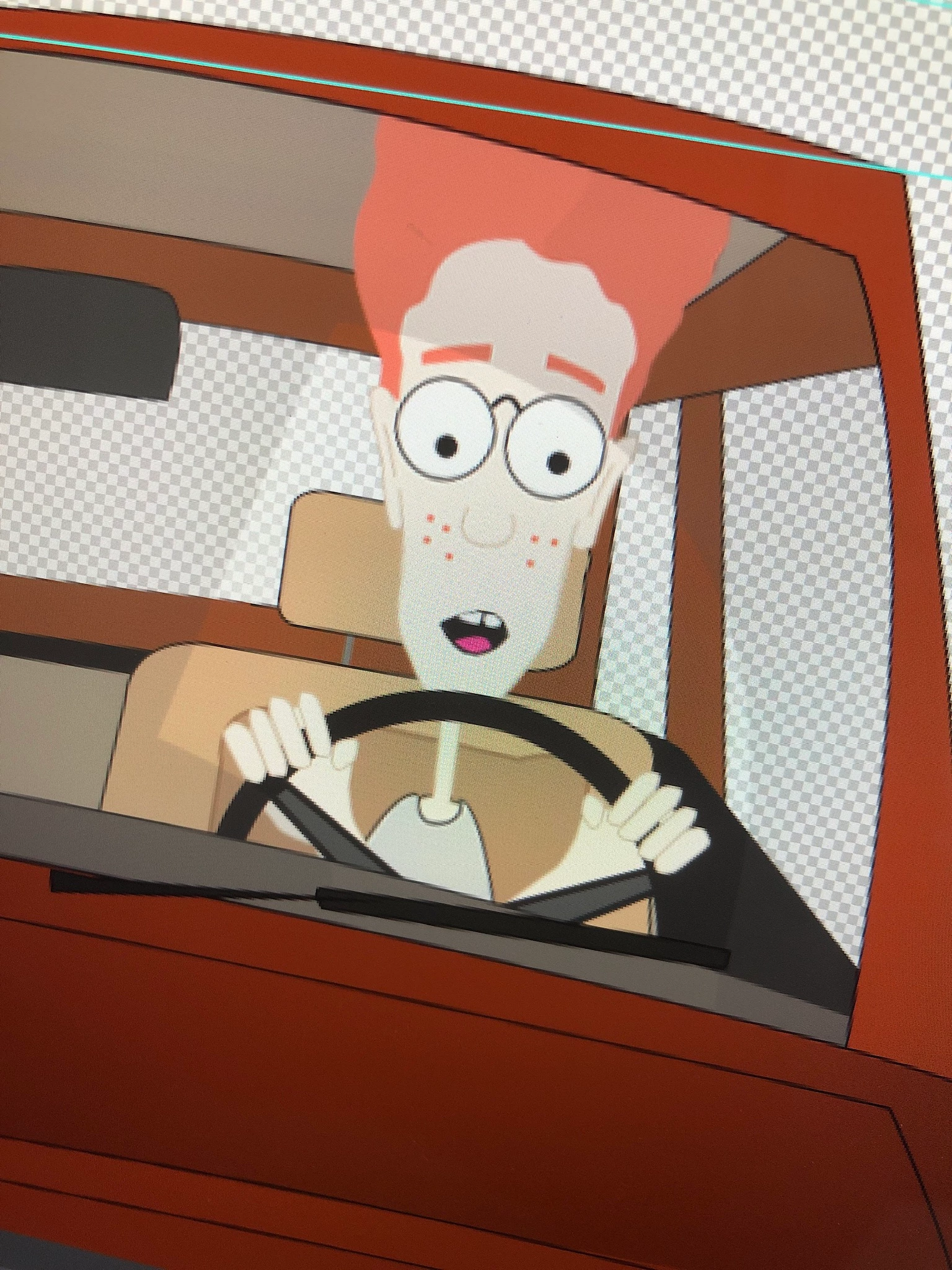
Hey all, I have a client who wants South Park style 'real head' character designs for one of his clients (probably the most famous example is the Saddam Hussein character concept). The nutcracker jaw would be perfect but the SP character's head moves up and down and the jaw stays fixed, Is it possible to do this in Character Animator?
3 'view' character of bumble bee, left, standing, right, all 3 views show up in scene...have designated left right and standing tags file attached Why do all 3 show up at same time...I am using the 'draggable' feature to move the bee around the sceneThanksMark
I know the Character triggers for Twitch have been disabled due to updates from Twitch. As I understand the problem, every time Twitch updates its service, the integration breaks. Anyway, I was wondering if Character Animator could be integrated with IFTTT (IF This Then That). It's mostly used for smart home integration, but it is compatable with parts of Twitch's livestreams (typically to change colors of room lighting on a webcam or something). Anyway, if Character Animator could let us set up triggers via IFTTT integration, we could make our own rules for Twitch integration... or make our puppet wave hello when we start our smart dish washer... not sure why, but there are a lot of opportunities for creatives to use the software in fun ways with IFTTT.The other benefit from a development standpoint is that Twitch maintains their integration with IFTTT, it's not up to the Character Animator team to maintain integration with Twitch. I don't know what requi
Hi all, I have this problem with the cycle layers head movement i'm trying to recreate form the Character Animator Tips & Tricks (October 2017) video. ( Character Animator Tips & Tricks (October 2017) - YouTube )In this video Lynne Mitchell created a cycle layer head movement for some smooth head turns. Now i have this problem where the head turns smooth when i look to the left or right, it runs trough te cycle layers as it should. But when i look straightforward again it pops back, without the going trough the cycle layers. I did check the Forward and Reverse box but it doesn' t runs trough the cycle layers again when i look straightforward again. Does anyone know how to solve this problem?
Dear brothers in arms of animation warfare, especially on Youtube, I would like to know how to mimick that choppy stop motion animation style of South Park, which are: The head movement when the character is speaking & The entire puppet movement when the character is walking Please share your tips, tricks & hacks. A video would be very great and muchly appreciated! Sorry for my bad english. Sincerely, Ben Title edited by Mod
Remix with Firefly Community Gallery
Thousands of free creations to fall in love with and remix in Firefly.
Already have an account? Login
No account yet? Create an account
Enter your E-mail address. We'll send you an e-mail with instructions to reset your password.