







Learn how to create, build, and animate 2D puppets.
Recently active
Hi There, Is there a way I can add captions for the audio of my character in Character Animator? Or will this need to be done in a different software? I swear I saw a box where I could input the text for the audio but it's now gone and I can't seem to find it to bring it back open. Any help would be appreciated, happy to do it in an external software but it's always better if I can do this in the same application.
My puppet is set up with each mouth being the entire face. I have the following issues.1: in record mode the entire head disappears. I have gone over the PS file many times but can't see what the issue is.2: The head when it rotates moves the neck stretches about wildly. I have tried to play with the attach style and none of the options of weild, hinge or free seem to make any difference.3: The head warps weirdly when I move my head. Images belowPlease if anybody can help I'd be very appreciative.
Hi all,I've got a character for which I've created a front view, right quarter, left quarter, right profile, and left profile view, and assigned each one in the proper face/place. I've set the walk behavior to work with arrow keys. When I hit the right arrow key it walks with the right profile, but when I hit the left, it switches to left quarter and the walk looks funny. What's the manual way to set which view I want it to use for walking? I've also got another character that I have a front, right and left view for and when I set front to be the default view, when I set it to walk right, the front view drags along on top of it, but if I set the default to either left or right, it walks fine, and I just have to remember to manually trigger it back to front view when standing. Not the end of the world, but if I can manually set/fix the views used by walk, I think that would solve this issue as well. So, can I control what view the puppet uses when walking right or left?Thanks!
Hello. I am currently involved in a huge project and I want to deliver the best quality possible. Until now I've created several animations using 24FPS. This is the moment I want to change the FPS from 24 to 60FPS (I've testes the 60FPS version and it looks so smooth...). Can someone tell me which are the expected downsides of this change? Thank you!
When using a template for a catalog I'm working on, the PDF version has a dotted line on the page. There seems to be an artboard in that area but I'm not sure how to get rid of the dotted line after I'm finsihed editing the document in Illustrator. It does not show up in Illustrator but only when it is exported and viewed as a PDF.Any ideas?
Hi everyone. My boss wants to start a youtube channel so i started to draw caracters and animate them with adobe character animator.Everynight, i go to bed with proud that my puppet works okay but then every morning it all falls apart when i open it again, i see new problems (and they were all totally working fine when i last check)Now my arm problem looks like this; the lines are weird and blurry, and it all looks really deformed.. ıt was ok for weeks and i didnt make and changed but now its like that. but is there any hero that won't just check the arm but look into the whole puppet to see some possible future issues in there? Pls help me out i feel like i'm never gonna get out from this loop and my boss is starting to get bored of waiting for them to solve... here is the puppet; https://drive.google.com/file/d/18gcx-zNmxnBIVkFngkIZ37hQ_KZBcVNK/view?usp=sharing thank you in advance
I would like to learn how to create character action without the use of a webcam, I just feel like the webcam makes it a lot easier and while that can seem like a good thing, I would like to know how to manually create the actions using the triggers. Also is there like an action or movemen database where you can click an action and the the model / puppet acts out the action?
hello I have trouble with getting my mouth shape to show up on character animator. I did visualize the mouth shapes in photoshop. Attach is the photoshop and the charactor animator screenshots just to clarity what are those 😊 Thank you for your help
Hi Need help, can we create a walk cycle for a dog in adobe character animator, if yes, pls help
Using "Ninja" puppet as my guide, I attemted to set up head and body turns for my puppet. Everything appears to be tagged correctly, yet my body still refuses to turn in sync.I need this puppet to be able to move as smooth as possible so I can track movements for a music video. Any help would be appreciated, I'm like 11 hours in trying to troubleshoot this.
Hi, I have a question that I couldn't find while searching around so here it is. Is there a way to have a differnt set of mouths when neutral, smiling, etc automatically? So when I for example laugh that it uses differnt type of mouths then when i'm neutral. I know this is possible with keyboard triggers but like do it automatically. If someone knows the answer, thanks in advance!
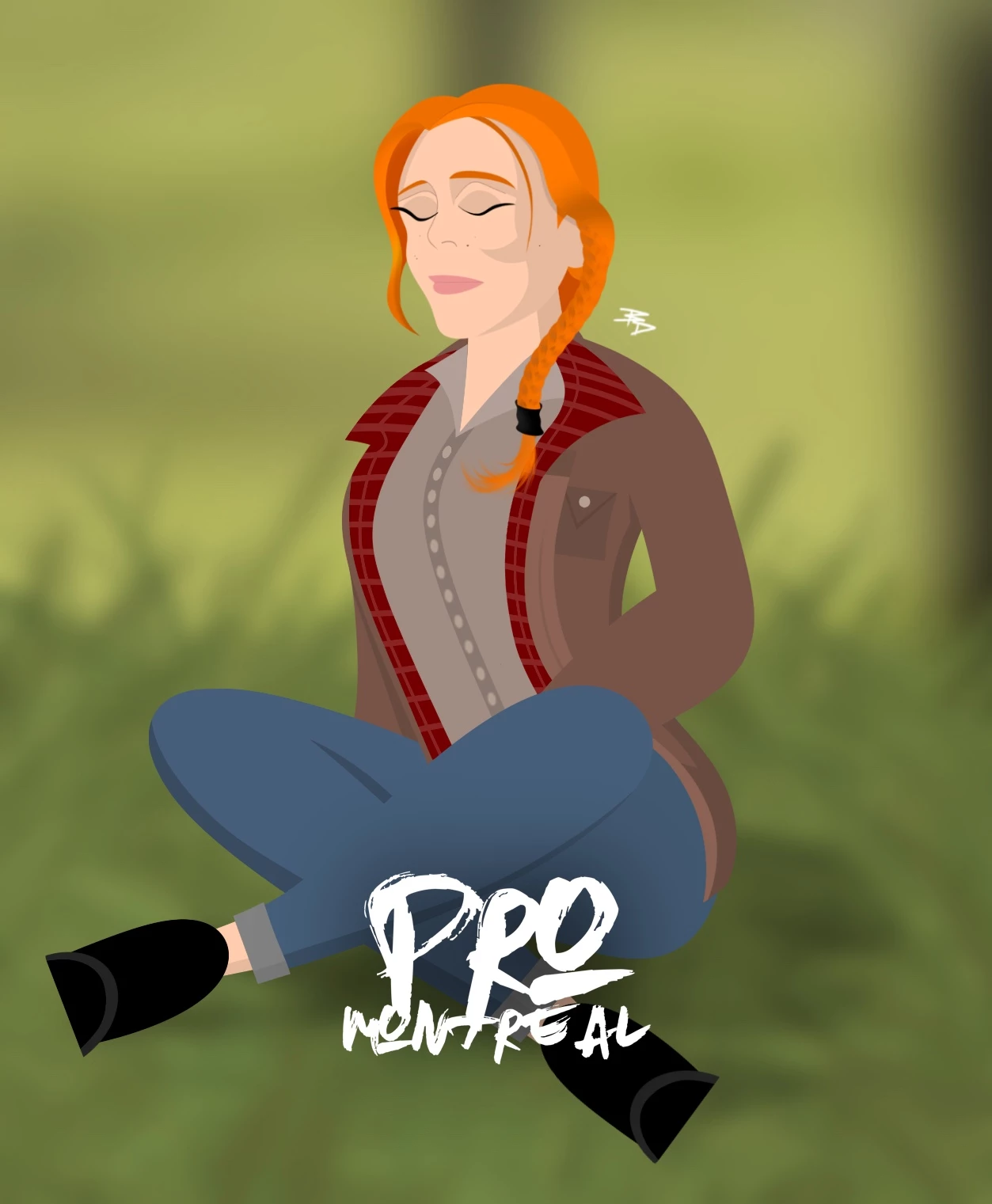
I'm trying to simulate hair physics to my character who is sitting on the ground meditating. I have breathing on a loop, but am struggling to simulate wind up with physics staying on a loop. How do I achieve this?
My computer is weak (I intend to upgrade later when I have some money) anyway, I would like to know if character animator can work in a virtual machine or like a VPS, if yes what VPS system requirements would be needed to use character animator?
My character's eyes disappear when I assign a trigger and/or behaviors to them. (I have similar problem with head disappearing fir head turn. That's a problem for another time.)I have a Photoshop character that I want to have his eyes blink. I was able to do this with Illustrator character. I can see it them in Puppet view but as soon as I switch to Scene they disappear. They appear briefly when I hit the trigger but after the cycle is done they disappear. I noticed they disappear with trigger only and behaviors only alos. Layers are in correct order. Behaviors and trigger settings are same as YouTube video. Same for layers. I even re-imported the character. Any suggestions?
I've tagged all of the lip movements but when I added a lip sync behaviour, none of the movements have handles attached. Any idea why this could be happening?
I wanted this puppet to walk onto a scene and wave. Going through and understanding it wont look aesthetically pleasing to have a forward facing puppet walk is what I have come to terms with. I have tinkered with other issues such as his body mis-shaping when I put on the tags and since fixed that. My issue currently is having him wave with my body tracking. He has a limp wrist! I have tried moving the tags and sticks in the arms, adjusted the bend strength, etc. Please help!
I am really interested in tis but I just don't want to go ahead and make a payment without being sure of my ability to use the application, I would like to know if there is a demo version that can be used for about 30 days just so I can get the hang of CA before deciding to make a paid subscription.
Hello, I am fairly new to character animator. Although, all my rigging works correctly, for some reason when I move the puppets arms over each other (for example the forearm over the upper arm) they fade into each other. Does anyone know what this might be caused by? Or how to fix it? I have attached some pictures below.
I'm trying to download the turtle puppet that's shown on this Adobe blog post:https://blog.adobe.com/en/publish/2019/09/26/its-no-bull-animate-in-real-time-really When I click the "Download both puppets" link, it takes me to a page of downloadable puppets, but I don't see the turtle puppet anywhere. Can anyone provide a link?
Here is how I make long hair move nicely behind the body. I am happy to answer your questions!https://www.youtube.com/watch?v=hn6aXW2kM90
I'm very confused. I'm learning Character Animator and am very much an amateur, but I'm trying to get a walk behavior to work on my character. When I rig it up for head and body turner, everything works perfectly, but as soon as I add the walk behavior, it shows me all kinds of errors about missing symmetry. It says, "handle tagged as left elbow, but no other handle tagged as right elbow," which isn't the case. It also says I'm missing handles tagged as Neck and Waist, but that's not the case either. What am I doing wrong? Any help appreciated.Files are here: https://www.dropbox.com/s/k1h6grsb16ykl76/Rig%20Practice.zip?dl=0
I have made this sample character in photoshop and tried wal cycle in Character Animator using rigging method taught by OkaySamurai on Youtube. Sometimes my rig works just fine but sometimes it behaves weird. I am trying hard to get the joints stay in place during walkcycle but they move as soon as character starts walking, which looks odd. What mistakes am I making in rigging? Attached is the puppet.
Hi all, I have been working on a project where I want to create a live recording with nested scenes. This will involve invoking actions in real time from the main composite scene. Is it possible to do this cause when I try to initiate triggers of nested scenes they are not working? I need this in a situation where I have let's say a logo at the main screen and I don't want it to be affected by the camera triggerable shots of the nested scenes.
CH has been acting 'wonky' this past week. (The technical term for when a computer does not work correctly. Ha ha.) I've character's features disappear after applying a trigger or behavior tags to them. Now, it won't update my character after I've made edits in Photoshop. What's up? I REALLY need this to start working properly. My eyes disappear after I apply a trigger or behavior tag to them. Lip sync applied and working fine. I have triple checked layer order. As soon as I remove the trigger or behavior the eyes re-appear. When I select body parts in puppet mode I only get a yellow outlined rectangle insteaf of an outline of that body part. I've dumped hidden layers but that did not help. I deleted any white area around my art on all Photoshop layers. I won't update edits and still shows the outline of a rectangle. I'm working on a Mac. All software has been updated. I have uninstalled and reinstalled CH. All othe Adobe prgorams arrre working swell. I have searched FAQ
I have characters that have triggers for:1. Body/head orientation: front, left, right, back2. Eyebrows & mouth emotions3. Hand gestures I have a dynamic scene where characters turn around and interact with one another, and it's very important for me to have separate control for body/head orientation and the rest of the triggers. I'd like to be able to record them on top of one another while seeing old recordings. What I've tried to do is to add multiple Trigger behaviors to my character (which works for solving the same problem with draggers) but unfortunately this does not work well with swap sets - the triggered artwork does appear, but the old one does not disappear. Is there any way around this?
Remix with Firefly Community Gallery
Thousands of free creations to fall in love with and remix in Firefly.
Already have an account? Login
No account yet? Create an account
Enter your E-mail address. We'll send you an e-mail with instructions to reset your password.