
















Design the future of fashion, win Firefly Pro 👗✨
Illustrator (Beta)
Recently active
If I select the text above the single artboard I can select and change the words but if I want to move between letters through my keyboard, the selection doesn’t work. So I need to select again using the mouse, point next to the letter/word I’d like to change and “write” again.
Hello Latest Beta Build 30.7.83 is now available in CCD. We have the below fixes in this build:Blends-related fixes:Make button were showing disabled in some cases Number field for Steps dropdown were showing overlay while scrolling Easing option has been disabled for spine-less blends Steps slider overshoots easily and up/down keys stop responding until panel tab-cycledKnown Issue - More than 2 objects at a time can't make blend.Workaround - You can click on the previous object 1 more time and click on 3rd object or next to create blend.Concept to Vector Changes :Generate more variations in one go: Select multiple sample prompts and generate all variations with a single click. New AI model available: Choose the new GPT-2 model for Concept to Vector generations. Improved background handling: Concept to Vector now generates background-free results when your prompt requests them. Previously, prompts requesting no background produced outputs with a white background instead. Additional inv
イラストアウトラインをとってdxfファイル保存しようとしたら拡張子選択肢にdxfファイルがなくなった。 CCライブラリが追加・表示できない アンインストール、再インストール、キャッシュクリアためしたが戻らなかった[Illustrator (Beta)へ移動および、画像内の一部を差し替えました:モデレーター]
Hello,The latest Beta Build 30.7.63 is now available in CCD. We have the below fixes in this build:User Voice: [Vote Count : 22] : EPV: Color Mixer in Control and Properties panels gets broken after using Tab Concept to Vector: Fixed an issue where Live Text in Concept to Vector defaulted to Myriad Pro. The feature now correctly applies the detected font. Blends Panel: Expand & Release option in new blends panel Improved steps slider to increase slowly initially for better control Enable Live Preview for blends in CPU Mode Please review and let us know your thoughts.
For many years Illustrator has been generating white objects with overprint enabled inside printer marks, registration marks, or trim mark areas during PDF export.These objects are invisible in print but trigger preflight and RIP warnings in professional workflows.This issue has existed across multiple Illustrator generations and still appears in exported PDFs.White overprint objects should never be generated in PDF output unless explicitly created by the user.Please investigate and eliminate these unintended overprint elements from exported PDFs.
Hello, The latest Beta Build 30.6.75 is now available in CCD. We have below fixes in this build: Global Typography/Unified Text Engine ChangesIn this beta, we bring a significant improvement to how Illustrator composes text. This should be a big friction removal for workflows that involve non-Latin text. While Illustrator was already composing text in non-Latin scripts, there were some frictional experiences and limitations. To make it easy for anyone to compose text in any language/script, we’ve largely worked on three aspects:Illustrator has two text composers – one works in Latin and East Asian scripts and the other which works for all scripts. Former is the default for most users, globally. In past, if your input comprised of Hindi or Urdu or Arabic Text, you may have noticed broken text shaping (joining of characters) as the application attempted shaping in the default composer. That’s changing. In this beta, when you input any text, either through physical keyboard, or soft keybo
Dear Adobe,Whoever decided to remove the layer color controls in Illustrator 30… we need to have a little sit-down.For decades, this feature worked. Nobody was asking for it to disappear. It minded its own business. It helped professionals do their jobs. And then one morning it wakes up wearing concrete shoes.What the ???Every release, somebody in a conference room decides, “You know what would make professionals happier? Let’s move the controls they’ve used for twenty years.” Why? Who benefits from this? Is there a secret contest to see how many hours of collective productivity can be sacrificed before someone notices?I’m not angry… I’m just disappointed. Actually, scratch that. I’m pissed.Bring the feature back. PLEASE!!!!Because here’s the thing: every unnecessary workflow change chips away at the trust professionals have in Illustrator. We don’t open your software wondering what new adventure awaits us. We open it because we have work to do.So do the right thing. Put the feature ba
The Libraries window is missing in version 30.7 40 (ARM64-bit). In the Window menu, there is no Libraries option. In Window > Extensions there is a Libraries option. Clicking it does not do anything. Already tried:Resetting Creative Cloud Core Services Rebuilding the Creative Cloud Libraries folder Clearing the OOBE activation cache Deleting AI preference files
Bei verknüpften Bildern konnte man früher mit dem Befehl “Öffnen mit” (Open with) das Programm wählen konnte in dem die Bilder geöffnet werden. So konnte man hier z.B. auch Photoshop auswählen.Dieses Dialogfeld gibt es nicht mehr.
I’m wondering what we have to do to get this fixed. It’s a major defect. Shift-clicking in the Layers panel does not select the entire range of items; it only selects each thing you click on, one at a time. This is incorrect. You can Shift-click on things in this list to “highlight” the entire range, but that is useless. You can’t turn that pseudo-selection into a real selection, or do anything with it. I don’t even know what the point of this state is. So, for example, if you want to select all things of a certain type and move them to a new layer… forget it. You’re going to have to click on every. single. one. one. at. a. time. There is no excuse for this; it was previously reported.
create text, hover mouse over panel, roll the mouse wheel for adjustments doesn’t make adjustments. Same for stroke size, fill color, etc. Panels not responding to hover/roll mouse wheel.
Create a control panel to run Illustrator Scripts instead of being forced to constantly use the slow and tedious File > Scripts menu selection.
We’re developing a new capability designed to save time on repetitive, non-creative tasks like renaming layers, duplicating artboards, and prepping files for export, based on workflows you’ve shared with us. We’re looking for a small group of community members to join our private beta to test early features, share feedback, and help refine the experience alongside our product team. If you’re interested, please fill out this screener survey to apply. We’ll be selecting participants soon. By signing up, you’ll get early access and a chance to directly influence how this evolves. MollyAdobe Illustrator Product Marketing
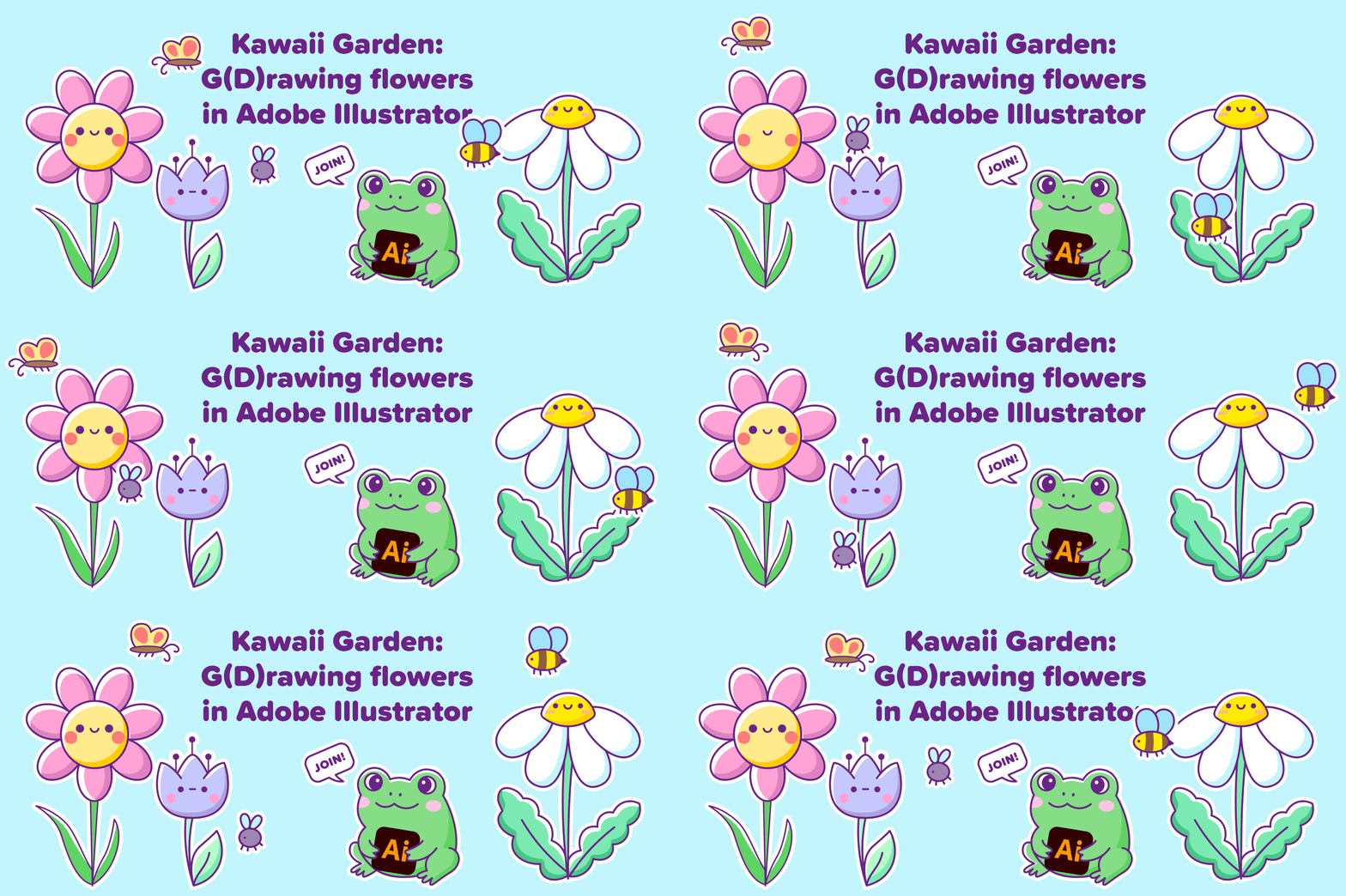
EVENT ALERT: You're Invited!Collectively Creative with Capoor: Exploring creative journeys, one story at a time — we're back with our next designer showcase session!Collectively Creative is a designer showcase series that celebrates the talent within our own community. Each time, one designer takes us behind the scenes of a project they’re proud of - unpacking the ideas, tools, decisions, and workflows that brought it to life.This month, we're thrilled to feature “Nataliia Manych”, Adobe Insider and Adobe Illustrator’s prerelease member, as she dives into a delightful session of creating an artwork live themed "Kawaii Garden: g(d)rowing flowers in Adobe Illustrator"The event is planned for Thursday, 18th June at 8-9 am PST (8:30-9:30 pm IST). You can use the registration link to register - Register here!Whether you're a designer, a curious creative, or someone who appreciates the craft behind good design—this is for you. Let’s get inspired. Let’s learn from each other. Let’s be Collec
In InDesign, there’s this project where I have a page full of a bunch of objects and I want to move the texts and shapes around but keep the image in the same spot. What I did was select everything and then Shift + Left Click on the image which normally deselects the image for me and I am free to edit what is left selected. Recently, I’ve been unable to do so, in the contrary, I’m still able to deselect any other object type.
AI Assistant in Adobe Illustrator (Beta)Illustrator (Beta) v30.7 now has an AI Assistant to support you with your production workflows. It analyzes your Illustrator document, helps make decisions, recommends actions and executes multi-step workflows using natural prompt language.What is AI Assistant?AI Assistant is a production-focused assistant that understands your document in terms of layers, artboards, colors, text, artwork and its context and then tries to determine the actions required to execute multi-step production workflows with ease.It’s designed to support you with repetitive, structural and production level workflows such as organizing documents, updating content across objects and artboards, preparing for export, running production checks and even suggesting workflows needed for your goal.Think of the AI Assistant as a production partner that takes care of repetitive, time-consuming tasks, so you can spend more time doing what matters most: designing, creating, and making
The single-most used feature in InDesign is the convenient Fit Frame to Content option. There are so many times I am writing text in Illustrator and I want to reduce the size of the text frame to fit the content. I rely on this for quick spacing of elements (image and text frames; text frames and text frames) all the time. Please bring this feature to Illustrator so I am not frustrated every time I think I’m in InDesign but am instead in Illustrator. Besides, I use Illustrator a lot more than InDesign for small print pieces where I am already creating the vector art.
I would like to suggest an enhancement to the alignment tools. Currently, objects can be aligned to the page edges, but for print design workflows it is often more important to align elements relative to the bleed area.It would be extremely useful to have the option to align objects, nodes, and vertices directly to the bleed boundaries, similar to the existing page alignment functionality. This would significantly speed up print-ready artwork preparation, especially when working with backgrounds, full-bleed graphics, and other elements that need to extend precisely to the bleed line.Suggested options:Align to left / right / top / bottom bleed edge. Extend or fit an object to the bleed area. Snap nodes and vertices to bleed boundaries. Allow users to choose the alignment reference: Page / Bleed Area.For print designers, this would be a major workflow improvement, eliminating many repetitive manual adjustments that currently have to be performed on nearly every print project.
Selection tool bug: every other click sticks objects to cursor, forcing placement. Affects new & existing files. Tried reinstalling, older versions, cache clear & pref reset. CPU spikes suggest memory leak. Severely impacts daily workflow.
Click on the leftmost handle of the path in the attached file Move it App crashesIllustrator version: 2026
Una herramienta tan potente como la que tiene Figma como las Guías de disposición se echa en falta en illustrator. Y también como la herramienta de crear otro tipo de retícula isométricas como affinity
I would like to report what appears to be a export/rendering issue in Illustrator 2026 (PNG, JPEG, PDF, etc).Issue:Vector artwork that exports sharply from Illustrator 2025 appears noticeably softer, jagged, or degraded when exported from Illustrator 2026. The issue is even when using working vector elements, icons, and small graphic details. The same artwork, assets, and export settings produce a sharp and clean PDF when exported from Illustrator 2025. Exporting the identical file from Illustrator 2026 results in visibly lower-quality rendering.Additional observations:GPU Performance was enabled during testing. The issue persists at multiple zoom levels. The artwork consists primarily of vector elements and EPS assets. PDF exports from Illustrator 2025 display correctly, while Illustrator 2026 exports show degradation. In some cases, PDF exports from Illustrator 2026 also appear to handle artwork differently than previous versions.Because the same file exports correctly in Illustrator
Hello, The latest Native WinARM Beta Build is now available in CCD.Illustrator on Windows ARM: Now Available in BetaWe are excited to announce that Adobe Illustrator is now available as a native Windows ARM build in beta. This is a first-of-its-kind release for Illustrator on this platform.Known LimitationsThird-party plugins: Not currently supported. CC Libraries panel: Not supported in this build. The panel will not appear in the panel list. AutoCAD (DWG) files: Real DWG format is not supported. Version History panel (cloud documents): Panel does not refresh after saving. Workaround: close and reopen the document. Encrypted PDFs: Not supported. The "Use Precise Cursor" setting is not imported correctly when importing preferencesFor Plugin PartnersWe will share SDK availability details soon.
Hello,Latest Beta Build 30.7.11 is now available in CCD. We have below fixes in this build: Relink Multiple Links — More ControlThe Relink file picker now includes a Replace dropdown so you can choose exactly how many links get updated when several selected links share the same source file:Each Link Separately— Open one picker per link; pick a different replacement for each. Useful when same-source links need to diverge. Selected Instances (N)— Replace only the links you picked in the Links panel. All Instances (N)— Replace every instance of that source file in the document in one step.How to try it: In the Links panel, select two or more links, click Relink (or use the menu), and pick a scope from the Replace dropdown before clicking Place. Your last choice is remembered for the rest of the session, so a workflow that prefers one scope doesn't have to re-pick it every time. UV Bugs:[Vote Count : 1] : View menu - Spanish word for "flattening" is misspelledGetPostScriptFontName not work
el uso de impresiones sobre shirts con DTF. en grandes dimensiones lo hace muy pesado , por lo tanto el uso del efecto semitono se hace necesario tenerlo en un solo lugar de diseño
Remix with Firefly Community Gallery
Thousands of free creations to fall in love with and remix in Firefly.
Already have an account? Login
Enter your E-mail address. We'll send you an e-mail with instructions to reset your password.