




















A community for Substance 3D Designer users.
Recently active
The latest release of Substance 3D Designer brings a set of targeted updates focused on improving procedural shape workflows, expanding OpenPBR support, and improving access to displacement settings in the 3D view.This release introduces the Shape Spatter v2 node, allowing you to scatter raytraced 3D shapes individually in real time, enabling per-instance control over properties such as shape, orientation, and size. Shape Spatter v2 supports atlas inputs, allowing artists to scatter an unrestricted range of shapes from a single atlas without the limitations of the previous workflow. In addition, this version brings significant improvements over the original node, with enhanced controls for scatter randomness, rotation randomness, size variation, and distribution. To complement the new scattering capabilities, the node comes with an expanded Signed Distance Field (SDF) toolkit, introducing a range of new nodes for creating, combining, and manipulating custom 3D SDF shapes. Finally, t
Hi, recently I upgraded to Substance Designer 15, and now when I try to create a new project or open an existing one, the program crashes. It seems like an issue with the 3D view because when the crush window appears, my 3D view is blank.What I tried so far:updated drivers for my video card (put studio drivers for Nvidia) reinstalled substance changed to OpenGl and Iray checked python libraries installed and uninstalled ReShade libraries because saw it as a potential fix from another post
Hello from Ukraine!:) I have an issue with SD 15 - it started to crash on loading the project.Yesterday I worked on a several projects, and all was well. Then, today I tried to open SD (I tried my projects, and even blank new scene, doesn't matter), and it crashes on loading. After some tests I discovered that this is caused by rasterizer renderer initializing. If I disable 3d view before loading the project, I can use Designer, move and connect nodes and see 2D outut, all works as before. But if I initialize 3d view (no matter - using rmb on Output node or from window>new 3d view), it shows me black 3d view for a second and then crashes. I even can't switch to OpenGL, even if I set OpenGL as default renderer in settings, it still tries to initialize Rasterizer first (why?). The issue is I've already updated all my important projects to 15 version so I even can't open them in older versions of Designer. I tried 14 version, it works well with OpenGL ev
I can already create a graph input parameter of type Float4 through Python.The problem is different:I cannot make the corresponding Input node become Float4.What I need is the Designer UI Input node whose editor shows 4 float components, not just a graph parameter of type Float4.What I observed:Creating the graph input as Float4 worksCreating the Input node worksBut the Input node still behaves as a plain float/value input, not as a Float4 inputSo my question is:Through the Substance Designer Python API, is it possible to change the type of an Input node to Float4?More specifically:Is there an API call to set the Input node type to Float4?If not, is the node type determined only when the node is created?If it is possible, what is the correct Python API sequence?I am asking about the Input node type itself, not the graph input parameter type.
Title says it all. I’d provide more information if I could. I wish designer would tell me what exactly the problem is but I just get a small window that tells me: “Error publishing package. Check the console for details”. And if I check the console nothing is there. Where should I look?Thanks in advance
Hello readers, I have two nodes with two values. The perlin noise scale is tied to the strips, but I need the perlin scale to be 4 times smaller than the value number strips. I also tried multiplication and float=0.25, but nothing changed.
This is just ugly now, could you move either one of the Previews to align with each other?
Hello In the new Substance Designer 15:Is it appropriate to load an entire scene, with dozens of objects, to create materials/textures in the same file/project?Is there a risk of the software crashing and becoming slow? Thank you
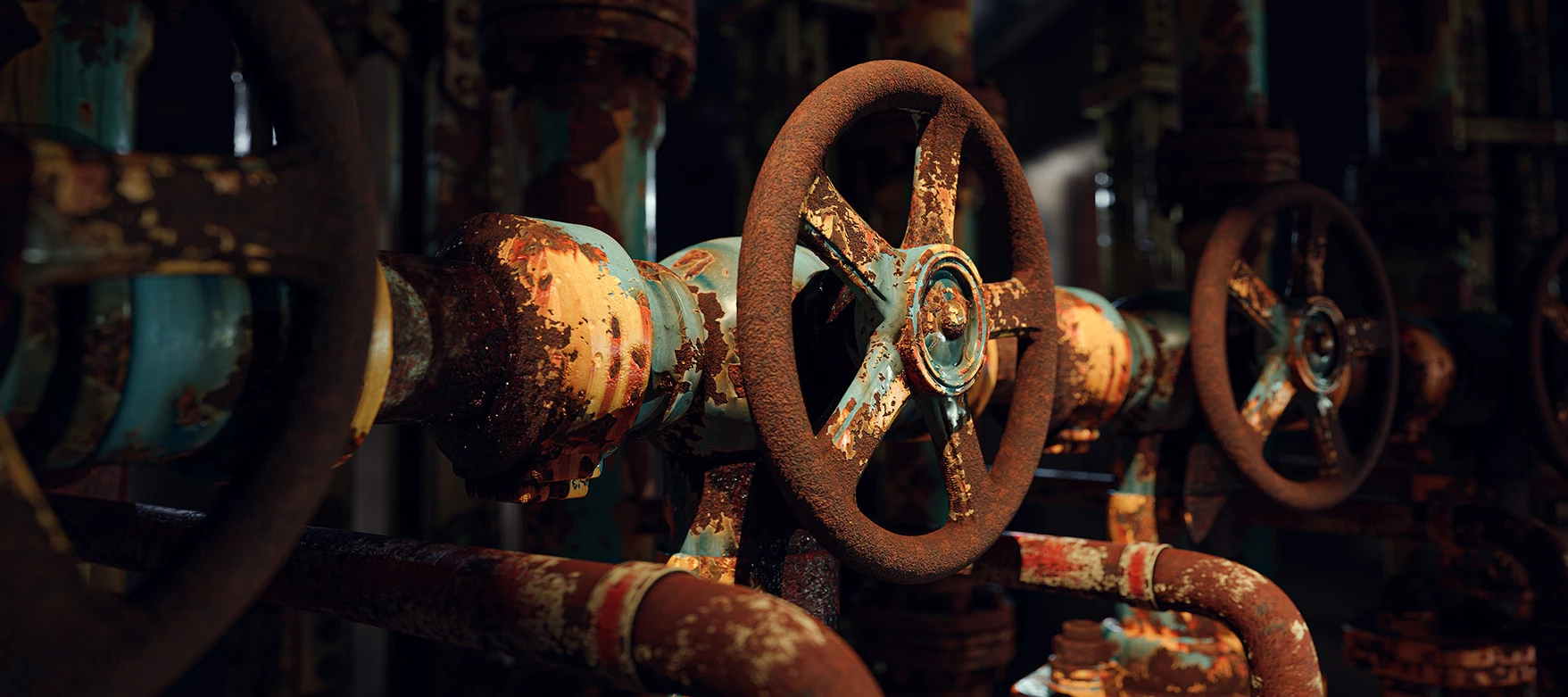
Today we’re announcing the release of Desirable Patina, the rust-themed Signature Collection by Loic Anquetil, available now on Substance 3D Assets. Loic is a Senior 3D Artist/Material Artist working at Ubisoft, who has previously worked on titles including Ghost Recon Breakpoint and Prince of Persia: The Lost Crown. In our interview with Loic on the creation of the collection, Loic discusses how he studied rust references, built procedural noises, and translated corrosion patterns into Substance 3D Designer materials. He also talked about opening up existing nodes in Designer, essentially using the software like a creative tookbox. Take a look! You can find the article right here, and the Desirable Patina Signature Collection is right here!
I’d like to set up a substance designer file as a template so that it can be viewed but not changed. Is there a way to set it as read-only? The default graphs are read-only, so I figure there’s a way it can be done.
I’m having an issue with Substance Designer’s script path setup. When I set a path using an environment variable, only scripts placed directly under that root directory are recognized. Scripts located in subfolders are not detected, which makes it difficult to organize modules in a hierarchical folder structure. Because of this limitation, I’m unable to properly separate and manage my scripts. Is there any way to make Substance Designer recognize scripts inside subdirectories, or is this a known limitation?
HiI’m creating some dynamic ribbon materials, but I’m running into an issue where a visible seam appears where the end piece meets the middle section when the material is used in Painter.Specifically, there is a line of differently colored pixels in the normal map at the point where the pieces connect. I’m not sure what is causing it, but it consistently shows up when the material is used.To rule out problems with my node setup, I started from the “Leather Strap Ribbon” template and modified it from there.At first, I thought the issue might be related to my use of 2D Transform nodes with tiling disabled, but even with a very basic setup (as shown in the top image), the seam still appears.One thing I’ve noticed is that the problem always occurs at the “End” section, never at the beginning.Anyone have an idea what I might be causing this?
Hello,The new Color.Raytraced baker does not render the correct material colorsIt worked correctly in v14 but chooses random colors in v15. Additionally, Color.Raytraced does not function correctly through the SAT. If left to the default, or set to mesh_color through the --color_source flag, it renders a black image. Example command: <path_to_baker>/substance3d_baker.exe Color.Raytraced --inputs <path_to_low>\low3.fbx --output_path <out_path>\ --high_scene_paths <path_to_high>\new_colors7.fbx --output_size 1024,1024 --output_name ID_Test --padding_radius 10 --projection.max_height .5 --projection.max_depth .5 --color_source mesh_color Assigning vertex colors to the high poly fbx and changing the color_source flag to vertex renders out the vertex colors correctly. I have tested most of the other bakers through the SAT with no issue after updating the new flags, but mesh_colors seems broken both in Designer and through
I can launch and use Substance Designer 2025 and Work with it. 3D View renders normal. But as soont as i try to resize/reopen the 3D View Panel, SD crashes.If i close 3D View, i can resize the other Panels.I tryed switching Render engines, Updatet my Drivers, Stopping the Render engine before resizing.Always the same result. Can’t get it to run. Im Using Adobe Substance 3D 2025 Standlone Steam edition. Version 15.1.2
Is it possible to send the vector patterns drawn by Illustrator to Designer for use?
Hey there, one and all! We’re psyched to announce the release of Substance 3D Painter 12.0. This update introduces several new features designed to improve projection workflows, streamline project setup, and give artists more control when refining the final look of their assets. Some highlights include Warp to Geometry, a new projection tool developed with Adobe Research that helps project details cleanly onto complex surfaces, and a new post-processing stack that allows you to refine renders directly inside Painter. The update also brings improvements to the New Project window, automatic UV generation for hard-surface assets, and more. Take a look at the full announcement in our post on the Adobe blog, which you can find at the link below. You can also find news about updates to Substance 3D Designer and new content in the Substance 3D Assets library. We hope you enjoy the update! Keep creating awesome stuff!
Heya! It’s just about time for the Game Developers Conference – aka GDC, one of the biggest annual events for the gaming industry across the globe! The event will take place at the Moscone Center in San Francisco from March 9-13; the Substance 3D team will be on hand for the occasion, with some outstanding presentations, portfolio reviews, and the legendary Substance Days After Party. Details: Monday, March 9 — Substance Days @ Moscone Center We’re hosting a Substance 3D Keynote presentation showcasing the latest Substance product updates, as well as sessions with some of the artists behind recent hit games Clair Obscur: Expedition 33, Doom: The Dark Ages, Indiana Jones and the Great Circle, and South of Midnight. Monday, March 9 — Substance Days After Party This is a great way for artists, the Substance 3D team, and anybody with any interest at all in 3D to meet one another, share experiences, and have a great time. Come along, say hi, and let us know what’s on your mind. Attendance i
The version 15 update introduced updated versions of some noise nodes. The problem is that the scale input of the gaussian noise node is now hard clamped to 64, whereas before it was possible to override the range to scale it to values far above that limit. This feature is necesary to achieve a lot of effects without needless workarounds, and also unnecesarily breaks old graphs using the gaussian noise node with higher scale values
Hi there,I didn’t open it since 1 month, but impossible to launch Substance Designer now, which crashes just after launch opening a report log window. I’m on a Mac M2 Sequoia15.7.3. I though it was maybe du to the last update then I uninstalled Designer, delete preferences, and installed an older versions but, surprise, it doesn’t work neither… I can't understand what's going on, if you have any idea ;-)JA
I tried to download a zip file, but I can't download it: "This XML file does not appear to have any style information associated with it. The document tree is shown below". What's the problem?Link: https://attachments-us-west-2.insided.com/2815e52e-cc6b-11f0-b9d7-88aedd688ac4/3DWood_Version_4a.zip?Expires=1771170845&Signature=WBaXZskxMrRpXkkT~CVnRSQ4jCk9-CksFC9RbyU2JHBnu0if3IidJHs~sfpN1U9GS~Foq05mInpB7pne4hOJvoYg2WYxJhP5BeeWkjYSAvGy2Wrc8MaDD7P6txabdxpCrhpfAaebbskAjOhBmoPBHaIVHIDjv5YiKrk9P3uhp~McQNhwCsvb73UVUpfkH-boHHJvHijFHadTqSnv3pK-OUodNYHeOtFMskFY0xfB23-B0YJQ1OjyFrFtU2ubmQa230HyoxUrnhUCL2pEjEzCXs4YafWE54E2n1kI8D6HQMB~W4c0q4XsiKQ1JkVPpenmKgpnPWUNni2kL0cdObqM7w__&Key-Pair-Id=APKAJODP2KXSV47YM4AA
Running into workflow blocking issues with Designer Baker UI. SImilar issues were previously present in Painter, but have been fixed.When relative to bounding box is unchecked, parameters which should be set to physical scene units (cm) and be well above 1 or 100 cannot be set. The UI prevents the user from supplying WS values.Ambient Occlusion, Curvature, and Thickness may be affected. I’ve only tested AO
As my graphs are getting more "spaghetti-like," I’m really struggling to keep the wires organized.I know we have the "All Rectangular Links" option in the settings, but honestly, it’s a bit too much for me.Is there any way (maybe a hidden setting or a plugin) to get "Partially Rectangular Links"?What I want is a hybrid style: keeping the smooth splines for the most part, but having the ability to "snap" certain sections or specific node connections into rectangular angles. I want that clean look without the rigidness of the "All" mode.
It seems that using document channels in filters are broken - they are not picked up and the default value on the node is used instead.Here I have started with the ‘Specific filter’ template and use the roughness channel as a mask for a blend:In painter: roughness channelApplying the filter:basecolor is NOT affectedusing another texture as maskUsing another texture works fine: I was trying to use the user channels and not roughness but then I noticed that not even the default channels seem to work.If this is a user error, please let me know! (if it is, it might make sense to raise a warning !!)This is using the latest versions of Painter and designerSubstance 3D Painter, version 11.1.2Build 5115 - 5faba39802156445fcb0e2b9673b9805f16bd43515.1.1 build 10305 commit 12408c79 Release (01/15/2026) Thanks for looking into this,seb
Hey! Please add the ability to change base hotkeys, such as Delete, Focus, etc.Each user uses their core 3d packages/engines. Please give users a better UX/UI experience by customizing base hotkeys to their needs!It's frustrating to be unable to do such a simple thing 😞
Hi, I am trying to get up and running with Substance Designer, and I notice the default renderer has been updated since I last used the software. I am working in a fresh scene, and trying to visualize my height/displacement in isolation. My renderer is set to the GPU Pathtracer, and I have increased my tessellation values on a Sphere 2 tiles. However, rolling the lights in the 3d viewport just removes any visibility of the displacement, and I can really only see it in the shadows. I have attached a screenshot for your viewing.Is this a bug or user error on my part? Lastly, is there a way to isolate a node in the 3d view so I can see each change one at a time? I was looking at documentation and apparently 1 or 2 on the keyboard is supposed to do this, but in my case it just toggles the link creation mode.Thanks.
Remix with Firefly Community Gallery
Thousands of free creations to fall in love with and remix in Firefly.
Already have an account? Login
No account yet? Create an account
Enter your E-mail address. We'll send you an e-mail with instructions to reset your password.