










Get help and share feedback in our global community.
Recently active
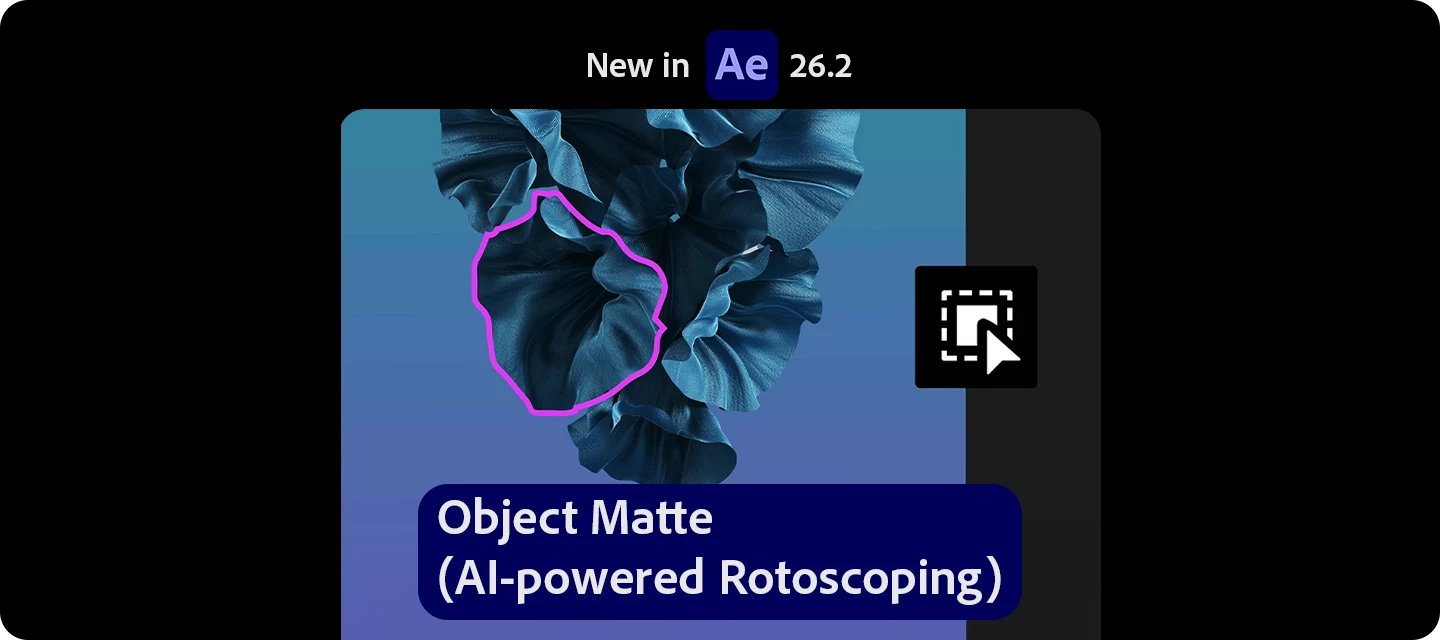
Still spending hours rotoscoping frame by frame?With the latest version of After Effects, Object Matte introduces a faster, AI-powered way to isolate subjects—so you can create clean mattes with just a few clicks.Object Matte combines one-click selection + manual refinement + smart tracking, making rotoscoping significantly faster and more intuitive. What can you do with it?Instantly select and isolate objects using AI Automatically propagate mattes across frames Refine edges (like hair and fine details) with dedicated toolsPut it to use in your workflow: Remove or replace backgrounds (no green screen needed) Apply effects to specific objects Create clean composites for VFX and motion graphics How to use it Import your footage and add it to a composition Select the Object Matte Tool Click or drag to select your subject Let After Effects propagate the matte across frames Use refinement tools (like Refine Edge) if needed
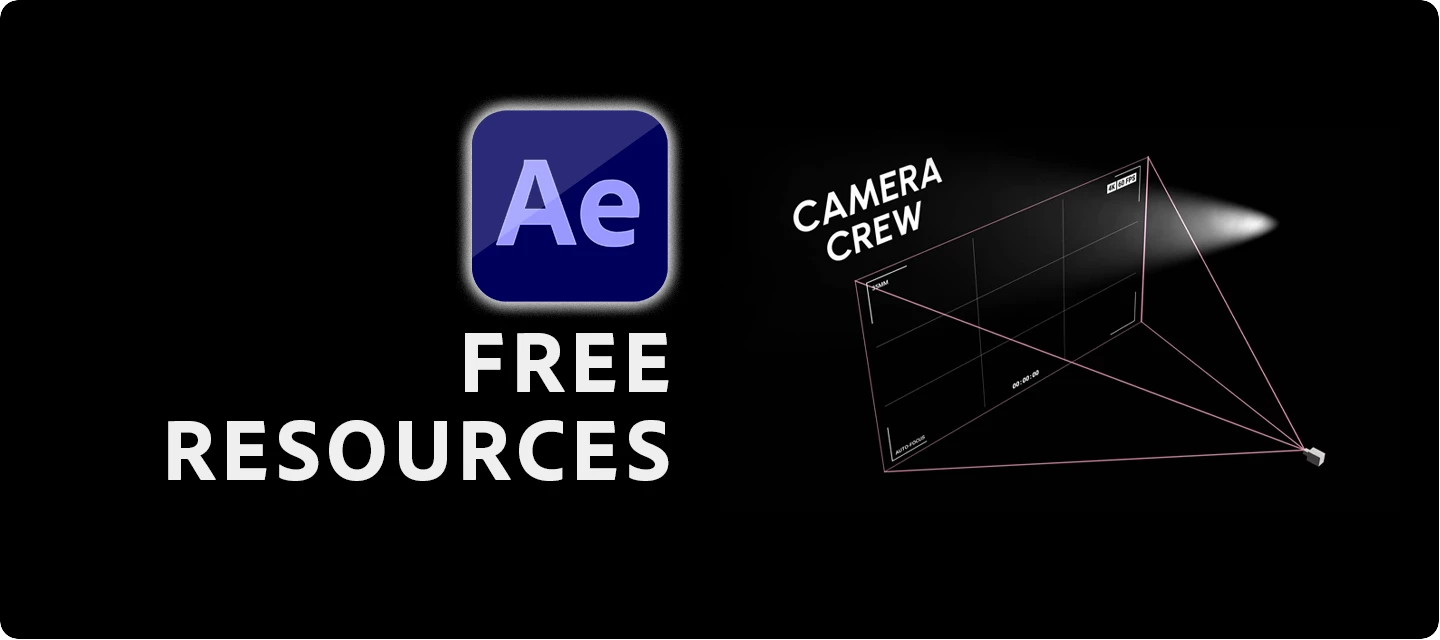
Welcome to a new series where I'll be sharing free After Effects resources from across the web. A huge thanks to the creators and communities who give their time to build plug-ins and scripts that make our work faster, easier, and more fun. First up: Camera Crew, a free tool from Motion ApeCamera Crew is a powerful script that makes managing 3D cameras in After Effects feel effortless. It handles the fiddly stuff for you. Setting up camera rigs, assigning targets, smoothing transitions, auto-focus, and camera roll, so you can focus on the shot, not the setup. Built-in auto movement adds gentle, lifelike drift, and customizable shake presets give you that handheld, in-the-moment feel in a couple of clicks. Download it here: Camera Crew on Motion Ape Watch the official walkthrough: Camera Crew – Free Advanced Camera Tool for After Effects While you're there, be sure to explore the other free tools Motion Ape has to offer. There's some genuinely useful stuff in there. Have you used Cam
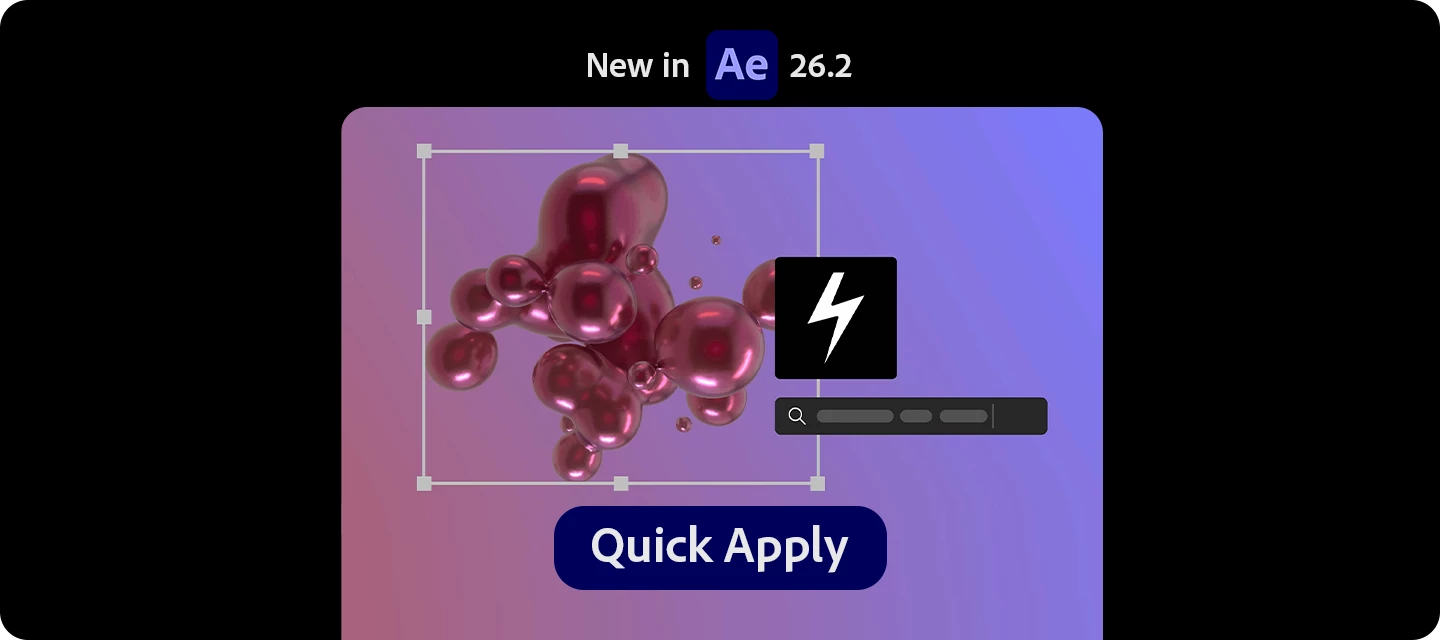
Still digging through menus to find effects, presets, or commands?With Quick Apply, you can now search and instantly apply anything in After Effects—from effects to animation presets to menu commands—all from one place.Quick Apply acts like a universal command bar, letting you find and execute tools in seconds instead of hunting through menus.What can you do with it? Search and apply effects, animation presets, and menu commands instantly Skip navigating multiple panels—just type and apply Create new layers with effects already applied (in one step) Put it to use in your workflow: Apply effects faster (no more panel hunting) Trigger animation presets instantly How to use it Press: Mac: Cmd + Return Windows: Ctrl + Enter Start typing what you need (effect, preset, or command) Press Enter to apply instantly You can also: Type e: for effects Type p: for presets Type m: for menu commands Read the full article to get started: Quick Apply Pro tips Hold Cmd/Ctrl + En
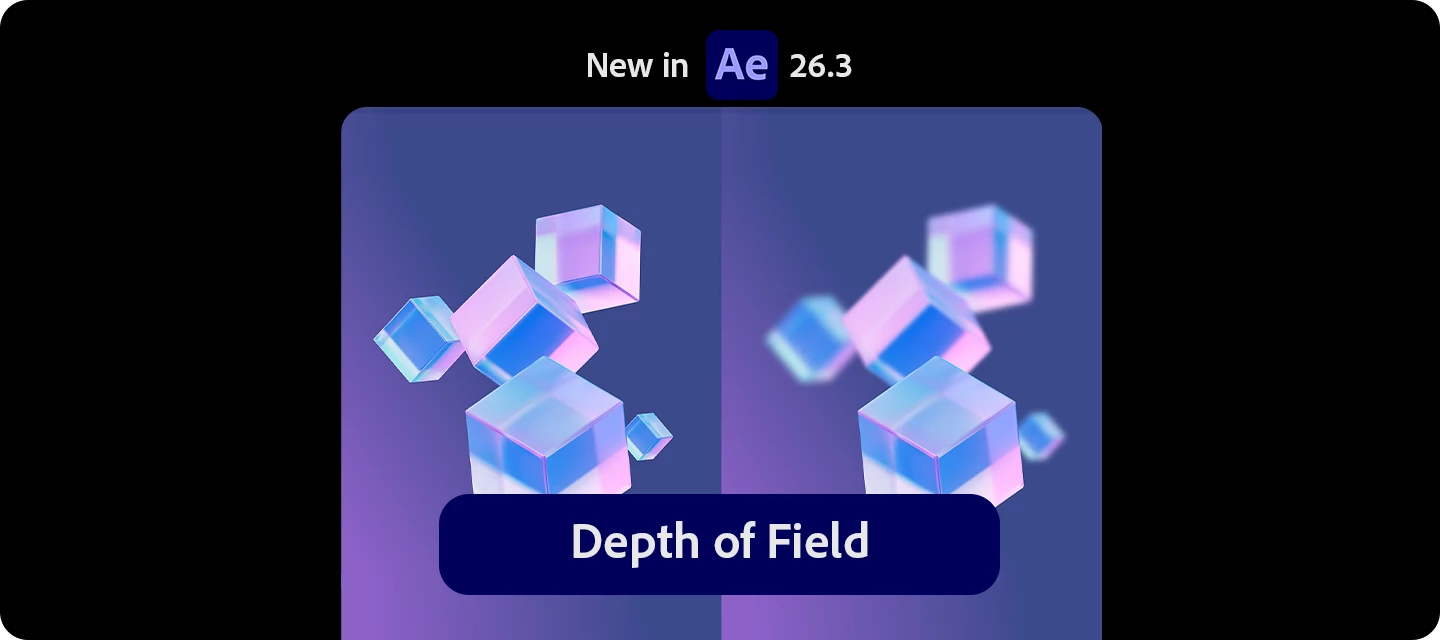
The latest version of After Effects is here. Bringing powerful new features designed to speed up everyday workflows and reduce manual effort.Leading this release is Depth of Field in the Advanced 3D renderer, letting you pull focus on 3D models, meshes, materials, and text right in-engine. Alongside it, you can now paste Illustrator and SVG content as native editable shape layers, track masks up to 5x faster, copy a rendered frame straight to your clipboard, create swirling organic motion with the new Curl Noise effect, and quickly filter the font list to find variable fonts. This release focuses on helping you get more done with fewer steps. What's new in 26.3 Depth of Field in the Advanced 3D renderer Create a Depth of Field effect that lets you focus on 3D models, parametric meshes, Substance 3D materials, 3D text, shape layers, and more in Advanced 3D. Learn to enable in-engine Depth of Field › Copy and paste Illustrator and SVG content Paste SVG c
Want your 3D scenes to feel like they were shot through a real camera lens?With Depth of Field in the Advanced 3D renderer, you can now pull focus on your 3D scene right in the engine, keeping your subject sharp while everything in front of and behind it falls into a soft, natural blur.It works across 3D models, parametric meshes, Substance 3D materials, 3D text, shape layers, and more. No compositing tricks or post blur required. What can you do with it?Add true, camera-accurate depth of field rendered directly in Advanced 3D Keep your subject in sharp focus while backgrounds and foregrounds blur naturally Apply it to 3D models, parametric meshes, Substance 3D materials, 3D text, shape layers, and more Get realistic optical blur instead of faking it with post effects Put it to use in your workflowDirect the viewer's eye to a hero product, logo, or title Add cinematic depth to 3D type and motion graphics Create dreamy, shallow-focus background plates Sell realism on 3D model and materi
Welcome back to our series on free After Effects resources from across the web. If you missed the first one, we covered Camera Crew by Motion Ape well worth a look.This time, we're highlighting a tool that, honestly, needs no introduction for a lot of you. But if you haven't tried it yet, you're in for a treat. Meet DUIK ÁngelaDUIK Ángela is the 17th major version of DUIK, the comprehensive rigging and animation toolkit built by Nicolas Dufresne and the team at RxLaboratory. It's been actively developed for over 15 years, and at this point it's the go-to rigging script for character animators working in After Effects, used in commercials, music videos, indie films, and animated series all over the world.And it's completely free and open source. What you can do with itDUIK brings the kind of rigging tools you'd expect from a 3D application - IK, controllers, bones, constraints, and adapts them for 2D animation in AE. Once you've got a character rigged, you can pose and animate them li
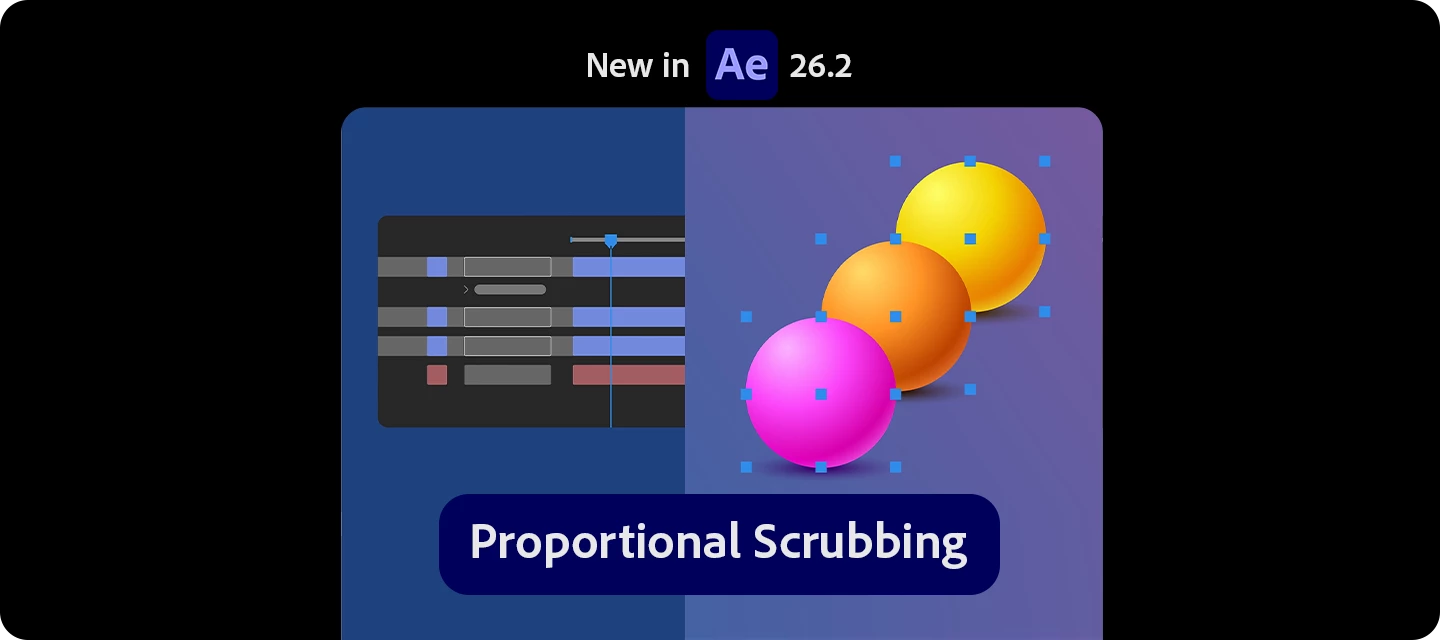
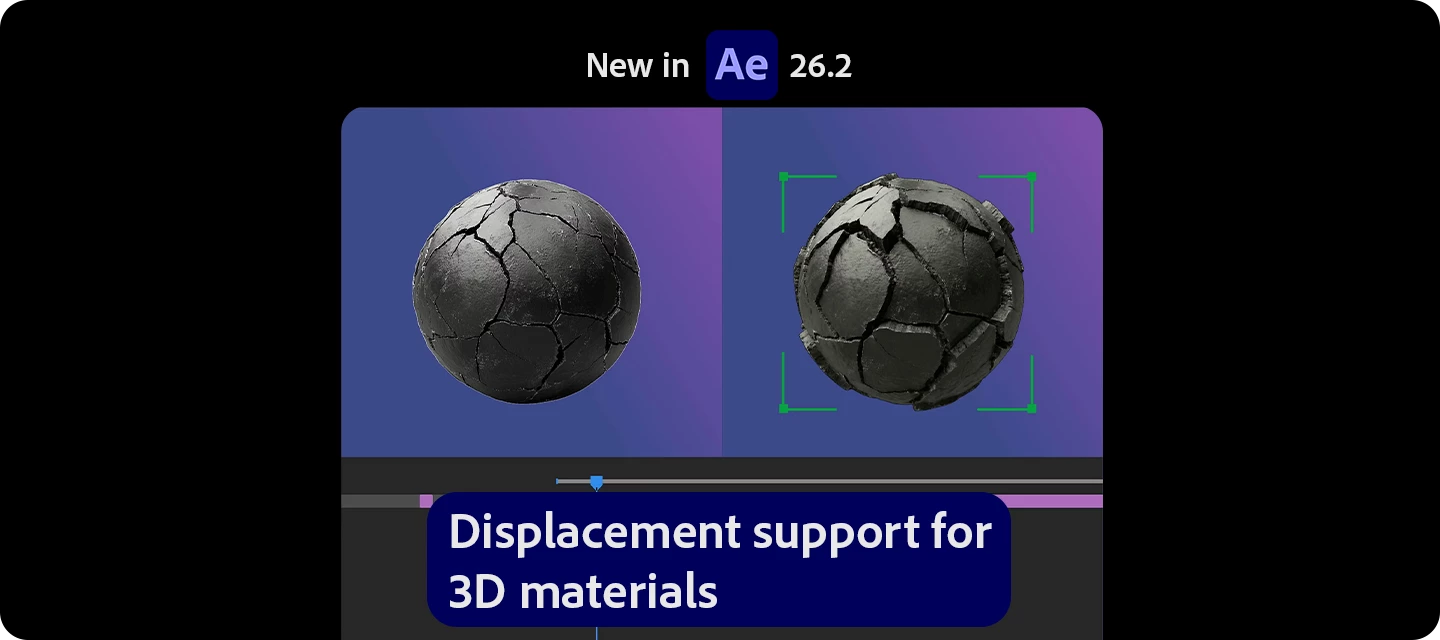
The latest version of After Effects is here—bringing powerful new features designed to speed up everyday workflows and reduce manual effort.From AI-powered rotoscoping with Object Matte, to faster lookups with Quick Apply, smarter multi-layer adjustments using Proportional Scrubbing, and enhanced realism with Substance 3D material displacement, this release focuses on helping you get more done—with fewer steps. What’s new in 26.2 Object Matte (AI-powered rotoscoping) Use the Object Matte tool to automatically select, isolate, and track subjects in your composition using single-click AI-powered subject selection. Displacement support for 3D materials on parametric meshes Use displacement to push a mesh into 3D space using height data, adding subtle texture for realism or turning simple shapes into detailed models. Proportional Scrubbing in timeline Distribute changes across multiple layers proportionally by dragging a selected property's hot‑te
Still adjusting values layer by layer to create offsets or spacing?With Proportional Scrubbing, you can now adjust multiple properties across layers—and have the values automatically distributed proportionally with a single drag. What’s new? Adjust multiple selected properties at once Automatically distribute values based on selection order Create smooth offsets, and cascades instantly Instead of applying the same value to every layer, After Effects now distributes the change so: First layer = no change Last layer = full change Everything in between = evenly spread values Put it to use in your workflow Create staggered animations instantly Build cascades and motion spreads Design gradient-style transformations How to use it Select multiple layers (order matters) Select the same property across them (e.g., Position, Scale) Hold: Mac: Cmd + Option Windows: Ctrl + Alt Drag (scrub) the selected value
Already using Substance 3D materials in After Effects?Now you can take them even further - with built-in displacement support, allowing your surfaces to have real depth, not just texture. What can you do with it? Add true surface depth using displacement maps from Substance materials Go beyond flat textures with physically richer details Enhance realism with materials that now affect both appearance and geometry Put it to use in your workflow Create realistic surfaces (brick, fabric, terrain) Add depth to product renders Build stylized, abstract looks with exaggerated displacement How to use it (GIF) Apply an SBSAR material to your 3D layer Go to Material Properties Enable or adjust Displacement / Height settings Tweak intensity and scale based on your scene Read the full article to get started: Displacement with Substance Materials Pro tipsStart subtle—small displacement values often look more realistic Use good lighting to enhance depth and shad
Welcome to After Effects 25.6 After Effects 25.6 is here!This release focuses on stability and performance, delivering a long list of bug fixes along with several new features and workflow improvements. Update now to experience a smoother, faster, and more reliable creative process in After Effects. New in 25.6 Here are the new features coming with version 25.6 Try the Latest Version Extensive fixes and improvements New improvements and fixes in After Effects make it easier and faster to work on your projects, helping you get things done more efficiently. Modify Default Camera Settings Use the View menu to adjust the custom view and Default Camera Settings, whether viewing through a camera layer, the default active camera, or a custom view. Single 3D Gizmo for multiple 3D layers Select multiple 3D layers and control them together using a single gizmo to simplify managing complex scenes and
Remix with Firefly Community Gallery
Thousands of free creations to fall in love with and remix in Firefly.
Already have an account? Login
No account yet? Create an account
Enter your E-mail address. We'll send you an e-mail with instructions to reset your password.