




















Design the future of fashion, win Firefly Pro 👗✨
Questions
Recently active
Created PDF fillable forms for new hires and been using for years. All the sudden when sending the forms as "Request e-signature" the recipients fill out the forms and receive the below message which redirects them and makes them completely redo the form. "Something went wrong. To proceed with completing this agreement, we will redirect you to our classic experience, which will clear any signatures and initials you entered in this agreement." Have contacted support twice with no help. We use the forms daily, so very important that we get it working correctly or we'll have to cancel our subscription and try to find another app that allows us to successfully create forms and send for signatures.
Every time I download the Acrobat PDF viewer x32 bit for my SnapDragon Windows Surface 7 laptop, the program forces me to login and sign up for Pro to use it. I don’t need Pro. And when I login that isn’t enough to satisfy the requirement of the program and it forces me through to purchase Pro and if i close out then the whole program shuts down with it.I have uninstalled and reinstalled the program a number of times and I still cannot simply use the free version it seems. Can anyone provide any insight or direction to another download link?
I’m trying to convert this file--obviously originally an Excel file but not something I can have sent to me--back to Excel. https://www.santamonica.gov/media/Document%20Library/Topic%20Explainers/Planning%20Resources/01.2026%20%28JAN%29%20Development%20Tracking%20Projects%20List.pdfWhen Acrobat tries to convert it to Excel it insists on merging cells that shouldn’t be for no reason I can figure out. If it simply looked at the lines in the file and realized each of those was a cell in a column or row it would nail it. It doesn’t work though. Suggestions?
I created an interactive PDF in InDesign. The overall tab order is correct and flows properly between fields.However, when tabbing into a radio button group when the pdf is opened in Acrobat, focus lands on the first radio button that was created instead of the first option in the group. This makes the form feel sloppy and inconsistent.I have already tried reordering the fields in Acrobat under Edit → Prepare Form → Fields, but that did not change the behavior.It appears Acrobat is prioritizing widget creation order inside the radio group rather than the document tab order.Is there a way to control which radio button in a group receives focus first when tabbing into the group?Thank you for your help! I’m banging my head against a wall here...
I know, it’s old, but up until 20 minutes ago it ran fine. I opened a PDF, read and closed it, and that was it. Wouldn’t even launch until I removed and reinstalled, but it won’t stay open more than about 30 seconds.
Why was the PDF corrupted after digital signing? Please help to find root cause.Please check the detail investigation for the below link. https://supportcenter.devexpress.com/ticket/details/t1319892/pdfdocumentsigner-the-resulting-signed-document-is-corrupted-and-can-t-be-opened-in
Hallo liebe Adobe Community,leider habe ich ein Problem mit der Erstellung einer PDF Aktion, die unter anderem auch den Befehl “Daten zusammenführen” enthalten soll. Normalerweise bietet Acrobat bei den meisten Funktionen innerhalb des Aktion-Wergzeugs die Möglichkeit Detaileinstellungen vorzunehmen, sowie die Eingabeaufforderung durch den Benutzer zu aktivieren oder zu deaktivieren.Dies ist aber aktuell bei “Daten zusammenführen” sowie bei allen anderen Auswahlmöglichkeiten unter der “Gehe zu” Palette nicht möglich (oder ich sehe den Wald vor Bäumen nicht). Ich bin zu 100% sicher, dass ich in der Vergangenheit bereits hiermit erfolgreich gearbeitet habe, Detaileinstellungen vornehmen konnte und es gibt auch im Internet Videos (ab 0:55), die belegen, dass es mal möglich war.Wie aber in den folgenden Screenshots zu sehen, befindet sich besagte Funktion, anders als im Video, nun unter “Gehe zu” und bietet keine weiteren Einstellungsmöglichkeiten mehr. Unter “Weitere Tools” befinden sich
Hello,We have a Synology NAS in our company and when we try to save directly to it (the file is saved there, opened, modified, and then saved) 80/90% of times it gives these kind of unspecific error about something that went wrong during the connection. We access this NAS both from our local network and from a VPN, the error is happening only when using Acrobat Pro, no other adobe products has this issue, nor any other software. We’ve recently changed the main firewall, but we would like to ask here what could it be due to (doesn not happen 100% of times and only with Adobe Pro)
3 workstations in the same environment are having the same issue with Acrobat Standard. When clicking any of the tools in the “All Tools” panel, nothing happens. The tools in the quick bar to the right works but not the All Tools. We’ve checked GPOs and there are only a few GPO’s but none of them could be affecting this setting. Disabled antivirus and firewall but same issue. 3 different Adobe accounts and 3 different workstations. All Windows 11 25H2. We’ve tried using Adobe Acrobat on a workstation outside the environment and using the same Adobe account and it works fine.
Bonjour Un message d'erreur apparait quand je l'ouvre il manque Api-ms-winrt l1-1-o.dll sur l'ordinateur que faireMerci
I have tried several times now to install Adobe Acrobat Reader in order to sign an electronic document. When I install the program, I don’t receive any error message, and the installation page appears with 100% progress with “Finish” button, as though installation was successful. But when I go to find the app, it is nowhere to be found. It does not show up on my list of installed applications. It does not appear when I try to “Open with...” on a PDF file. It disappears to the point that the .exe installation file has also disappeared out of my Downloads folder. This same thing happens whether I try installing from the Microsoft app store or whether I download the program from the official Adobe website. I had already tried running the Adobe Acrobat Cleaner program that was recommended on some other pages several times. It says that it doesn’t detect an installation of Adobe Acrobat. I have restarted my computer every time afterwards, before trying to install Acrobat Reader, but it sti
Hi One of my users has a problem when traying to save a cerfified copy. After clicking "save a certified copy" option the progress bar shows up but it stocks at the middle of process.i leaved it around 30 min but nothing happens. Current adobe version is :Adobe Acrobat pro 2024.004.2022
Hallo, ich habe am 04.02.22 mein Adobe Abo gekündigt. Jetzt sehe ich auf meiner letzten Abrechung das ich für die letzten zwei Monate (März &April) auch Geld Abgezogen worden ist. Leider habe ich keinen Live Support gefunden und auch keine Telefon Nummer oder ähnliches.Ich hoffe mir kann jemand bei dem Problem weiterhelfen.(Übrigens habe ich nur ein Adobe Konto also muss es von diesem hier abgezogen worden sein). Mfg.Merle
Hi there. I have a problem with minimised window of Adobe Acrobat - it seems minimising when I either drag the window to another screen or when I work with PDF docs…. The right click on the mouse does not always open the menu to maximise or minimise the window. It is very disruptive to work with… Any help?
New Adobe Acrobat Pro user. How do I get a tutorial about general operation Of Adobe acrobat pro rather than just building a business brand. Program totally ignored the interests I indicated. I do not hold a small business. All I can get his help in creating a brand for a small business. I indicated absolutely no interest in business. I’m a retired scientist trying to move away from using Foxit. I need help in understanding tools that the program provides that there is no tutorial about that. I need help understanding what the different icons mean as regards tools. No tutorial about that. No introduction.
I own Acrobat Pro 2017. It's been installed on my desktop, and on my laptop... working fine on both. I purchased a new laptop, so uninstalled Acrobat Pro (without deactivating first) from my old laptop. When I try to install and activate on the new one I get a "license exceeded" message. On the Adobe web site I can see where I purchased the product, and it tells me the serial number, but I can find no way to deactivate from anything, let alone a specific computer.. How can I get the license assigned to my old laptop deactivated so I can reuse it?
I had Acrobat X Pro on a previous laptop that got hacked and a virus so I said forget it and just bought a new desktop. I then destroyed the laptop (that was fun!!!) and took it to e-cycling with a box of other random electronics that have been laying around for years! Anyway, I went to reinstall the actual software and it give me a message that I need to deactivate the previous installation!!! I can’t! I no longer have the device. Anyone know how I can reinstall my software. I only use it at tax time these days so I will not pay for a subscription. Any help would be appreciated. Thanks Roberta
I just downloaded the app Adobe Reader, logging into Adobe with my previous credentials. I was able to edit one PDF and save it on my desktop. When I created another PDF and tried to save it, it wouldn’t save (just got a blank screen instead of the save document screen). I then tried to sign in to my account and authentication said “access denied” after I entered my login credentials.
I have a loooong pdf document created from many separate Word documents (Word 2007). Each document has it's own header and footer in Word, which I need to remain in the PDF file. When I merge the files togeter using Acrobat, everything is fine. Then I can add additional header/footer using Acrobat with no problem. The problem occurs when I need to insert a new page into the document. It inserts the new page without the overall Acrobat header, so I update the Acrobat header and Acrobat then deletes all of the headers that were originally created in Word. Grr.... Is there any way to keep Acrobat from recognizing the Word headers as headers so they'll remain permanently in the document? I can't re-create the PDF document each time one of the zillions of pages change. I hope this makes sense :) Edited to add that I know this would be easier in InDesign or some other program, but I'm the only one who has these programs, so the original files have to remain in Word so other employees ca
If I want to link my PDF file so people can view it, but not share it, download it or even comment, how do I do that? What Abode product will let me setup the way a Pdf document can be used for only viewing and nothing else, no download, no sharing, and no comments?Thank you.
Buenos días, tengo un problema exactamente igual, me subscribí a una plant con la prueba de 7 dias, cancele antes de los 7 días y recibí un correo de confirrmación y aún así he recibido cargos por la subscripción, la hice directamente con adobe, estoy intentando ponerme en contacto con alguien para poder solicitar el reembolso y no hay ninguna manera o opción o correo donde pueda hacer la solicitud, adjunto captura de pantalla del correo recibido No me gusta tener que estar toda una mañana perdiendo el tiempo porque no hay nigún contacto donde dirigir las preguntas, hay miles de opciones pero ninguna de como hacer una reclamación, me parece vergonzoso y abusivo. He vuelto a cancelar el plan porque me aparecía activo no se porque motivo cuando ya hice la cancelación recibi el correo directamente de adobe.
Brand new Windows 11 laptop and downloaded Adobe Acrobat which I purchased with my HP laptop. When I open Adobe it flashes quick and then closes immediately. If I need to re-install how do I do that? I assume if I try to enter the keycode I got in an email it will tell me that code has already been used. The ICON on my desktop says Adobe Acrobat Classic but my email says I purchased Adobe Acrobat 2024 Pro.
Estou exportando PDFs no Acrobat para publicar no site souhabilitado.com, mas o arquivo final fica pesado e afeta o carregamento no mobile. Qual configuração ideal para reduzir o tamanho mantendo boa qualidade de leitura para web?
I spent about 8 hours reviewing a long document today leaving comments and organizing my bookmarks, while regularly saving my changes and syncing to the cloud. Out of no where, my acrobat crashed and when I reopened, all changes made since I began working this morning were completely gone. Is there any way get them back, or am I completely out of luck?
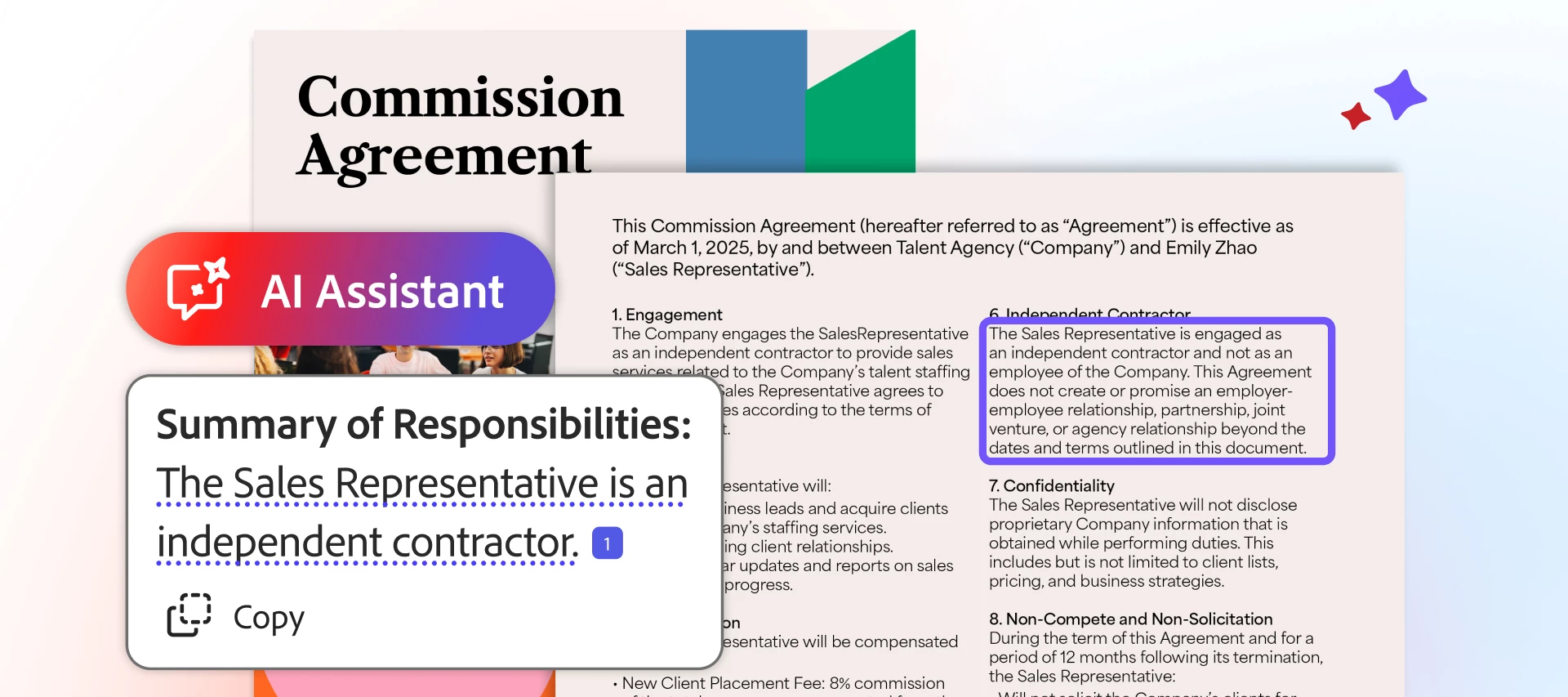
How to use AI for reviewing documents to save time and increase productivity Whether at work, school, or home, documents power our daily lives: contracts, articles, reports, learning materials, financial statements, and more. Most of us spend a great deal of time reading, synthesizing, and understanding them. Or, oftentimes, in our busy lives, we find ourselves wishing we could benefit from more information and greater insights deep inside their many pages. What if you had one of the best AI chat tools that summarizes documents, and could analyze & compare them with built-in citation support? Imagine how much more we could learn and accomplish if we freed up all the time spent combing through long files, spending more energy on taking impactful action and doing the things we're really passionate about? We all need faster, more effective ways to review content and collaborate with others, without reading every document line by line. Increasingly more of us are searching for one of
Remix with Firefly Community Gallery
Thousands of free creations to fall in love with and remix in Firefly.
Already have an account? Login
Enter your E-mail address. We'll send you an e-mail with instructions to reset your password.