







A community for Substance 3D Sampler users.
Recently active
Hello,Is there a way to make the blacck parts of this lace transparent? I've removed the background in photoshop, however this is how it looks in Sampler.
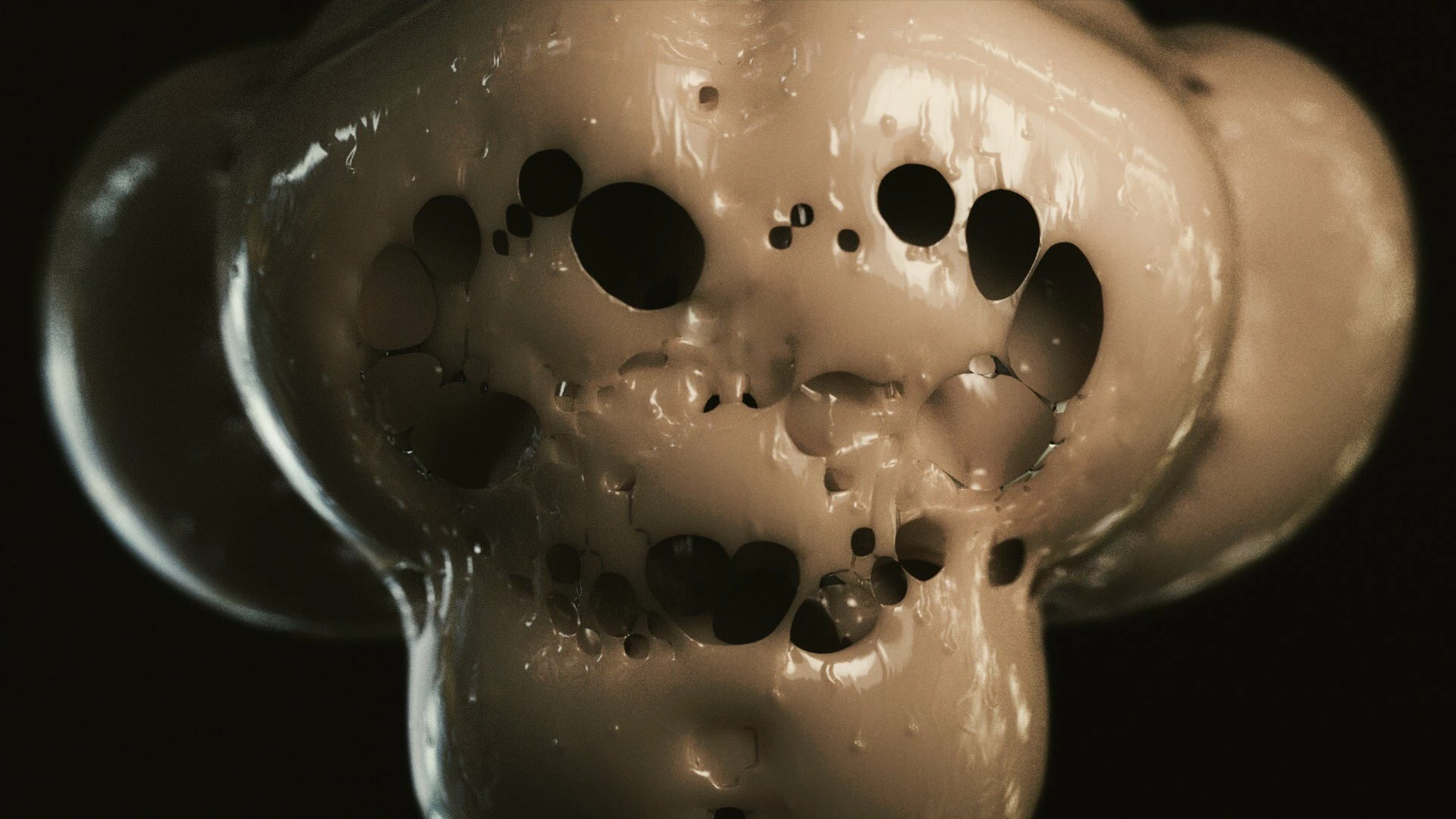
This error does not occur in the blender, but in the sampler.This error changes the texture.Pictures 1 and 2 are from the blender.Picture number 3 is the one you can see in the sampler.It's not a blender error, it's a sampler error.Small holes as well as wireframe errors often occur in samplers. Is it because it's the beta version?Does Adobe know this problem?
Why does base color UV waste space underneath when exporting to 4k?It's a waste of space on the bottom, so the resolution decreases a lot.
Hello, I've created an embroidery based on the video tutorials (see https://www.youtube.com/watch?v=XXaArGsSuHw) but when I try to send the material from sampler to painter, the opacity is gone. Any hint?
To fill a hole when a hole is formed in the mesh in a 3d capture
Hi, I have created on Substance 3D Sampler a material related to a product of my company, now I would like to import it into Adobe Dimension to create renders but it is not possible for me to import the material directly into the export format. In fact exporting it to .ssa adobe dimension tells me it is an invalid format. All the other export formats split my material image into multiple split layers and I don't know how to merge them. Can anyone help me with this? Thanks
What is the main reason that my post processing window not include object. Not aligned object or I need to wait until it appears?
I seem to recall the name remaining if I made an edit and re-exported the texture. That was a nice feature. Did someone request it turned off? Is there an option to turn it on to recall the file name you are re-exporting?
Hi,I'm new to Sampler so will do my best to explain what I am trying to achieve. Currently I have a painted brick wall material and need to add an image on top of the painted brick wall (in this case a graffiti mural with a mask). I then want to add another paint peeling effect to the mural which, when peeled, reveals the painted brick wall beneath.In essence I need to be able to create a paint material which uses the masked image as the paint (as opposed to a single solid paint colour) and when it is peeled, reveals the brick wall underneath. Been banging my head against a brick wall all day on this (pun intended!)Any help would be greatly appreciated, keeping in mind I am still trying to grasp the basics of how Sampler works! 😉
Hello,Is there a way to adjust highlights on a model ? (as we do in Lr or Ph)Is there a 'levels' option to do it instead ?Thank you very much
Hi everyone, I'm trying to convert a normal map to a height map with geometric accuracy. Sampler does the job pretty well (with some minor approximation), however it limits the size to 4096 x 4096 and it stretches it into a square format. Is there a way in sampler to have the native resolution and ratio? Or is there any other adobe app that does a normal to height conversion with the same level of accuracy of sampler but preserving size and ratio?Thanks RiccardoPS: does anyone know which is the exact formula sampler achieve to give this result?
Hello there! I havent been able to find the option to add a custom mesh in the 3D view (just like in substance designer).Here is my example: I am working a road material generator and I would like to import a mesh to test the perspective, tiling and the curve deformation.Now that his great software is starting to get updated and improved, has this feature been implemented? if not, are there any plans to do so?
The target is to make 100% accurate texture comparing to the physical sample using Adobe Substance Sampler.The process I have been doing is, Importing vizoo scanned maps Changing the measurments Changing the RGB colors Adding layers to enhance the texture Changing lights and Exporting the sbsar file [ CLO and Vstitcher]I have a few concerns regarding this process. Change of the quality [ blur texture and color spots] and color after rendering in CLO - I expected to see high quality render image using Substance Sampler, but it's came as a low-quality render image than without using Substance in CLO.Can't change the color of the sbsar material in CLO.Can't import sbsar file to Browzwear.
Hello everyone, my question seems stupid, but I wasn't able to find anything around the internet to solve my problem, which is: I'm not able to pan in the 2D view in substance sampler (steam edition), I can only scroll wheel to zoom, and that's it. The software is updated at the latest available version 3.4.1.I didn't find anything in the preference that I might have switched off accidentally. I tried all the shortcuts but nothing worked for me. I started thinking that the feature might be entirely missing, but in many video tutorials, I've seen people doing the pan. Does anyone know what might be the issue?the last thing I still need to try doing is uninstalling and reinstalling entirely the application, but before that I' thought it might be wise to ask here.Kind regards and happy new year, Riccardo.
sorry If I'm asking basic question...but I've been trying to make this happen from couple of days, readed help, watched couple of tutorials but seems I've been missing some basic step. If I go 3d object, import data set, there I will give some photos of object. My 3d geometry is made and I have nicely previeved texture of bricked wall. On other side UV of my scann is messed but I am aware that this is the part of scan process. Can I crop somehow my 3d object to focus just on part that came out nicealy and would be good for trying tileable step ? or maybe I should somehow arrange my UV properly, then I would be able to just crop it with square and then I would have what I am trying to achieve... I'm really confused but maybe this is a part where painter or designer come in ?
Hi all, I am in the process of learning 3d modeling for archviz in an effort to expand my capabilities. I am somewhat new to material authorship and brand new to the Substance suite. One of the biggest challenges I am trying to navigate right now is figuring out how to replicate the actual brick selections that we use. I was wondering what the best method was to go about tackling that. I tried to use Sampler to create a material from a photo from the manufacturers website, and it sort of worked but I couldn't get it to tile correctly. Is it better to keep trying to fine tune that in Sampler, or is it better to try to create it from scratch in Designer? Does anyone have a resource or two that they could point me to to get me started? Thanks in advance for any advice.
Hello, I wish to create a rug texture but, I'm not sure if it is better to do it in designer or sampler. The pattern is fine, it's a picture, the missing part is the brushed wool effect. Any hint?
Hello, In my project, I'm using a PNG with two colors and an alpha. Is there any way to turn one of the color to an alpha? I've tried several things but if the color becomes transparent, the embroedery properties are not used in the render.Of course it is possible to duplicate and use a PNG where the color is transparent but that would be nice to be able to use two modes : one where the color is opaque, one where the color in transparent, a non destructive way. Is there any possibility to do that?
Image to Material.I imported an image, done a lot of work, then realised when tiling that I need to adjust the source image in Lightroom (radial masks to desaturate and brighten some areas) and then bring it back to Sampler, but it would be a huge nonsense to redo the whole work.How can I reimport an image and let Sampler apply all the work (filters and parameter values) I had done to the previous version?
Hi, I'm using a custom filter in Sampler on top of a metallic material. Regardless of how I configure my filter (with opacity output, opacity in the alpha of the basecolor, black metallic channel) I have the metalness of the base material applied to what my filter is generating. I.e. I cannot get rid of the metalness of the base layer. Any idea how I can set up my filter to prevent this?
How do I import my own mesh? the default meshes come with ratio Width 1 by Height 1.I work with different ratios and when I use th edefault meshes, the texture/material is streched and ugly, I actually can't see what I'm doing because of that, I have no idea what the result will look like.
Hi,I have a sbsar that I exported from SD and it's working fine, what you see on the screen is what I get when I load the sbsar into a 3d sampler. Exporting sbsar from sampler and exposing all the same parameters again, I lose the default green colors and all the existing presets...Any ideas on why this happens? Thank you.
I have reported this issue previously and I want to open this issue on the forum. The issue is with the original, starter, image DPI's changing from input to final render. As an example, I start with 1024 X 1024 300 DPI .png, tif or .jpg image, and the exported base, diffuse, material DPI is not as the input image's DPI. Examples attached.Thanks, John
I'm creating a fabrics with pattern and I want to apply glitters only to some details of the pattern itself.I use the .svg file created in Illustrator (here attacched) and the color pattern, black and white pattern are esactly the same. They overlap perfectly.When I use the B&W pattern to apply glitters using a Custom mask input feature, the mask doesn't match in any place but only in some part of the pattern.You can see the screenshot here attacched and the Sampler file I used to create the fabric material.You can download all the original files here below.This is an education project not a commercial project.Thank you in advance for any help and suggestion to solve.
I have made embroideries in Substance Sampler earlier this fall, exported as sbsar file and used them in Vstitcher and that has been working fine (the displacement map is not working but I have a workaround for that so no problem).But a few weeks ago I needed to make a new one and could not import in to Vstitcher. I have asked them and I don't think it's an issue with Vstitcher. I noticed the files were very small compared to the old ones that are working still, so I tried to not compress them but it still does not work.Can you help me with this?When I dont change the compress setting the file is super small (47 kB). The old ones that are working are between 2100-27900 kB in size.See attatched one of my test files that are not working to import to Vstitcher.
Remix with Firefly Community Gallery
Thousands of free creations to fall in love with and remix in Firefly.
Already have an account? Login
No account yet? Create an account
Enter your E-mail address. We'll send you an e-mail with instructions to reset your password.