























Design the future of fashion, win Firefly Pro 👗✨
Questions
Recently active
Attempting to compare revisions of engineering drawings, and because someone moved some of the existing images to make room for the additions the compare tool just shows the entire sheet on old and new versions as having been replaced.Is there no way to match up individual portions of figures or sheets? If I have two pdf versions and they have (0,0) in coordinates at slightly different spots, the program should be able to recognize the actual differences and not just tell me the entire thing is different.Useless, who would build a diff tool and then make it unusable because it can't actually distinguish content? Does anyone know of a compare tool for pdfs that has any level of intelligence and won't think I deleted and replaced everything between two versions of a document that are 99% the same but had their position adjusted?Adobe sucks
Adobe keeps crashing for only one user in the company. Adobe will stop responding and will have to be force closed via task manager. Also, Adobe is just laggy in general when it is working. This does not happen for other users on other PCs who are accessing the same PDFs using the same version of Adobe. We have tried so many things to resolve this issue, nothing works. We have completely uninstalled Adobe, along with any lingering folders/registry keys. We’ve updated Adobe. The event viewer logs don’t help. They just say something along the lines of “application hang”. This is the free version of Adobe. Is there anyway to get in touch with support or something? Is there support for the free version of Adobe.
Hi everyone, I am trying to copy pages from one PDF to another. On my old computer I'd select the pages on the left then use CTRL + C and It would show a cut line around the pages that were copied. Then I'd CTRL + V when moving my mouse under the page where I want the pages to go, and it would create a blue line. I just got a new computer and now when I do this it does not copy or paste. I have to drag from one to another. Does anyone know how to fix this?
The toolbar that has been on the left side of the app for years has suddenly decided to show up on the right. Clearly this is some illogical, ill-advised, and not well thought out idea. We need it fixed and returned to the left side of the screen immediately. It has beyond ruined our work flow. The phrase goes, "If it's not broken, don't fix it." So why did you feel the need to break a perfectly working app? Until you do fix, how do I get back to an older version of this??
Recently, when I open a fillable PDF in Acrobat, the font looks weird. It looks like this:I’ve noticed it on my work computers (using one of my Creative Cloud seats) as well as at home. I need to fill out a W9 for a new job but don’t want to give it to them looking like this. Anyone have any suggestions how to make the text look normal (ex. Arial)?
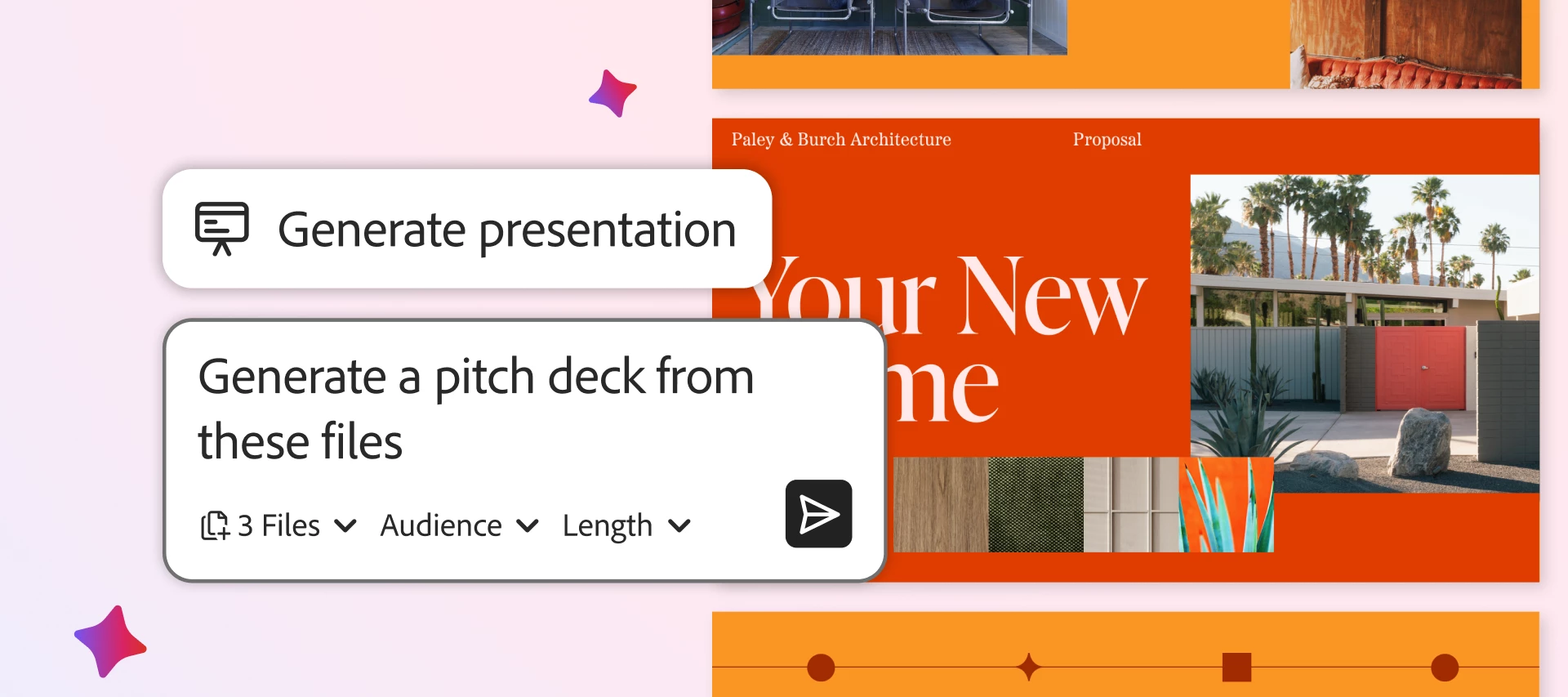
Skip the blank slide and use AI to create professional presentations fast. TL; DR (full article: ~2 min read): Adobe Acrobat's Generate Presentation (in Acrobat Studio) lets you turn existing documents, notes, and prompts into polished, presentation-ready decks in minutes, skipping the blank-slide and manual-formatting time sink. You generate slides from a source plus a prompt, apply professional templates, refine length and tone with AI Rephrase, then present, share, or export as PDF or PPT. It works across desktop and web and connects with Microsoft 365 and Dropbox, serving teams from marketing and sales to HR, legal, students, and small businesses. Creating a presentation shouldn’t take longer than the work behind it. Unfortunately, for most teams, it does. In fact, the average office worker spends nearly 20 hours a month working on presentations, and up to 40% of that time is lost to formatting, layout tweaks, and staring at a blank slide.It’s a familiar problem: you have the dat
Trying to send 111 page document for e-signing but get msg that says page limit is exceeded. Have never gotten this msg before and have sent larger documents. I’ve compressed the document several times but msg continues to come back with “exceeds page limit.” Frustrating as this document is time sensitive.
When I try to delete certain pages, Acrobat DC won't let me, and I get this error notice: "One or more pages are in use and could not be deleted." I have tried the following:1. Setting the setting "View documents in PDF/A mode: to "never" (from default "only for PDF/A documents")2. Repairing installationNeither of those worked. I've searched the forums and this seems to have been a regular problem, but none of the recommended solutions work.Help!
Kan ikke konvertere filerPlan: Adobe Acrobat Export PDF. Er oprettet som bruger gennem flere år. Problem: Jeg kan logge ind, og website registrerer mig. Men alligevel kan jeg ikke konvertere filer. Hver gang jeg prøver, kommer et billede op om at jeg skal købe et abonnement eller få en prøveperiode.
We use FileMaker Pro 11 and in one of our databases we use the PDF integration feature to view PDFs within FileMaker Pro. It was working without issue prior to updating to the newest version. After updating to the newest version of Adobe, the PDF fails to open. I’ve tried reinstalling / repairing both Adobe and FileMaker both of which appear to do nothing in terms of helping. It appears as if the PDF is trying to open in the web browser instead of in Adobe. Screenshot attached of what opens instead of Adobe. I’m under the impression that this feature in FileMaker Pro uses the Internet Access Plug-in, which shows to be updated to version 26.1.21651.0 as of 6/4/2026 at 8:03:24 PM. Thank you to all for taking the time to read and help.
Hallo ADOBE-Community, seit kurzem habe ich folgendes Problem: Wenn ich ein MS Word (A4)-Dokument über den Adobe PDF (Einstellung: A4) als pdf-Datei ausdrucke, ist das Seitenformat US-Letter (215,9 x 279,4 mm) und nicht mehr A4 (210 x 297 mm). Ist dies ein neues, allgemeines Problem oder hat sich nur bei meiner Adobe Pro-Version etwas "verstellt" (das man wieder rückgängig machen kann)? Besten Dank für Eure Rückmeldungen!
When using Acrobat (any version) on MacOS I can use: - "cmd +" = zoom in, and - "cmd -" = zoom out. When using Acrobat DC on Windows 10: - "ctrl +" = zoom in, and - "ctrl -" = placing a sticky note on the page…!!! I can't believe this is "by design", can someone confirm it to me? Thank you
I have a large image to print true to size (29” by 12.5”) and that will take multiple pieces of paper. That’s fine, but my question is, can I get each individual piece of the file to print in the center of each page rather than off-center like what is shown? It’s easier for me if I have larger margins to piece the image together.In the photo, you can see that the file is split into six pages, the only ones with the image in the center are pages 2 and 5. Can I get them all to print centered to allow for more border space? Thanks!
Thank Yuo.
I'm using Acrobat 2017.When I try to create a pdf using my scanner, and scan "both sides," the option is accepted, yet it only scans the front sides from my Brother TWAIN scanner. Both sides scanning worked fine using this scanner in Acrobat 2015 on an older computer.Is there a fix or workaround? I need double sided scanning - that's why I bough a scanner that could do it!Thanks!
When switching from Old Acrobat Mode to New Acrobat Mode, Adobe Acrobat intermittently crashes. The issue does not occur every time; however, after switching modes successfully three or four times, Acrobat crashes during a subsequent switch.A video demonstrating the issue has been attached for reference.Note: All third-party plugins have been uninstalled.
It is showing the drive is disconnected but when clicking on the drive it saves to the location. Is there a way to make this display for my users so they are not confused in the future.
The xml contained in the latest DC SCUP files for Acrobat and Reader correctly list today’s Security Bulletin updated versions -- but they incorrectly list the SecurityBulletinID as APSB26-26 (instead of APSB26-63). e.g., see the highlighted xml below <smc:SoftwareDistributionPackage SchemaVersion="1.0"> <sdp:Properties PackageID="64A81D73-293E-4B12-BBFD-9DA8BBE75868" UpdateType="Software" VendorName="Adobe" CreationDate="2026-06-09T01:02:39.072Z" PublicationState="Published" CanSourceBeRequired="false"> <sdp:MoreInfoUrl>https://helpx.adobe.com/security/products/acrobat/apsb26-26.html</sdp:MoreInfoUrl> <sdp:SupportUrl>https://helpx.adobe.com/security/products/acrobat/apsb26-26.html</sdp:SupportUrl> <sdp:ProductName>Adobe Acrobat</sdp:ProductName> </sdp:Properties> <sdp:LocalizedProperties> <sdp:Language>en</sdp:Language> <sdp:Title>
I use Adobe's graphic design applications extensively, especially InDesign, Photoshop, Illustrator, and Acrobat. Of course, always the latest versions, and on a Mac 🙂But one thing puzzles me: Acrobat is by far the slowest application to start up. Even when the program is already running, it still takes an incredibly long time to open even the tiniest document. I assume it's because Adobe has packed it with all sorts of extra features and services...Does anyone know of a trick or hack to make Acrobat run faster? Is it possible to disable some of all that extra stuff?My InDesign opens an 800 MB document in about 2 seconds, while Acrobat takes 7–8 seconds to open a 48 KB PDF.That's completely crazy.My Mac is a Mac Studio M4 with 64 GB of RAM, so hardware certainly isn't the issue 🙂
Note that I can successfully login to Adobe Account, using my login and password which shows my plan includes Acrobat Pro. When I click onto button access your apps and services or click on Arobat Pro, I get the error Something went working, we’re sorry for the inconvenience. Please try again later.
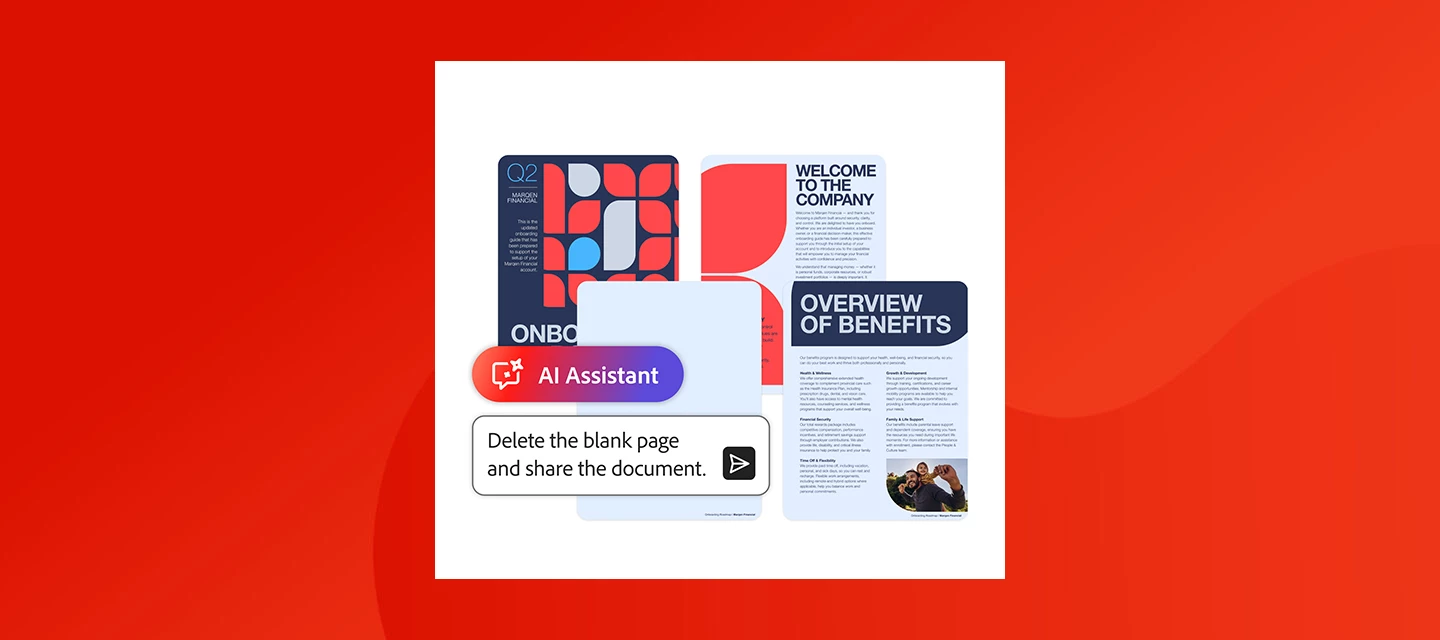
Leave the tools and menus behind and let AI handle the busywork. TL; DR (~2 min read): Adobe Acrobat's AI Assistant lets you complete PDF tasks, convert, sign, organize, extract, compress, print, find-and-replace, and more, just by describing what you need, with no menu navigation. It even chains multiple steps in one request and confirms before making changes. Works across business, legal, HR, and student workflows, and integrates with Microsoft 365 and Dropbox. PDFs are a reliable way to share and manage important information, but completing everyday tasks can still require multiple steps. Actions like signing a document or organizing pages are straightforward, yet they can slow you down when you’re handling a large number of files.A simpler way to work is now available. With Adobe Acrobat, AI Assistant lets you complete PDF tasks such as converting, organizing, or signing documents by just telling it what you need done. This makes Acrobat one of the best AI tools for everyday PDF
I'm trying to combine multiple files into one PDF. I have 40 individual pdf pages that I want to make one pdf that is 40 pages in length. I then want to edit that document, rotate pages properly and save it. Used to be a simple and straight forward process. What am I missing?I am choosing combine files to a pdf, but regardless of what I choose, it apparently creates a portfolio made up of individual documents. I also want to rotate pages that were combined (some of which were landscape), and there is no way I can see to do that without literally going into each document, rotating and saving.Any help greatly appreciated.
I have a question about Acrobat Preflight and JavaScript.I’m using the built-in Preflight profile “Convert to sRGB” from JavaScript via:Preflight.getProfileByName(“Convert to sRGB”)I noticed that the profile could not be found until the Preflight tool had been opened/added in the Acrobat interface. After that, the exact same JavaScript code was able to find the profile.Is this expected behaviour?Does the Preflight JavaScript API require the Preflight tool to be initialized in the user interface before built-in profiles become available to scripts?Or should built-in profiles always be available through Preflight.getProfileByName(), regardless of whether the user has opened the Preflight tool?I’m trying to understand whether this is by design or whether something is misconfigured on my system.
Hello,We are experiencing an issue with Adobe Acrobat after performing a silent update of Adobe Acrobat Reader 64-bit.Initial installation:Adobe.Acrobat.Reader.64-bit.26.001.21563.X64.exeSilent installation arguments used:-sfx_nu /sAll /rs /msiThe installation completes successfully.After that, the user signs in with an Adobe account that has an Acrobat Pro or Acrobat Standard license. Acrobat then switches correctly from Reader mode to Pro or Standard mode.A few hours or a few days later, we deploy the newer version:Adobe.Acrobat.Reader.64-bit.26.001.21651.X64.exeWe use the same silent installation arguments:-sfx_nu /sAll /rs /msiThe update itself completes successfully and Adobe Acrobat is updated.However, when the user tries to sign in or launch Acrobat afterwards, the following error message appears:Attempted to use a method that has not been implementedAfter this error, Adobe Acrobat cannot be launched or used anymore.The only workaround we have found so far is to completely unins
Remix with Firefly Community Gallery
Thousands of free creations to fall in love with and remix in Firefly.
Already have an account? Login
Enter your E-mail address. We'll send you an e-mail with instructions to reset your password.