『アドビコミュニティフォーラム』に投稿する前に。知っておきたい3つのこと
I am on the most up to date version please can you explain why this is happening? I have tried three different printers and they all print blank pages. The print preview within the app shows only blank pages as well
I created a pdf using the perl library PDF::API2. It adds text to a pdf file in the bottom left. When I open the pdf in the browser (Chrome/Edge) or even PDF24, the text is shown. But when I open the pdf in Acrobat Reader, it isn’t shown. Please help
I have Pro 2025.001.21288 for Mac. I use the Take a Snapshot function all the time and the icon which I had set up for my old toolbar is gone in the radical redesign. Rather than fumble for Take a Snapshot function under the Edit menu, I was wonderi
When I open the PDF Document in Adobe, we got an addin Imange, as you can see in the imanage it shows the option like Open, Save AS.But when I do any edit on this document for example sign the document then the options in iManage addin will fade. Can
Hi everyone,I'm currently developing a plugin for Premiere Pro using the Adobe SDK, and I've run into an issue related to playback quality and rendering.I’ve noticed the following behavior: When High Quality Playback is enabled, the effect renders co
I am using Acrobat DC latest version for PDF compare.I just doing textual compare alone, no formatting compare. purely text only. But while doing it shows the below error Below is the option i am selecting while doing Textual compare In the below re
Hello,We are experiencing a recurring issue affecting Microsoft Word after upgrading Adobe Acrobat and Adobe Reader DC on multiple workstations.Issue SummaryAfter performing an upgrade of Adobe Acrobat or Adobe Reader DC, Microsoft Word begins crashi
How can I stop Acrobat from displaying this annoying, repetitive message every time I open, save as, or optimise a document?I have good reasons for working with Acrobat in English and documents in French, and I’d really like to avoid this question th
***I am running Acrobat Pro on a MacBook Pro running Tahoe***After around six hours of ChatGPT guiding me through about twenty five failed attempts to make this work, I am hoping a smart human can do what AI cannot.I have a rating form with a 0-10 po
Guten Tag, Ich habe gerade ein Problem mit dem Adobe Acrobat Reader, dass mir die digitalen Unterschriften nicht angezeigt werden.Wenn ich die PDF jedoch beispielsweise im Browser öffne, wird sie mir ganz normal angezeigt. Was könnte das sein?Ich hab
We’ve introduced powerful AI features in Acrobat Studio to help you summarize documents faster, stay organized, and collaborate more effectively. Meet Acrobat Studio Managing reports, research, contracts, and meeting notes can be overwhelming. Acrob
Power next-level productivity and teamwork with Acrobat Studio. Check out the latest feature enhancements and try them in Acrobat today. Listen to podcast summaries of your docs. Generate a podcast-style audio overview with a click and tailor it for
As a Creative Cloud member, you have access to a host of membership benefits to keep you ahead of the curve and support your creative work. Over the past month, we’ve added new benefits and enhanced others to make your membership more valuable. Here’
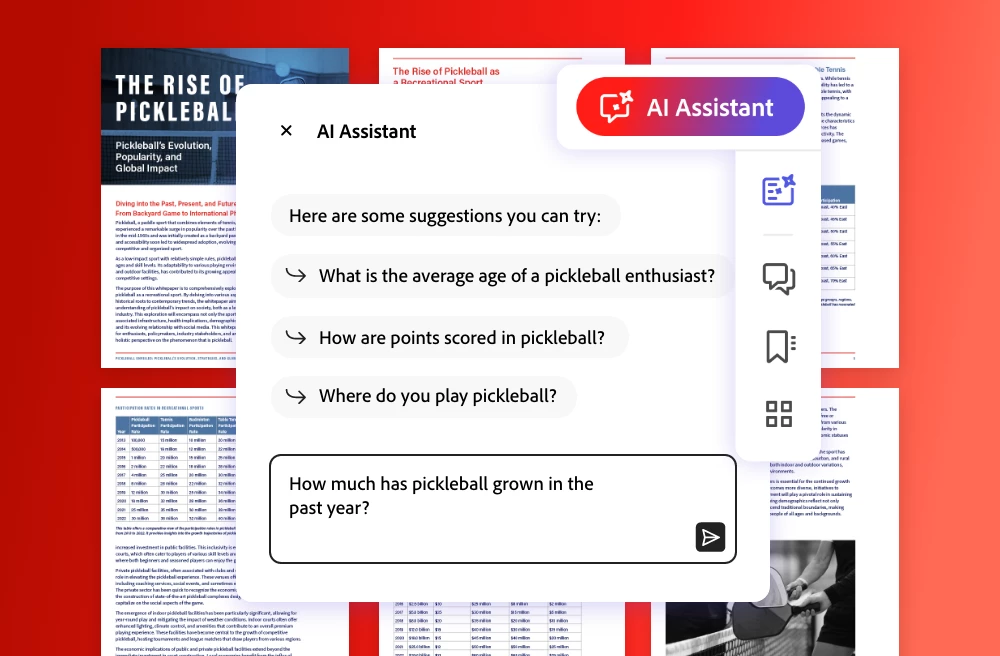
Acrobat Studio is a new subscription plan that turns your digital documents into a conversational AI-powered knowledge hub. It helps you work smarter and get your best work done. It's where your ideas connect and your best work takes shape. The
How to use AI for reviewing documents to save time and increase productivity Whether at work, school, or home, documents power our daily lives: contracts, articles, reports, learning materials, financial statements, and more. Most of us spend a grea
Create, design, and collaborate effortlessly in an all-in-one AI creative workspace Every document starts with a goal: explain something clearly, persuade an audience, or share information that drives action. But this often takes much longer than it
Create, design, and collaborate effortlessly in one of the best AI creative workspaces. SUMMARY Learn how to use one of the best all-in-one AI workspaces to simplify every stage of document formatting and creation—from brainstorming and drafting to d
Hi everyone! We’ve just launched Acrobat GPT, a new way to work with PDFs directly inside ChatGPT.If you’re already using Acrobat to convert, combine, compress, or organize PDFs, this GPT brings many of those workflows into ChatGPT in a more convers
Explore how the Generate presentation tool in Adobe Acrobat transforms prompts, files, and entire PDF Spaces into professional, visually engaging presentations in minutes. The Generate presentation tool in Adobe Acrobat uses generative AI and Adobe
6 Ways to Use One of the Best AI Platforms to Summarize Documents Learn how to use Adobe Acrobat Studio to create a trusted AI workspace that increases productivity with AI summaries. SUMMARY Learn how to use one of the best AI platforms for summar
Edit, convert, and sign PDFs with ease. Organize and protect documents anywhere.
すでにアカウントをお持ちですか?ログイン
Enter your E-mail address. We'll send you an e-mail with instructions to reset your password.
申し訳ございません。このファイルは、ダウンロードしても安全かどうか、内容を確認中です。数分後にもう一度お試しください。
申し訳ございませんが、当社のウイルススキャナは、このファイルをダウンロードすることは安全ではないと検出しました。






 AdChoices