• 922 Product updates

Adobe Express Embed SDK v4 is out!

We're so excited to announce that the Adobe Express Embed SDK v4 is now publicly available. There are a number of breaking changes as we've changed the way the SDK is initialized and broken each workflow (full editor, quick actions, and modules) into individual classes. Each class contains method names that are more verbose and should simplify the way developers use our SDK. Read our changelog here.   What's new in v4?  👉 Callback functions are specified in the initialize API. More verbose, intent-driven method names across the board.  👉 Modules are contextual, mini-editing experiences that you can surface to your users. The modules available at this time are text to image and image editing. Text to template and other modules are on the way. 👉 Delayed login is now available. 👉 Additional export options are available -- have more control over how the user continues editing in the full Adobe Express editor.    Get started 👉 Quickstart guide 👉 Sample   When should I migrate by?  We do not plan on deprecating v3 of the SDK anytime soon so if you are already using v3, your team can plan the migration at your own pace. Using v4 brings new editing experiences, performance benefits, and the latest of Adobe Express to your users! If you are using v1 or v2 of the SDK, please move over to v4 as soon as possible. Both of those versions are no longer maintained and will be deprecated soon.  

Adobe Acrobat and Reader - March 2024 Updates Now Available!!

Adobe Acrobat and Reader - March 2024 Updates Now Available!!   We are happy to announce that the latest Acrobat and Reader DC Continuous track (24.001.20604) is live now.   What's Included in the Update? The most recent Acrobat & Reader update brings you the following: Exciting new features. Essential bug fixes.   To begin enjoying these new features immediately, update your Acrobat by navigating to the Help menu, clicking "Check for updates," and following the on-screen instructions to complete the update process.   Here are some of the notable features introduced in this release:   Action wizard in the new Acrobat. Action wizard allows you to create and manage actions and commands to run across numerous documents with a single click. Add shortcuts or favourite tools in Modern Acrobat. You can now add shortcuts or mark your favourite tools in Modern Acrobat. An enterprise admin can add shortcuts or favourite tools. Manually sync comments on your shared files on your Acrobat desktop. You can now manually sync comments on your shared files on your Acrobat desktop. The feature improves cloud syncing and ensures your document is up to date. Perform spelling checks on your document using Adobe Acrobat. With this release, Acrobat brings an automatic spelling check feature for your document.   For more exciting new features, see this article.   Bug Fixes: Accessibility Improvements to make Acrobat UI more accessible. Adobe Sign The default date format is not set in Request E-Signature. Fill & Sign The radio button in Acroform is not converting to the Native RS field. Reduce friction by removing the frequent reauthentication requirement while accessing agreements in the home view. Enterprises requiring users to mandatorily re-authenticate at a fixed frequency to access resources can use 'Advanced settings' as described here. Forms Unable to open linked PDFs. The "Highlight Existing Fields" button is visible if we do not have the Form filling permissions. Image Conversion Acrobat freezes & crashes when combining JPEG files. Printing The "Document could not be printed" error is shown after closing the page setup and printing. Search Focus disappears from the Find tool when the Cloud-powered Search's CT appears.   To update the apps manually & more information about this release, see Release Notes.   For known issues with Adobe Acrobat and Reader DC, please refer to the following document: Known issues | Acrobat DC, Reader DC    Acrobat DC System Requirements. Enterprise-Centric features: For these, refer to the Administration Guide.

InDesign 19.3 | Streamlined User Experience: Export, Import, Reset Preferences & Enhancements

Hi All,   The March 2024 InDesign update (19.3) is now available for download from the Creative Cloud Desktop application. Update to this version to take advantage of all the Improved User Experience,  Core Features, and Workflow listed below. Note: This is a phase-wise rollout, and updates will be available to users in different countries in the coming days. Check your notifications in the Creative Cloud Desktop application, or refresh the application to check for updates.   Major features: Export and Import User Settings:- InDesign provides an option to export and import User Settings, providing users with a smooth and enhanced experience to restore their custom settings if needed. You can now Export User Settings to a file. Import and apply User Settings from a file. Reset user preferences   Core features and workflow: [macOS Sonoma Only] InDesign crashes while changing the font or font type from the Type menu.   User experience improvements: [JP only]: Complete string for numbers isn't shown in the Info panel. Updated list of options is available in the Accessibility Feature dropdown. Few InDesign documents created or saved from InDesign 19.2 fail to open in InDesign 19.1   Please click here to update InDesign to 19.3.   For more details, kindly click here.   To launch InDesign, please click here. If you haven't bought your InDesign subscription yet, please click here to get your subscription.   I am locking this post. Please create separate posts to share your observations or feedback with us. If you've found value in this post, a friendly upvote would be fantastic. Your thoughts are even more precious – share them with us in the discussion!   Thanks, Harshika

Illustrator v28.3 | Elevate Creativity: Effortless Dimensioning, Enhanced Retype Workflow, and more!

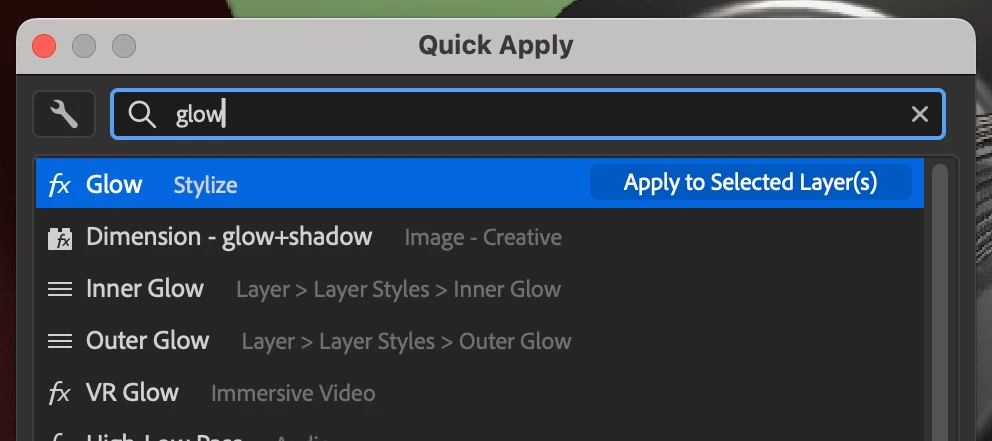
Hello everyone,  We're excited to announce that Adobe Illustrator's latest update (version 28.3) is now available for download via Creative Cloud Desktop. In this update, you can seamlessly measure and plot dimensions, experience an improved retype workflow, benefit from text-to-vector graphic enhancements, conveniently pin the contextual taskbar, enjoy upgrades influenced by user feedback such as live customizable stars, experience overall performance improvements, and find bug fixes.You may also visit the links to access comprehensive lists of all the features and bug fixes available. Update the AppTry out the Latest Features and Enhancements in Illustrator!  Update Illustrator Measure and plot dimensions effortlessly Effortlessly measure and show dimensions in your design using the Dimension tool. This tool simplifies measurement, whether it's distances, angles, or radii. When resizing an object, all linked dimensions adapt automatically. You may also personalize the dimension's appearance, units, and scale. Delve deeper into the capabilities of the Dimension tool. Experience an enhanced Retype workflow Retype now features distinct Match Font and Edit Text features. Match Font effortlessly recognizes text in images and outlined text, offering matching fonts. If the text isn't recognized, you can move the marquee to encompass the text and find its matching fonts. With Edit Text, you can modify text in images and outlined text using a matching font. Explore more about the Retype tool's enhanced capabilities. Explore enhancements to Text to Vector Graphic Refine the output you generate using Text to Vector Graphic > Pattern by specifying up to 12 colors. Explore additional details about Text to Vector Graphic. Pin the Contextual Task Bar for a persistent context You can now pin the Contextual Task Bar to your preferred position, ensuring it's consistently placed regardless of your object selection or document changes. This feature enables swift access to relevant tools and actions, streamlining your creative workflows. Delve into further details about the Contextual Task Bar. Explore enhancements inspired by your feedback We are dedicated to ongoing improvements to cater to your evolving needs, and we've incorporated enhancements to Illustrator in response to your feedback for the Illustrator 28.3 release. Some of them include: Enhance designs with live customizable stars Stars drawn with the Star tool are now live shapes, allowing you to customize their properties to suit your specific design needs. Easily adjust the number of points (sides), inner and outer radii, and inner and outer corner radii using intuitive on-shape widgets or the Properties or Transform panel. Explore further details on modifying stars. Gain more control over object selection when using a marquee Use marquee selection in enclosed mode to choose objects fully contained within the marquee window. Simply press E while dragging the marquee to switch to this enclosed mode. Explore additional details on the enclosed mode. Format fonts with ease using keyboard shortcuts Instantly enhance the font style by applying bold, italic, or underline formatting through convenient keyboard shortcuts. Explore additional details on formatting fonts. Add text without default hyphenation Text hyphenation is not activated by default when you create a new document in Illustrator. Fixed Issues Our team has tried to fix some issues with Illustrator 28.3, including: Unable to open the most recent AIC file in Illustrator. (UserVoice) Unable to break links to multiple symbols at once using the context menu. (UserVoice) The color of the central preview swatch of the Live Paint Bucket tool doesn't match the color of the swatch selected in the Swatches panel. (UserVoice) Dim Images to option of a template layer remains selected even after you deselect it. (UserVoice) Illustrator crashes when applying Fill or Stroke from the Properties panel. We would love to hear your feedback on the improvements in the Illustrator UserVoice. See What's New for more information on the latest features. To help us have focused discussions, create separate posts for feedback on features related to this update. Thanks,Anubhav If you've found value in this post, a friendly upvote would be fantastic. Your thoughts are even more precious – share them with us in the discussion!

AI Assistant in Adobe Acrobat & Reader: February Updates Now available

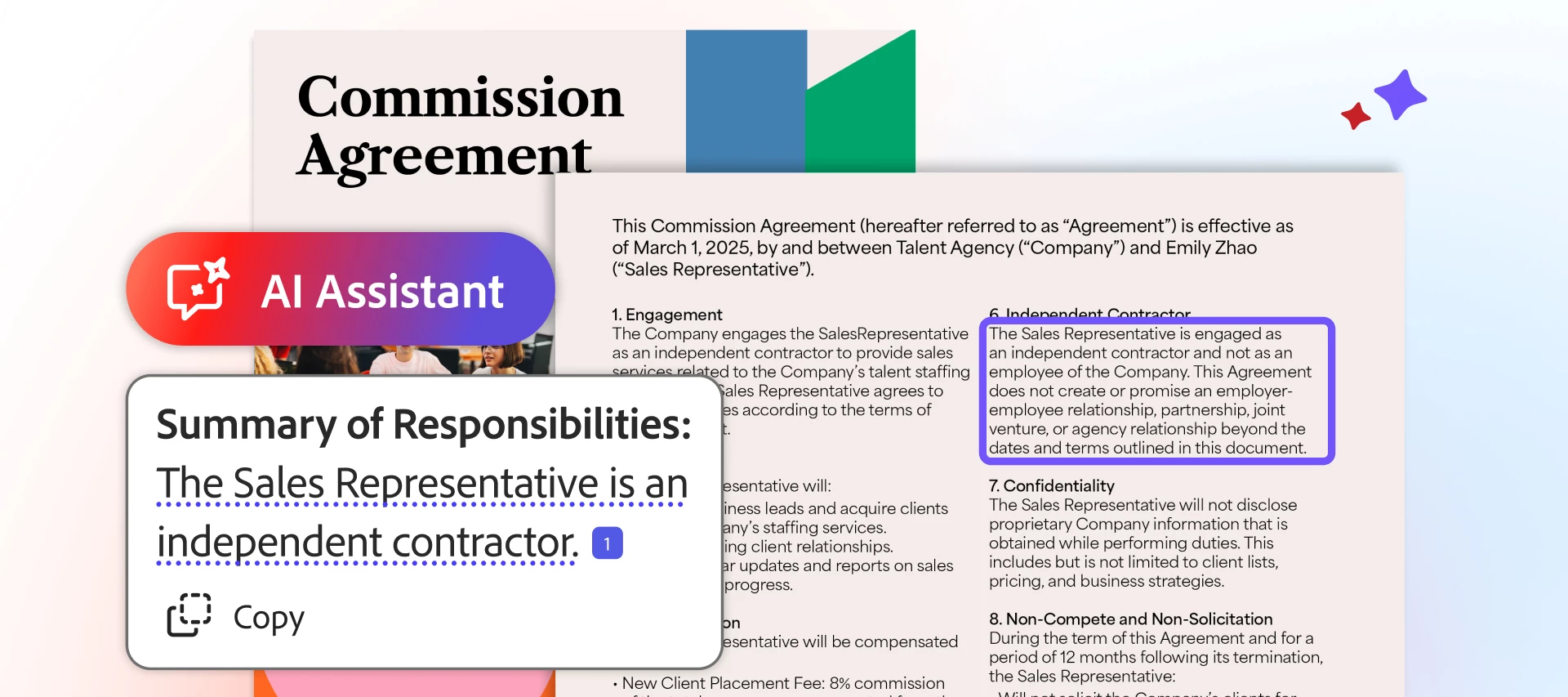
AI Assistant in Adobe Acrobat & Reader: February Updates Now available.   We are happy to announce that the latest Acrobat and Reader Continuous track (23.008.20555) went live on Feb 23, 2024.   What's Included in the Update? The most recent Acrobat & Reader update brings you the following: Exciting new features. Essential bug fixes.   To begin enjoying these new features immediately, update your Acrobat by navigating to the Menu, clicking "Check for updates," and following the on-screen instructions to complete the update process.   Here are some of the notable features introduced in this release: Enhancements in the new Acrobat:  Generative AI in the Acrobat & Reader (Public Beta). Use the generative AI features in Acrobat and Acrobat Reader to quickly scan through lengthy, complex PDF content and get answers or generate a summary. To know more, see these articles: GenAI Landing Page & User Guide. Note: Acrobat's generative AI features are currently in beta, and the AI Assistant and Generative summary are available for testing and feedback.   New/Modern Acrobat: Support for Action Wizard in the new Acrobat UI.   For more exciting new features, see this article.   Bug Fixes:   Stability: Quitting unexpectedly on Win 11. Fixed crashes on App Quit on Mac in some scenarios.   To update the apps manually & more information about this release, see Release Notes.   For known issues with Adobe Acrobat and Reader DC, please refer to the following document: Known issues | Acrobat DC, Reader DC    Acrobat DC System Requirements. Enterprise-Centric features: For these, refer to the Administration Guide.

Illustrator Newsletter - February 2024

Hey there, February Fantasia! Ready for a month filled with creative adventures? Wishing you all the artistic triumphs, creative leaps, and boundless inspiration this month! Don't forget, we've got a bonus Leap Day to fuel our creativity even more!   We've lined up some exciting stuff in this newsletter just for you! Learn how to import sketches, craft custom typography, and transform your art with 3D effects with Mick Flior, embark on a print design journey with Jacklyn Watson, and stay in the loop with the latest updates and trending issues!   Missed out on previous newsletters? No worries, head to the Adobe Illustrator Newsletter Home Page for a recap. Adobe Illustrator Update 28.2 Adobe Illustrator's latest update (version 28.2) is now available for download via Creative Cloud Desktop. This release offers enhanced Text to Vector Graphic (Beta), as well as general performance improvements and bug fixes. Learn more about what's new in Illustrator 28.2. Update the AppTry out the Latest Features and Enhancements in Illustrator!  Update Illustrator Behance Live Stream Updates Join Mickt Flior as she demonstrates importing sketches into Adobe Illustrator, utilizing drawing tools for distinctive typography, and adding 3D effects for vibrant art with metallic textures, ray tracing, dimension, and more. Guest Mickt Flior is an illustrator and designer based in the USA. Her areas of expertise are advertising, design, and editorial/publishing, and she loves creating visually striking projects that merge design and illustration. Behance | Instagram | LinkedIn | Website   Tutorials Join Jacklyn Watson as she goes over setting up your file for print, creating die-cut sticker designs using global swatches, spot colors for specialty inks and print effects, offset path, and exporting your work. Jacklyn has 10 years of professional experience as a medical illustrator and animator and recently made the move to UI/UX designer. She's comfortable working in both print and digital media. Behance | Instagram | LinkedIn | Website   Trending Issues Issue: When using Text to Vector Graphic (Beta), the following error message is encountered:"Something went wrong. Please try again. - Text to Vector Graphic (Beta)"Action: Our Product team has requested more information in this community thread. Issue: When using Illustrator, the Generative Pop-ups are causing file open click issues.Action: Our Product team has requested a screen recording and reproducible steps in this community thread. Issue: When launching Illustrator 28.0, the following error message is encountered:"Missing Plugin issues detected"Action: Our Product team has requested system info and logs using the Adobe Log Collector tool. Expand your Creative Toolkit Discover diverse tips, tricks, tutorials, and creative challenges from our vibrant Adobe community, providing a monthly dose of valuable insights to enhance your creative journey. Create or remove objects using Generative AI on Photoshop on the iPad   Lightroom February '24 Remix It Challenge   Helpful Links User Guide Frequently Asked Questions Common Troubleshooting Steps System Requirements Tutorials Known Issues   Curious what's going on with our other apps? Check out their Newsletters, too:  Photoshop  Lightroom  Lightroom Classic  InDesign  Firefly  After Effects  Premiere Pro   If you've found value in this post, a friendly upvote would be fantastic. Your thoughts are even more precious – share them with us in the discussion!

Adobe Bridge Beta is now available (14.0.2.181)

We are happy to announce the release of Adobe Bridge Beta (14.0.2.181)   We have been tracking the issues reported on the latest release version of Bridge and have been working on fixing those issues. This Beta release contains several user-reported bug fixes.   Steps to install/update   Install: Go to the Creative Cloud desktop app and select Beta apps in the left sidebar of the Apps panel. Then select install for your beta app.   Update: Go to the Creative Cloud desktop app, click on Update in the left sidebar of the Apps panel, and Check for updates. Then click update for your beta app.   Fixed Issues   Favorites list get longer each time user clicks on favorites arrow in Bridge's menu bar  Checkboxes cannot be activated with the keyboard in Filter Panel  Smart collection removes from favorites on clicking Smart collection in Favorite panel, if migrated from previous version  [Mac] Checker box size gets increase in content panel after purge cache and select file.  [Mac] Drag and Drop a folder to Bridge 2024 dock icon does not work if we close the Bridge using cross button  "ParseValue unexpected char" error and Bridge crashes on launch  Folder moves to another folder after renaming.  Scroll bar in content panel moves to top after renaming a folder.  Metadata Column Resizing | Multiline text box's label is getting hidden, if comes in centre and remove some text from text box.  Metadata Column Resizing | Multiline text box having overlapped text "Invalid Surface Image" error on Bridge launch Flipped images are not reflected correctly in Full-screen preview, slideshow and in exported image Stability fixes to the video library   This release also contains fixes that came out with the 14.0.2.150 Beta release   For more info on what a beta is and how you can participate, see Adobe Creative Cloud Beta FAQ

Illustrator v28.2 | Unlock Creative Potential through Text to Vector Graphic (Beta) Enhancements

  Hello everyone,    We're excited to announce that Adobe Illustrator's latest update (version 28.2) is now available for download via Creative Cloud Desktop. This release offers enhanced Text to Vector Graphic (Beta), as well as general performance improvements and bug fixes.You may also visit the links to access comprehensive lists of all the features and bug fixes available.   Update the AppTry out the Latest Features and Enhancements in Illustrator!  Update Illustrator   Enhanced Text to Vector Graphic (Beta) You can now easily access the options to refine your input prompt, all in one place. Find these options within the new Styles & Settings section of the Properties and Text to Vector Graphic (Beta) panels. Learn more about Text to Vector Graphic (Beta).   Try it yourself!Follow along with a sample file to learn how to quickly generate a vector graphic in Illustrator!  Open Illustrator   Fixed Issues Our team has tried to fix some issues with Illustrator 28.2, including: Illustrator hangs when applying Window > 3D and Materials > Extrude to an object. (UserVoice) Clipping mask (Window > Transparency > Make Mask) doesn't display clipped images. (UserVoice) On Opening Ai File, It cannot locate EPS files while they are present in the respective folder. Type on a Path positioning is quantized and not smooth. (UserVoice) Drop shadows appear lighter in Illustrator version 28.1 compared to previous versions. (UserVoice) We would love to hear your feedback on the improvements in the UserVoice. See What's New for more information on the latest features. To help us have focused discussions, create separate posts for feedback on features related to this update.  Thanks,Anshul If you've found value in this post, a friendly upvote would be fantastic. Your thoughts are even more precious – share them with us in the discussion!

InDesign 19.2 - Enhanced Core Features and User Experience

Hi all,   The January 2024 InDesign update (19.2) is now available for download from the Creative Cloud Desktop application. Update to this version to take advantage of all the Improved User Experience,  Core Features, and Workflow listed below. Note:- This is a phase-wise rollout, and updates will be available to users of different countries in the coming days. Check your notifications in the Creative Cloud Desktop application, or refresh the application to check for updates.     Core features and workflow: For right-to-left(RTL) language text, the character direction changes to left-to-right(LTR) after applying Forced Line Break. [macOS Only] Application window and panels are resized and moved after waking up from sleep. Copying text from and Pasting text into the Review panel. InDesign 2024 crashes on launch for some users.  User experience improvements: The Review panel opens automatically on copying the Review link or inviting people to the Review. [Win Only] Unable to scroll using two fingers on the Trackpad/Touchpad.   Please click here to update InDesign to version 19.2.   For more details, kindly click here.   To launch InDesign, please click here. If you haven't bought your InDesign subscription yet, please click here to get your subscription.   I am locking this post. Please create separate posts to share your observations or feedback with us.   Thanks,Vivek