Get Acrobat Reader Mobile answers, news, tips. Join us!
Nyligen aktiv
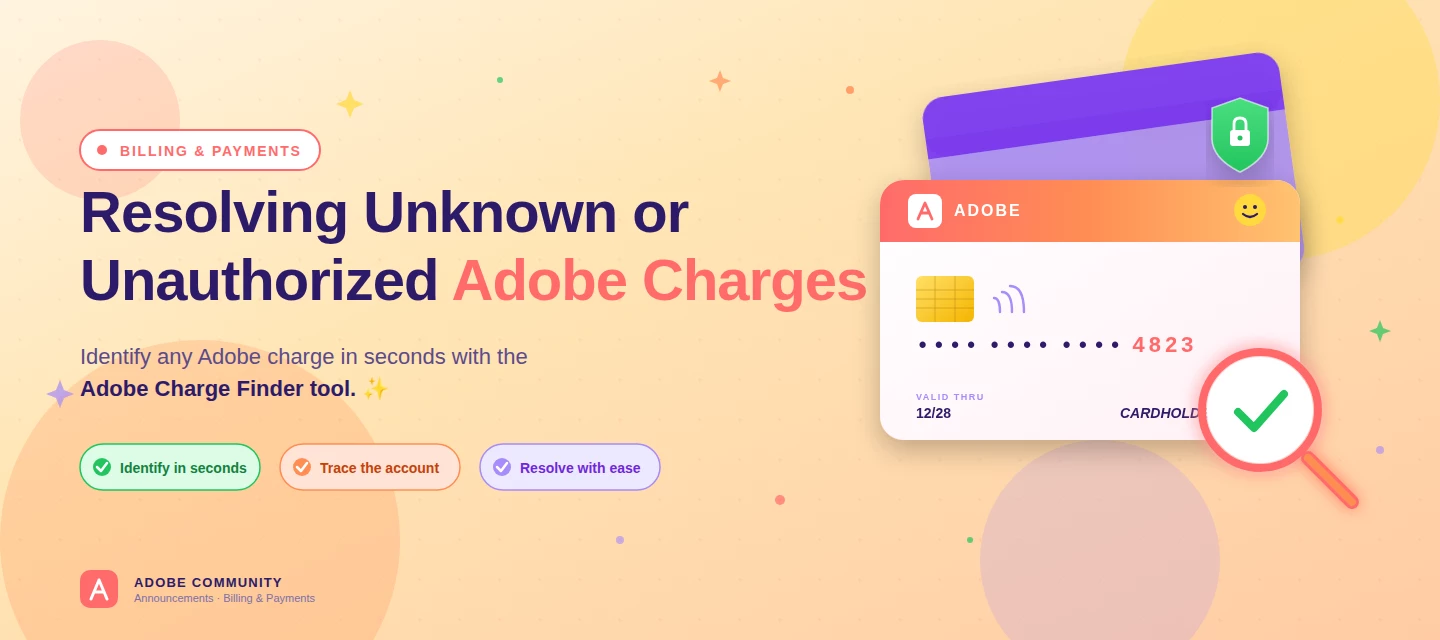
About this articleRead time: ~3 min Published: May 18, 2026 TL;DR: See an unfamiliar Adobe charge on your statement? Use the Adobe Charge Finder tool to identify it , enter your card and transaction details exactly as they appear on your statement, and it'll show the linked Adobe account, subscription type, and date.Spotted an unfamiliar charge from Adobe on your bank or credit card statement? You’re not alone, and in most cases, the charge can be traced and resolved within minutes. Use the Adobe Charge Finder tool to identify the transaction, locate the associated Adobe account, and take the right next step. We know how unsettling it feels to see a charge you don’t recognize. That’s why Adobe has streamlined the process of identifying unknown charges, so you can quickly confirm whether the transaction came from Adobe, trace it to the right account, and resolve it without the back-and-forth. With the Adobe Charge Finder tool, you can look up any Adobe charge using the transaction ID fr
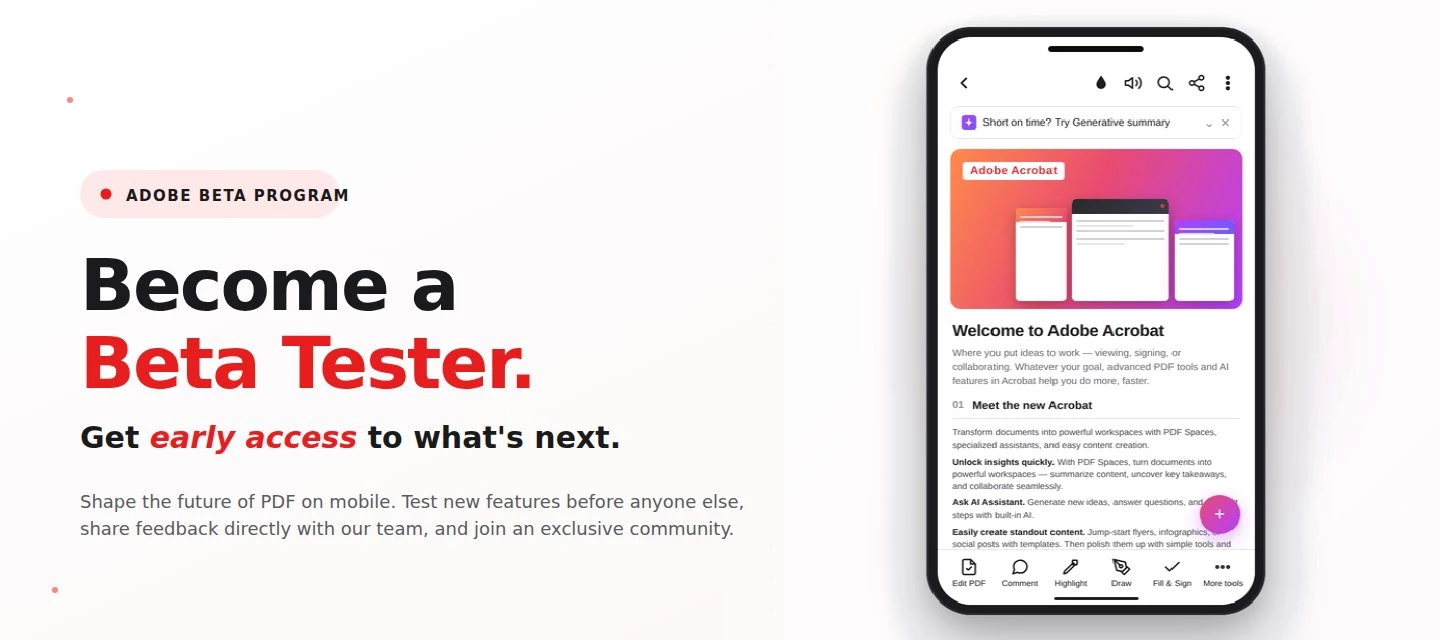
About this articleRead time: 3 min.Published: May 21, 2026 Author: Amal Jaiswal – Community Manager TL;DRThe Adobe Acrobat Reader Android beta program gives Android users free, early access to new Adobe Acrobat Reader features via Google Play. Enrolment takes one tap, it's reversible anytime, and your in-app feedback routes directly to the Adobe Acrobat Reader product team.Adobe Acrobat Reader beta access is an opt-in Google Play testing track for the app on Android that lets everyday users try new features before public release. If you sign PDFs on the bus, scan receipts at lunch, and mark up docs at midnight, this is your backstage pass. What is the Adobe Acrobat Reader beta program?The Adobe Acrobat Reader beta program is the side door into the app on Android, a free testing track on the Google Play Store where the features land before they hit everyone else's phone. Beta testers get pre-release builds straight from the team, a dedicated in-app feedback form wired straight to the p
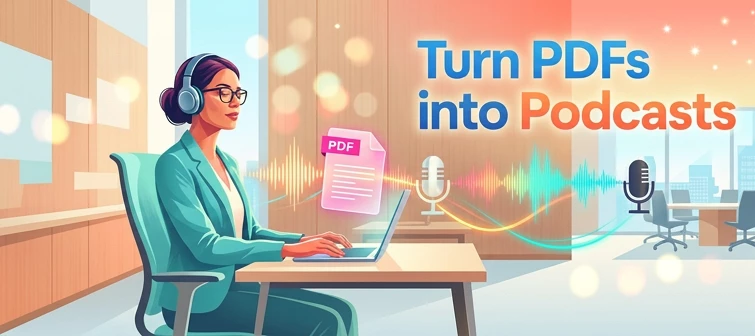
About this articleRead time: ~3 min Published: May 8, 2026 TL;DR: Podcasts in Adobe Acrobat mobile turns the documents inside a PDF Space into AI-generated audio you can listen to on the go. Pick Highlights for a quick summary or Deep dive for a longer walkthrough then edit the transcript so it sounds exactly how you want. Reading a 40-page spec. or listening to it like a podcast while you walk to your next meeting? That’s the move. Acrobat on mobile now lets you turn the contents of a PDF Space into a custom AI-generated podcast built around the focus you define, for the audience you choose, on iOS and Android.We would love to hear what’s working, what’s weird, and what you wish it did next. Drop your thoughts in the reply, we are listening. What is “Podcasts” in PDF Spaces?Podcasts in PDF Spaces is an AI Assistant feature in Adobe Acrobat on mobile that converts the documents grouped inside a PDF Space into a listenable, audio-first version of that content. Each podcast is generated
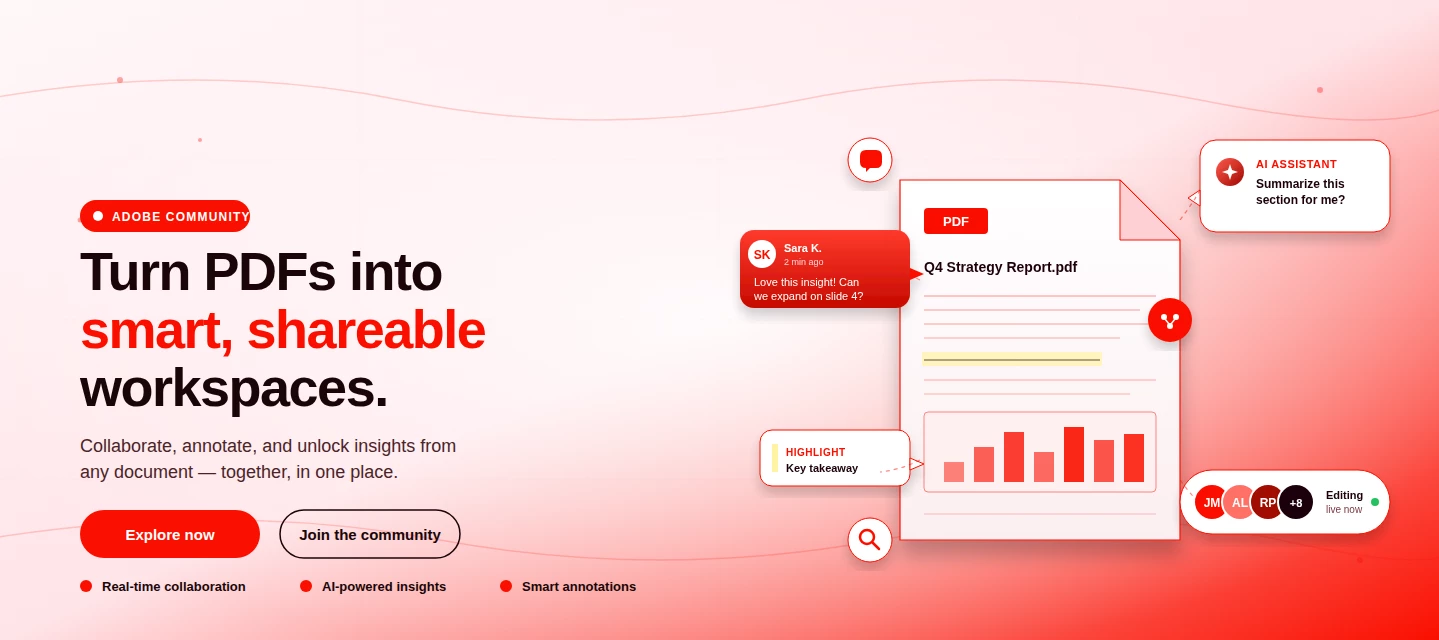
About This Article Read time: ~3 minPublished: May 8, 2026 TL;DR: PDF Spaces in Adobe Acrobat Mobile brings PDFs, photos, webpages, and notes into one AI-powered workspace you can customize and share right from your phone. Add your sources, let AI Assistant summarize and answer questions grounded in your content, then share with role-based permissions.Nobody wants to open multiple PDFs on their phone to find one paragraph. That’s the whole problem PDF Spaces solves. Instead of a folder you scroll past, you get one workspace where AI reads everything for you, and you just ask. This post is part announcement, part open discussion, we want to hear what’s working and what we should improve next. What is PDF Spaces in Acrobat Mobile?PDF Spaces is an AI-powered workspace inside Adobe Acrobat Mobile (Android and iOS) that lets you collect PDFs, scanned documents, photos, webpage links, and text snippets into one place then use AI Assistant to summarize, answer questions, and generate two
We truly appreciate the time you've spent with Acrobat Mobile or Scan. While we’re sad to see you go, our priority is to make cancellation simple, transparent, and respectful of your time. Before you proceed, here’s what you need to know about refunds:If you cancel within 14 days of your original purchase, you’ll get a full refund. If you cancel after 14 days, your subscription will remain active until the end of the current billing period, but no refund will be given. For full details, please review our Subscription Terms & Cancellation Policy. Here’s how to cancel based on your subscription type:On Android: Use our automated cancellation form to submit your request. It only takes a few moments. On iOS (iPhone or iPad): To cancel your subscription, follow the instructions outlined in the help article. On Desktop (Acrobat Pro): You can cancel anytime through your Adobe Account by following the steps in this guide. Wondering about your account, payment, or plan? Ask away right he
Hello. I am having unauthorised payments to Adobe coming out of my account ($39.98 just came out today), however when I log onto the Adobe member page it says I have no active subscriptions.You guys have no contact email address or phone number I can easily find to ask someone about this.If I have any subscriptions with Adobe, please cancel them immediately.Brittany White
I have a 2. Html file which i want to convert to pdf but no luck
Described
Ich möchte die Testversion kündigen
Não consigo baixar nenhum aplicativo por conta dessa cobrança que já está cancelada.
I purchased adobe acrobat premium which allowed me to edit and create pdf. Now it’s saying I need purchase the app to edit etc. please help me understand. It says it’s valid until march 2027. I paid for a year ahead of time.
Yo ya había cancelado mi prueba gratis de Adobe e igual me cobró el día de hoy 19/10. Inmediatamente cancelé el día de hoy todo plan con Adobe, y me salió esto, con lo cual entiendo que ¿me van a devolver el dinero verdad? Cancellation details include:Affected planSubscriptionAnnual plan, paid monthlyS/ 80.65/mo Prorated refundS/ 80.65(incl. tax) TOTAL REFUNDS/ 80.65 You'll receive a refund of S/ 80.65.This refund is for the paid period remaining in your Acrobat Pro subscription, which you'll receive within 5 business days. Plan dateAccess to your plan will end immediately. AppsYou will no longer have access to your applications, nor most of the services included in your paid plan. StorageYour cloud storage will be reduced to 5GB. If it remains over this limit, you have 90 days to reduce your online usage or you could lose access to some or all of your files saved on the Creative Cloud servers. Learn more about cloud storage FilesIf you saved your wor
Can i talk to someone capable of helping
There is a payment I don't want to make this morning could I have a refund
Hello, I wanted to sign up for the free trial this morning and thought I did so, but my card was charged anyway. I was 100% under the impression that I had a week to test things before I decided to pay, so I’m confused as to how my card has already been charged? I would like a refund.
Quero o reembolso do valor de 169,99 já havia cancelado a assinatura e cobrou mesmo assim aguardo um breve contato para solucionar
I have 3 videos saved on Google Drive, but your app won't let me see them.
Device: iPad Pro 12.9-inch (5th generation), iPadOS 27.0.1 (also happened on the previous iPadOS version), Acrobat 26.09.00 (20261001.161901).Since this evening, Acrobat crashes about one second after opening any PDF, whether from OneDrive, from "On My iPad", or with Wi-Fi and cellular turned off. The files open normally in the Files app preview. I have already restarted the iPad, updated iPadOS and reinstalled OneDrive. Is this a known issue, and is a fix planned?
I would like a refund for my subscription I attempted to cancel the subscription but the cancellation wasn't working and now $144.99 has been taken from my account.
Dear Adobe Support Team,I am reporting a recurring issue with the Read Aloud feature in Adobe Acrobat for Android. The feature previously worked correctly, but it recently began displaying the following error:“Enable the text-to-speech engine in your device settings so the document can be read aloud.”Device and application informationDevice: Samsung Galaxy Note9 (SM-N9600)Android version: 10Samsung One UI version: 2.5Adobe Acrobat version: 26.9.250367Text-to-speech engines tested: Samsung TTS and Google Speech Recognition & SynthesisTroubleshooting already performedVerified that both Samsung and Google TTS engines successfully produce speech using the Android text-to-speech settings.Selected Google as the preferred TTS engine.Tested multiple PDF documents, all displaying the same error.Cleared the Acrobat cache and uninstalled and reinstalled the application.Confirmed that no Acrobat update was available through Google Play.Disabled battery optimization for Acrobat.Force-stopped an
Would like to know where I can find how much free space I have on Adobe cloud stirage
No puedo Cancelar mi suscripción. No me aparece la opción ni en la app de adobe acrobar ni en la página de samsung. Cómo puedo camcelarla?
I need a payment of a free trial that was started without my knowledge reversed or cancelled as it’s trying to take money out of my acccount and I didn’t even know about an adobe premium free trial. now it’s declining cause of insufficient funds but once there are funds it’s going to take and I need that stopped
Pretty much since I started to use Adobe software again straightaway I noticed that within hours of completing project work was disappearing punishing and you know it’s now a bust chunks of data that is disappearing from my device. It’s clear it is more of a system issue than a hacker issue but I wondered if anybody else had encountered this and what can be done about it because it’s insane really insane .
my Adobe is crashing when opening certain local files. I had it for years with no problems. This showed up two weeks ago. I have no problem loading pdf files from the cloud (OneDrive).I’ve tried the following with no success:1 up dating Adobe and iOS2 uninstall and reinstall Adobe several times, it works fine for one day, then starts to crash again3 restart my iPad4 change setting preferences to default5. There is enough storage space on iPadThe attached screen video shows me opening one file With no issues while 3 failed attempts To open another.Appreciate any advice
Remix with Firefly Community Gallery
Thousands of free creations to fall in love with and remix in Firefly.
Har redan ett konto? Logga in
Enter your E-mail address. We'll send you an e-mail with instructions to reset your password.











 AdChoices