



Get Acrobat Reader Mobile answers, news, tips. Join us!
Recently active
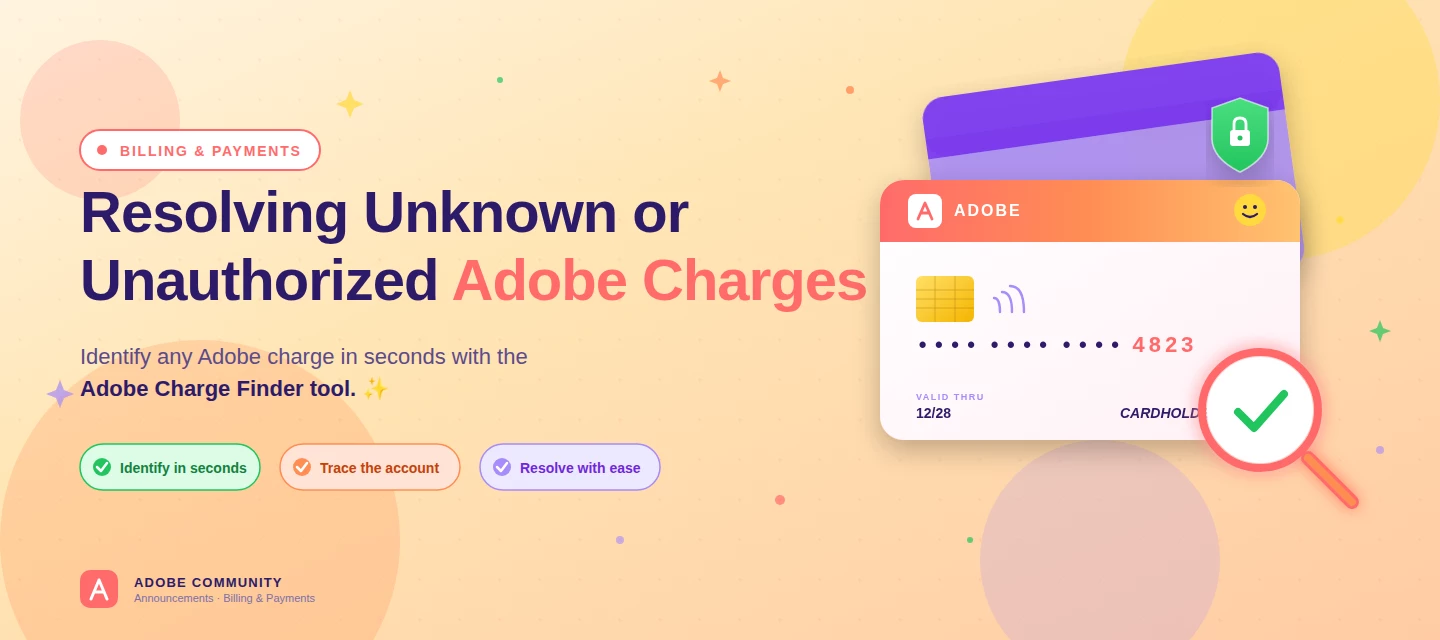
About this articleRead time: ~3 min Published: May 18, 2026 TL;DR: See an unfamiliar Adobe charge on your statement? Use the Adobe Charge Finder tool to identify it , enter your card and transaction details exactly as they appear on your statement, and it'll show the linked Adobe account, subscription type, and date.Spotted an unfamiliar charge from Adobe on your bank or credit card statement? You’re not alone, and in most cases, the charge can be traced and resolved within minutes. Use the Adobe Charge Finder tool to identify the transaction, locate the associated Adobe account, and take the right next step. We know how unsettling it feels to see a charge you don’t recognize. That’s why Adobe has streamlined the process of identifying unknown charges, so you can quickly confirm whether the transaction came from Adobe, trace it to the right account, and resolve it without the back-and-forth. With the Adobe Charge Finder tool, you can look up any Adobe charge using the transaction ID fr
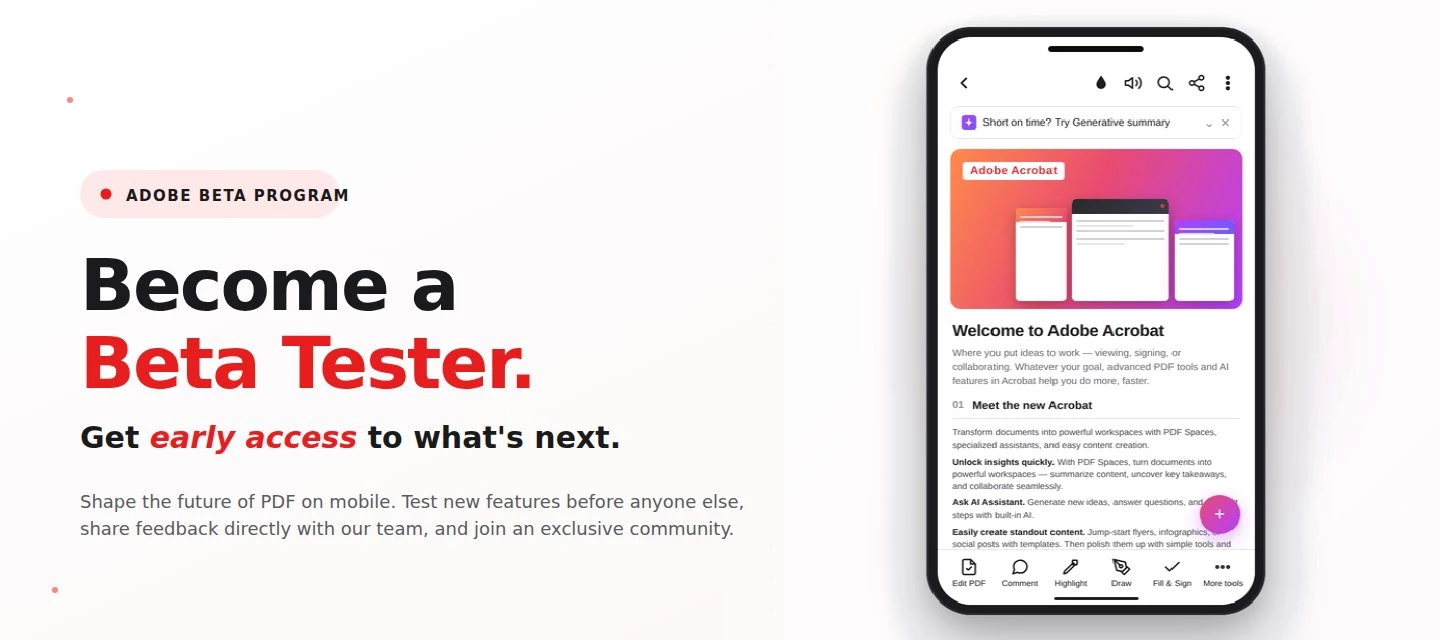
About this articleRead time: 3 min.Published: May 21, 2026 Author: Amal Jaiswal – Community Manager TL;DRThe Adobe Acrobat Reader Android beta program gives Android users free, early access to new Adobe Acrobat Reader features via Google Play. Enrolment takes one tap, it's reversible anytime, and your in-app feedback routes directly to the Adobe Acrobat Reader product team.Adobe Acrobat Reader beta access is an opt-in Google Play testing track for the app on Android that lets everyday users try new features before public release. If you sign PDFs on the bus, scan receipts at lunch, and mark up docs at midnight, this is your backstage pass. What is the Adobe Acrobat Reader beta program?The Adobe Acrobat Reader beta program is the side door into the app on Android, a free testing track on the Google Play Store where the features land before they hit everyone else's phone. Beta testers get pre-release builds straight from the team, a dedicated in-app feedback form wired straight to the p
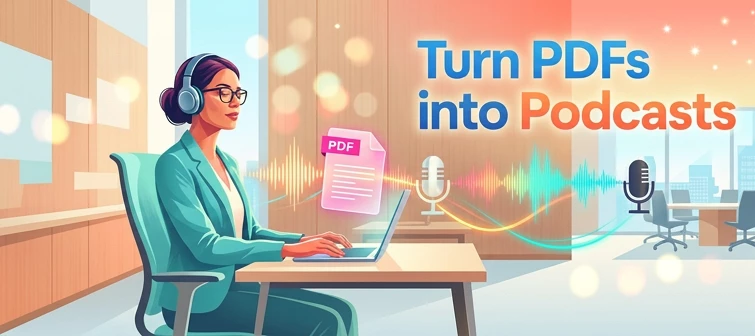
About this articleRead time: ~3 min Published: May 8, 2026 TL;DR: Podcasts in Adobe Acrobat mobile turns the documents inside a PDF Space into AI-generated audio you can listen to on the go. Pick Highlights for a quick summary or Deep dive for a longer walkthrough then edit the transcript so it sounds exactly how you want. Reading a 40-page spec. or listening to it like a podcast while you walk to your next meeting? That’s the move. Acrobat on mobile now lets you turn the contents of a PDF Space into a custom AI-generated podcast built around the focus you define, for the audience you choose, on iOS and Android.We would love to hear what’s working, what’s weird, and what you wish it did next. Drop your thoughts in the reply, we are listening. What is “Podcasts” in PDF Spaces?Podcasts in PDF Spaces is an AI Assistant feature in Adobe Acrobat on mobile that converts the documents grouped inside a PDF Space into a listenable, audio-first version of that content. Each podcast is generated
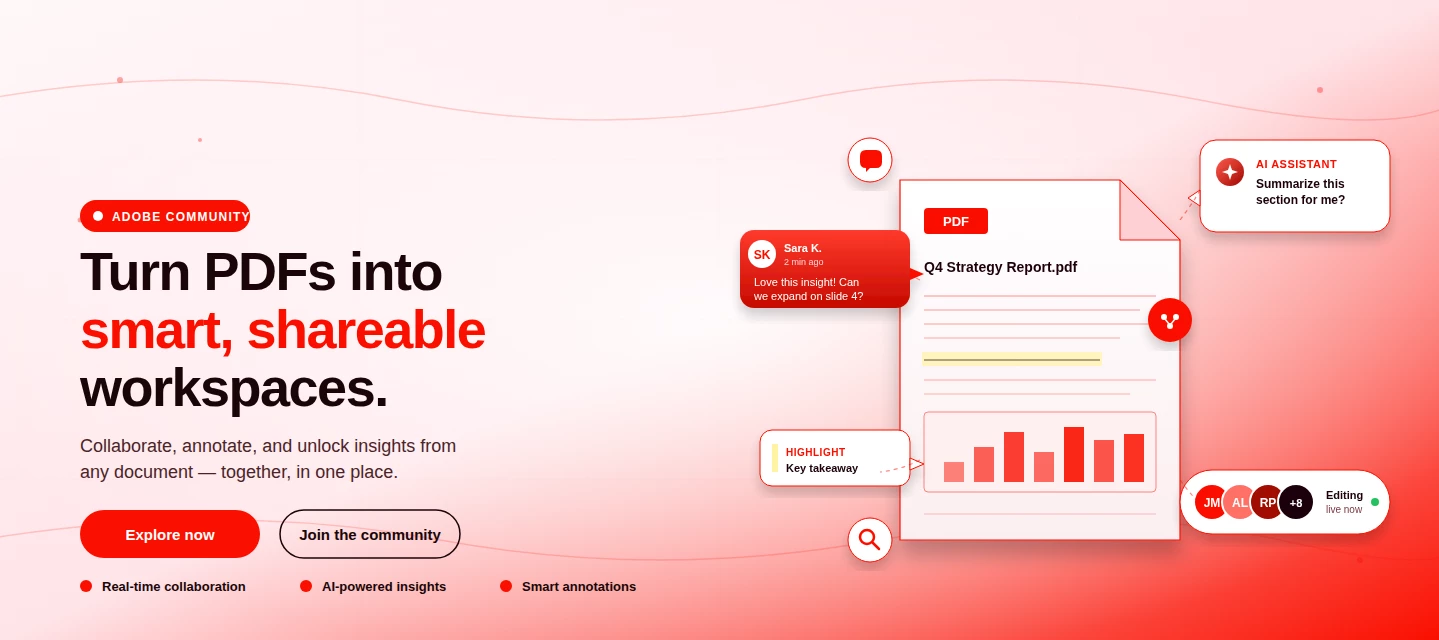
About This Article Read time: ~3 minPublished: May 8, 2026 TL;DR: PDF Spaces in Adobe Acrobat Mobile brings PDFs, photos, webpages, and notes into one AI-powered workspace you can customize and share right from your phone. Add your sources, let AI Assistant summarize and answer questions grounded in your content, then share with role-based permissions.Nobody wants to open multiple PDFs on their phone to find one paragraph. That’s the whole problem PDF Spaces solves. Instead of a folder you scroll past, you get one workspace where AI reads everything for you, and you just ask. This post is part announcement, part open discussion, we want to hear what’s working and what we should improve next. What is PDF Spaces in Acrobat Mobile?PDF Spaces is an AI-powered workspace inside Adobe Acrobat Mobile (Android and iOS) that lets you collect PDFs, scanned documents, photos, webpage links, and text snippets into one place then use AI Assistant to summarize, answer questions, and generate two
We truly appreciate the time you've spent with Acrobat Mobile or Scan. While we’re sad to see you go, our priority is to make cancellation simple, transparent, and respectful of your time. Before you proceed, here’s what you need to know about refunds:If you cancel within 14 days of your original purchase, you’ll get a full refund. If you cancel after 14 days, your subscription will remain active until the end of the current billing period, but no refund will be given. For full details, please review our Subscription Terms & Cancellation Policy. Here’s how to cancel based on your subscription type:On Android: Use our automated cancellation form to submit your request. It only takes a few moments. On iOS (iPhone or iPad): To cancel your subscription, follow the instructions outlined in the help article. On Desktop (Acrobat Pro): You can cancel anytime through your Adobe Account by following the steps in this guide. Wondering about your account, payment, or plan? Ask away right he
Não estou conseguindo digitar um documento no PDF
After recent update it is not working as smooth as before .I am facing trouble in writing the word and adjusting to any place of the file, and highlighting the sentences as well as underlining the specific word.
Hello, i’m a user of adobe acrobat. After the latest update : I cannot select image from photos/collection for fill and sign in adobe acrobat. As you can see from the image attached, it only appears photos. Previously it has options : photos, collection. I usually will click collection and choose image from ‘ Favourites ‘ for digital sign (i favourited a few photos specifically for digital sign). But since the latest update has lost the option, it was hard for me. Then, if i choose limited access photos. Still the same thing. When i click select image, nothing happened.Please help. Thanks
En una de las últimas actualizaciones ha aparecido en la aplicación una franja de color gris muy fea a la altura de la cámara frontal. Antes esa parte se veía negra en modo oscuro y blanca en modo normal, ahora se ve color gris siempre y es bastante molesta. He intentado buscar alguna configuración de mi s24 ultra para dejarlo como estaba pero no la he encontrado. Pensaba que sería un bug y que sacaríais una actualización para parchearlo pero van pasando los días y las actualizaciones y todo sigue igual
O programa diz estar carregando o documento e após um longo tempo, retorna dizendo que o arquivo foi corrompido (mas continua intacto quando acesso a nuvem pelo telefone!!). Já fiz logout, instalei e desinstalei, mas o problema persiste.
my Adobe is crashing when opening certain local files. I had it for years with no problems. This showed up two weeks ago. I have no problem loading pdf files from the cloud (OneDrive).I’ve tried the following with no success:1 up dating Adobe and iOS2 uninstall and reinstall Adobe several times, it works fine for one day, then starts to crash again3 restart my iPad4 change setting preferences to default5. There is enough storage space on iPadThe attached screen video shows me opening one file With no issues while 3 failed attempts To open another.Appreciate any advice
I had subscribed and used the 7-day free trial. I had also canceled the very same day. Yet, I’m still being charged for over the full amount, even though I had canceled my free trial way before payment was due. Now it’s effecting me downloading other apps. I’d like for that to be canceled considering it’s false advertisement and almost a scam.
Hi. After the latest update, whenever I open a full-screen .pdf on my iPad, I get an annoying banner related to “Generative Summary”, which cannot be removed or hidden in any way, even by disabling AI operations from the app settings. This is really annoying, because it prevents the document from opening properly full-screen (in fact, part of the screen is always occupied by the banner). I don't doubt that the service offered can be useful, but for those who don't need it, it is just annoying, and in any case, I find it unreasonable that it cannot be hidden according to one's needs. It would not bother in the standard view, but I think it is only fair that in the full-screen view there should be no other elements except the document itself. What sense does it make to limit the display of the document in this way? I could see that several users complain about the same problem, so I hope it will be corrected with the next updates. Sincerely.Translated with DeepL.com (free version)
Fiz o cancelamento do meu plano e veio o desconto em fatura, estava nos 7 dias gratuitos
So I don't ever need to edit PDFs, only need to read and print them. That's why I downloaded the PDF Reader app for android, not the editing version. But after the last update it automatically opens in edit mode, which is so frustrating because I'm often in a hurry to print off last minute docs. I cannot find a setting in preferences to stop it from doing this by default. Anyone else know how to turn this off so it just opens the PDF like it used to?
All the directions but my phone doesn't have a place where it says plans it does have subscriptions and when I click on it it just wants to know if I want to switch plans or upgrade it doesn't have a cancellation
I have got subscription of adobe acrobat but I can’t edit pdf. On 1st of October I got amount detected. Need this asap fixed or refund me full amount
Estimado equipo de soporte de Adobe, solicito la cancelación inmediata de mi suscripción anual, ya que no recuerdo haberla contratado y solo se me ha descontado un mes. Les ruego que reconsideren esta situación y procedan a la anulación de cualquier cargo futuro. Agradezco de antemano su comprensión y ayuda.
Es una gran vergüenza que cobren dinero a los usuarios confie en una aplicacion como esta en modo de prueba de 7 días. Hace no más de 4 horas leí que tenía una prueba de suspensión de 7 días y al rellenar los datos de mi tarjeta bancaria me cobraron. Necesito cancelar la suscripción y exijo la devolución de dicho importe. Gracias.
Hoy cancele mi plan con abode y quiero solicitar mi reembolso lo mas pronto posible, por favor.
Uso o aplicativo do Adobe Acrobat em um tablet android. Essa semana foi atualizado o aplicativo e na opção realçar não aparece a opção para mudar de cor, apenas essas que estão na imagem e mesmo clicando sobre elas, nada acontece. Esse problema só existe no modo paisagem, pois desaparece quando altero o tablet para o modo retrado. Na opção da caneta, mesmo no modo paisagem, a função de trocar a cor funciona perfeitamente. por isso creio que seja um erro do apicativo.
I would like to report a display/UI issue affecting Adobe Acrobat Reader on Android tablets.The problem started with the app version released on August 30, 2026 and is still present after the September 2, 2026 update.On Android tablets, when the device is used in landscape orientation and I highlight some text, the color palette is not displayed correctly. As a result, I am unable to select or change the highlight color.The same issue also affects other color palettes/tools: in landscape mode, the palette appears cut off, incomplete or partially outside the visible area of the screen.If I rotate the tablet to portrait orientation, the palette is displayed correctly and all colors can be selected normally.I have reproduced the issue on different Android tablets, including:Samsung tablet Lenovo tabletThe problem does not occur on Android smartphones, where the color palette works correctly in both portrait and landscape mode.Steps to reproduce:Open a PDF in Adobe Acrobat Reader on an And
Só aparecem essas cores pra eu marcar o texto...
The email notification is not being received when an agreements has been completed. In the past I record the completed signed agreement.
Hi I just download the app and try 7 days free trial but it's deducted money from my account if I cancel this money will be refunded or no.as it's showing 7 days free trials.
Remix with Firefly Community Gallery
Thousands of free creations to fall in love with and remix in Firefly.
Already have an account? Login
No account yet? Create an account
Enter your E-mail address. We'll send you an e-mail with instructions to reset your password.