





Get Acrobat Reader Mobile answers, news, tips. Join us!
Recently active
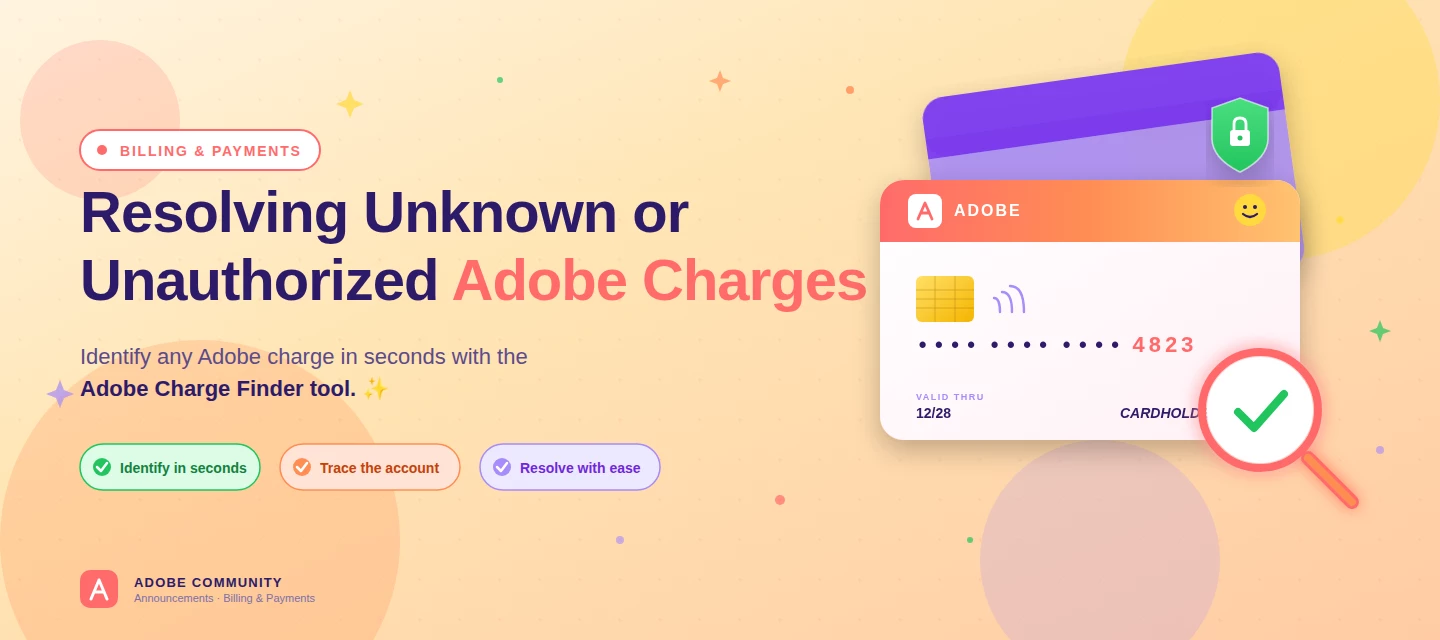
About this articleRead time: ~3 min Published: May 18, 2026 TL;DR: See an unfamiliar Adobe charge on your statement? Use the Adobe Charge Finder tool to identify it , enter your card and transaction details exactly as they appear on your statement, and it'll show the linked Adobe account, subscription type, and date.Spotted an unfamiliar charge from Adobe on your bank or credit card statement? You’re not alone, and in most cases, the charge can be traced and resolved within minutes. Use the Adobe Charge Finder tool to identify the transaction, locate the associated Adobe account, and take the right next step. We know how unsettling it feels to see a charge you don’t recognize. That’s why Adobe has streamlined the process of identifying unknown charges, so you can quickly confirm whether the transaction came from Adobe, trace it to the right account, and resolve it without the back-and-forth. With the Adobe Charge Finder tool, you can look up any Adobe charge using the transaction ID fr
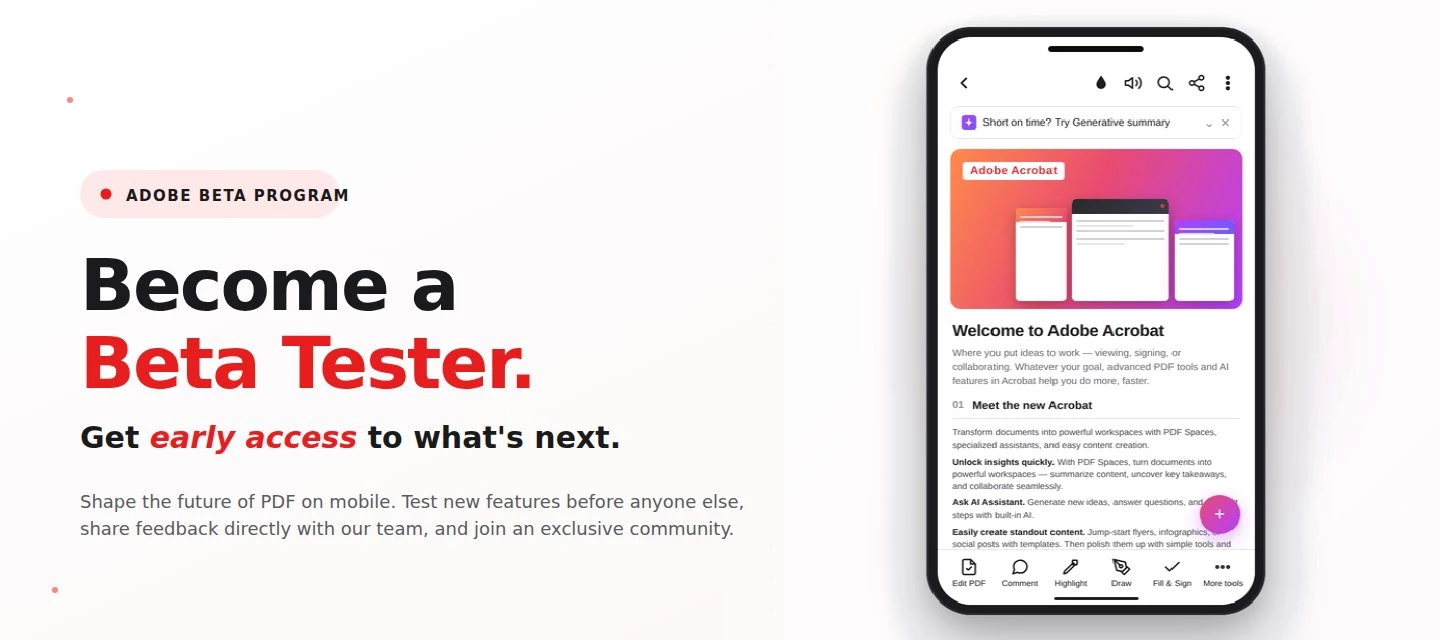
About this articleRead time: 3 min.Published: May 21, 2026 Author: Amal Jaiswal – Community Manager TL;DRThe Adobe Acrobat Reader Android beta program gives Android users free, early access to new Adobe Acrobat Reader features via Google Play. Enrolment takes one tap, it's reversible anytime, and your in-app feedback routes directly to the Adobe Acrobat Reader product team.Adobe Acrobat Reader beta access is an opt-in Google Play testing track for the app on Android that lets everyday users try new features before public release. If you sign PDFs on the bus, scan receipts at lunch, and mark up docs at midnight, this is your backstage pass. What is the Adobe Acrobat Reader beta program?The Adobe Acrobat Reader beta program is the side door into the app on Android, a free testing track on the Google Play Store where the features land before they hit everyone else's phone. Beta testers get pre-release builds straight from the team, a dedicated in-app feedback form wired straight to the p
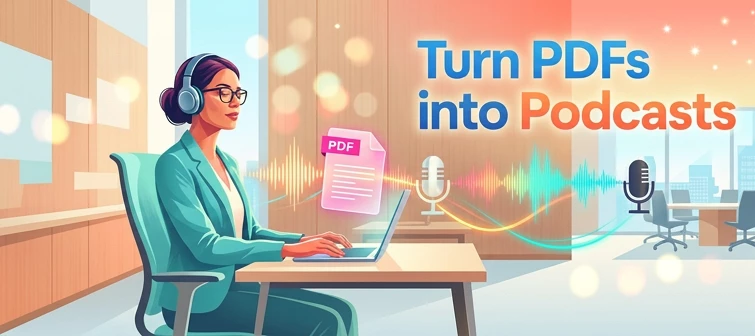
About this articleRead time: ~3 min Published: May 8, 2026 TL;DR: Podcasts in Adobe Acrobat mobile turns the documents inside a PDF Space into AI-generated audio you can listen to on the go. Pick Highlights for a quick summary or Deep dive for a longer walkthrough then edit the transcript so it sounds exactly how you want. Reading a 40-page spec. or listening to it like a podcast while you walk to your next meeting? That’s the move. Acrobat on mobile now lets you turn the contents of a PDF Space into a custom AI-generated podcast built around the focus you define, for the audience you choose, on iOS and Android.We would love to hear what’s working, what’s weird, and what you wish it did next. Drop your thoughts in the reply, we are listening. What is “Podcasts” in PDF Spaces?Podcasts in PDF Spaces is an AI Assistant feature in Adobe Acrobat on mobile that converts the documents grouped inside a PDF Space into a listenable, audio-first version of that content. Each podcast is generated
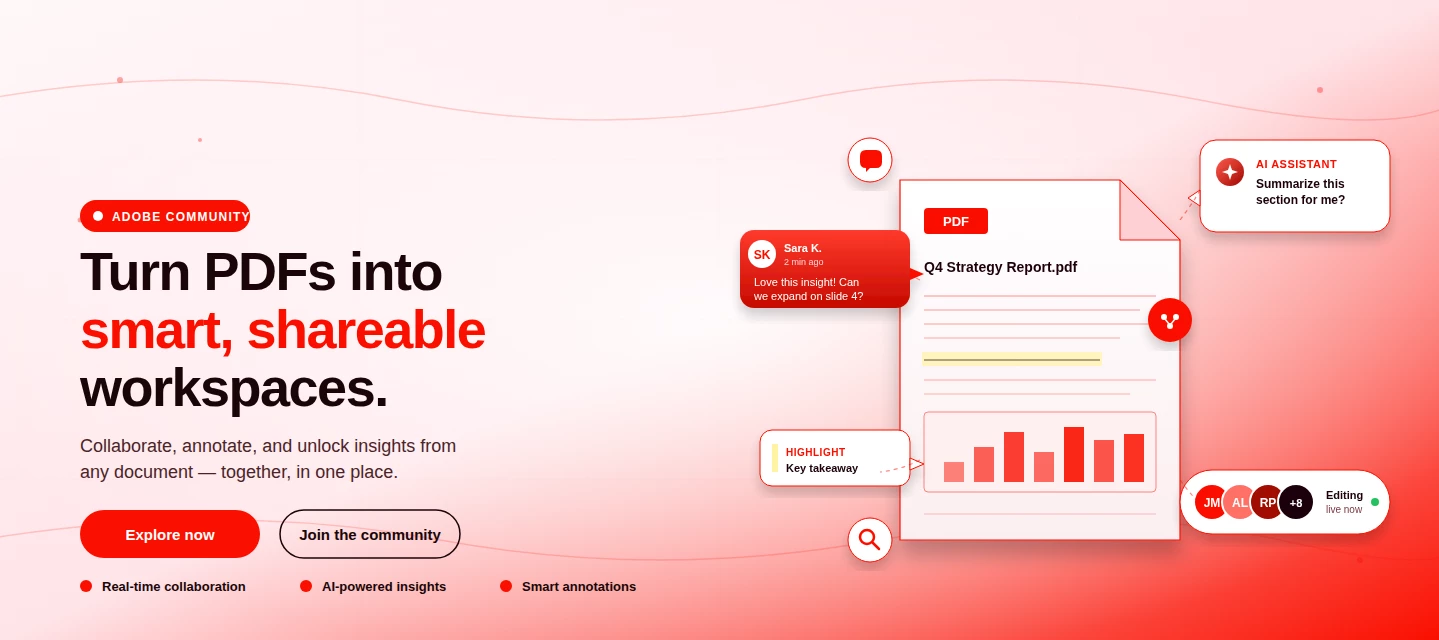
About This Article Read time: ~3 minPublished: May 8, 2026 TL;DR: PDF Spaces in Adobe Acrobat Mobile brings PDFs, photos, webpages, and notes into one AI-powered workspace you can customize and share right from your phone. Add your sources, let AI Assistant summarize and answer questions grounded in your content, then share with role-based permissions.Nobody wants to open multiple PDFs on their phone to find one paragraph. That’s the whole problem PDF Spaces solves. Instead of a folder you scroll past, you get one workspace where AI reads everything for you, and you just ask. This post is part announcement, part open discussion, we want to hear what’s working and what we should improve next. What is PDF Spaces in Acrobat Mobile?PDF Spaces is an AI-powered workspace inside Adobe Acrobat Mobile (Android and iOS) that lets you collect PDFs, scanned documents, photos, webpage links, and text snippets into one place then use AI Assistant to summarize, answer questions, and generate two
We truly appreciate the time you've spent with Acrobat Mobile or Scan. While we’re sad to see you go, our priority is to make cancellation simple, transparent, and respectful of your time. Before you proceed, here’s what you need to know about refunds:If you cancel within 14 days of your original purchase, you’ll get a full refund. If you cancel after 14 days, your subscription will remain active until the end of the current billing period, but no refund will be given. For full details, please review our Subscription Terms & Cancellation Policy. Here’s how to cancel based on your subscription type:On Android: Use our automated cancellation form to submit your request. It only takes a few moments. On iOS (iPhone or iPad): To cancel your subscription, follow the instructions outlined in the help article. On Desktop (Acrobat Pro): You can cancel anytime through your Adobe Account by following the steps in this guide. Wondering about your account, payment, or plan? Ask away right he
hi, i was charged on my bank account a subscription that was cancelled. I have proof that i had cancelled it before the next billing. i need to get refunded.
En una de las últimas actualizaciones ha aparecido en la aplicación una franja de color gris muy fea a la altura de la cámara frontal. Antes esa parte se veía negra en modo oscuro y blanca en modo normal, ahora se ve color gris siempre y es bastante molesta. He intentado buscar alguna configuración de mi s24 ultra para dejarlo como estaba pero no la he encontrado. Pensaba que sería un bug y que sacaríais una actualización para parchearlo pero van pasando los días y las actualizaciones y todo sigue igual
Hello, i’m a user of adobe acrobat. After the latest update : I cannot select image from photos/collection for fill and sign in adobe acrobat. As you can see from the image attached, it only appears photos. Previously it has options : photos, collection. I usually will click collection and choose image from ‘ Favourites ‘ for digital sign (i favourited a few photos specifically for digital sign). But since the latest update has lost the option, it was hard for me. Then, if i choose limited access photos. Still the same thing. When i click select image, nothing happened.Please help. Thanks
The email notification is not being received when an agreements has been completed. In the past I record the completed signed agreement.
Título: Acrobat abre 36 processos WebContent em 1 segundo e esgota a memória do iPhone (iOS 27.0)Aparelho: iPhone 17 (identificador iPhone18,3), 8 GB de RAMiOS: 27.0 (24A437)Versão do Acrobat: [Perfil → Sobre o Acrobat]Data/hora: 27/09/2026, 06:46 (UTC-3)Descrição:Cerca de 40 segundos depois de abrir o Acrobat [e abrir o arquivo / fazer a ação X], o app criou 36 processos com.apple.WebKit.WebContent em aproximadamente 1 segundo, além de WebKit.GPU e WebKit.Networking, todos dentro do grupo (coalition) do Acrobat. Somados ao processo principal (~170 MB), eles chegaram a ~2 GB de memória residente (cada WebContent com 22 a 80 MB). A memória livre do sistema caiu para 58 MB e o iOS começou a encerrar processos por pressão de memória (evento Jetsam: budd encerrado por "vm-compressor-thrashing" e videosubscriptionsd por "highwater").Impacto: o sistema inteiro fica sem memória, outros apps e serviços em segundo plano são encerrados e o aparelho fica lento enquanto o Acrobat está aberto.Como
Voglio parlare con l assistenza
Hi I just download the app and try 7 days free trial but it's deducted money from my account if I cancel this money will be refunded or no.as it's showing 7 days free trials.
I had subscribed and used the 7-day free trial. I had also canceled the very same day. Yet, I’m still being charged for over the full amount, even though I had canceled my free trial way before payment was due. Now it’s effecting me downloading other apps. I’d like for that to be canceled considering it’s false advertisement and almost a scam.
Hello. I have recently noticed I am still being charged monthly even though I cancelled my subscriptions months ago. I checked and my subscription seems to be properly cancelled. But my card is still being charged.
Why did i recently get charged $6.26 when i cancelled subscription months ago and it already said my payment method was suspended?
Everytime I open up a document to try to get the 'generative summary' or any of the other AI "Ask AI Assistant' tools it says that 'something went wrong' and I can't get it to work. Help! I've uninstalled, and re-installed it and nothing works.
Device: Samsung Tablet S11Android Version: 16Adobe Version: 26.9.1.49937 Good morning everyone. In these past two months (August and September 2026) I have encountered lots of problems using Adobe Acrobat Reader to study on my academic pdfs: The app wasn’t working when I tried to modify a pdf file of 80 Mb. It was really annoying: everytime I tried to highlight something, the app suddenly stopped working and I had to shut it down and re-open it every time. I didn’t encounter the same problem with files smaller than 80 Mb (and actually in the past it worked well with files bigger than 250 Mb). The main problem: when I want to write or modify a text note I made, I can’t - the app stops me from doing it and when I try to select it again, nothing happens until I close the window and open the file again (but still the same situation occurs). In the past, when I wanted to write or modify a text note/comment, it appeared just above the display keyboard; now, it appears on the side hiding th
After recent update it is not working as smooth as before .I am facing trouble in writing the word and adjusting to any place of the file, and highlighting the sentences as well as underlining the specific word.
On my Android devices, 'define' and 'simplify' used to work well earlier, but for the past few months, they respond with irrelevant answers. Please fix it. This is why I'm now reluctant to continue with the subscription.
Why am I being charged for a service that I cannot use. I have checked both of my email accounts with Adobe and it’s showing there is no active payment, but I keep getting charged a monthly fee for the subscription
I am using the free version of Adobe Acrobat Reader on Android. I have noticed a Gujarati text rendering problem in Reading Mode. In Normal Mode, the Gujarati text in my PDF is displayed correctly. The Gujarati characters, matras, and conjunct characters appear properly and are readable. However, when I switch to Reading Mode, the text becomes larger and is reflowed, but some Gujarati characters, matras, and conjuncts become distorted or incorrectly rendered. This changes the visual structure of some Gujarati words and makes the text more difficult to read. The same PDF displays correctly in Normal Mode, so the problem appears to occur during the Reading Mode text reflow/rendering process. I have screenshots showing the difference between Normal Mode and Reading Mode and would like to share them as evidence. Could the Acrobat Reader team please investigate Gujarati Unicode text shaping, font rendering, and complex-script handling during Reading Mode reflow? I would also like to share a
I used to be able to read pdfs i received on my Gmail. I cant read them anymore, despite still having a membership on the mobile app. I have attached a screenshot of the message I receive on 90% of rhe pdfs I try to view on my phone.
Não estou conseguindo cancelar assinatura antes do período de teste grátis de 7 dias.Como devo fazer esse cancelamento?
Can I get a refund? I had the 7day free trial and forgot to cancel til this morning
no modo de leitura e narrado valores de ativos no meu nome mas não aparece no documento e um em particular banco Inter fica bugado @@@@@@@@@@ várias vezes e justo ele que venho tentando acessar meus dados conta ,podem me ajudar PDF ccs
Remix with Firefly Community Gallery
Thousands of free creations to fall in love with and remix in Firefly.
Already have an account? Login
No account yet? Create an account
Enter your E-mail address. We'll send you an e-mail with instructions to reset your password.